

Cloud-native technology is an approach to building and running applications that fully exploits the advantages of the cloud computing model. Instead of lifting traditional software onto a server, cloud-native apps are designed as small, independent services packaged in containers and managed automatically.
So how does it work? Tools like Kubernetes and microservices let these applications scale on demand, recover from failures, and update without downtime. Understanding cloud-native technology helps you build faster, more resilient systems that grow with your needs.
Introduction
Cloud-native technology has reshaped how modern software is built, deployed, and maintained. Instead of treating the cloud as a place to host traditional applications, cloud-native design treats the cloud as an operating model. This article explores What Is Cloud-Native Technology and How Does It Work with clear, practical guidance. Understanding the fundamentals of What Is Cloud-Native Technology and How Does It Work helps you make informed decisions, whether you are a developer, a team lead, or a business stakeholder evaluating your technology strategy.
At its core, cloud-native is about speed, resilience, and flexibility. Applications are packaged into small, independent units and run on infrastructure that can scale up or down automatically. That approach allows teams to release updates frequently without disrupting users. It also reduces the risk of a single failure taking down an entire system. In the sections that follow, you will learn the key concepts, how the pieces fit together, practical steps for adoption, and answers to common questions.
Key Concepts
To understand cloud-native technology, you first need a grasp of the vocabulary. These terms appear constantly in documentation, job descriptions, and vendor pitches, so a clear definition of each one is essential.
- Containers: A container packages an application and its dependencies into a single, portable unit. The most common container format is Docker, and containers run consistently on a laptop, a test server, or a public cloud.
- Microservices: Instead of one large application, cloud-native systems are split into small services that each handle a specific function. These services communicate over networks and can be updated independently.
- Orchestration: When you run hundreds of containers, you need a system to manage them. Kubernetes is the dominant orchestration platform. It schedules containers, restarts failed ones, and scales workloads based on demand.
- Continuous integration and continuous delivery (CI/CD): These practices automate testing and deployment. Code changes flow through an automated pipeline, which reduces manual errors and shortens release cycles.
- Infrastructure as code (IaC): Instead of clicking through a cloud console, teams define servers, networks, and storage in configuration files. This makes environments repeatable and version-controlled.
- Observability: Logs, metrics, and traces give teams visibility into how applications behave in production. Without observability, debugging a distributed system becomes guesswork.
These concepts work together. Containers provide packaging, microservices provide structure, orchestration provides management, CI/CD provides delivery, IaC provides repeatability, and observability provides insight.
Deep Dive
How the pieces fit together
A cloud-native application starts with a developer writing code. That code is committed to a version control system such as Git. An automated pipeline builds a container image and runs tests. If the tests pass, the image is pushed to a registry. The orchestration platform then pulls that image and deploys it across a cluster of machines.
Once running, the application is monitored continuously. If traffic spikes, the orchestrator adds more container instances. If a container crashes, it is replaced automatically. If a new version is released, traffic is gradually shifted to it, and the old version is retired. This cycle repeats many times per day in mature organizations.
Why it matters for reliability and cost
Cloud-native systems are designed for failure. Because services are small and isolated, a problem in one service does not necessarily bring down the others. This isolation improves reliability. It also improves cost efficiency, because you can scale only the parts of the system that need more resources rather than duplicating an entire monolithic application.
However, cloud-native also introduces complexity. Distributed systems are harder to debug, and misconfigured orchestration can lead to outages. That is why reliable information and consistent habits lead to better long-term outcomes. Teams that document their architecture, follow security best practices, and monitor performance consistently see far better results than those that adopt tools without a plan.
Best Practices
Adopting cloud-native technology is not just a technical change; it is an operational one. The following habits help teams avoid common pitfalls.
- Start small and iterate: Do not migrate every application at once. Choose one service, containerize it, and learn from the process before expanding.
- Automate everything you repeat: Builds, tests, deployments, and infrastructure provisioning should all be automated. Manual steps are where errors and delays hide.
- Design for observability from day one: Add logging and metrics before you go to production, not after an incident. You cannot fix what you cannot see.
- Prioritize security: Scan container images for vulnerabilities, manage secrets carefully, and apply least-privilege access controls. Security must be built into the pipeline, not bolted on at the end.
- Standardize your tooling: Too many overlapping tools create confusion. Choose a cohesive set for containers, orchestration, CI/CD, and monitoring, and train your team on it.
- Invest in documentation and training: Cloud-native platforms evolve quickly. Keep internal guides current so new team members can contribute without reinventing the wheel.
Step-by-Step Guide to Getting Started
If you are ready to move from theory to practice, follow these steps in order. They apply whether you are working on a personal project or leading a team initiative.
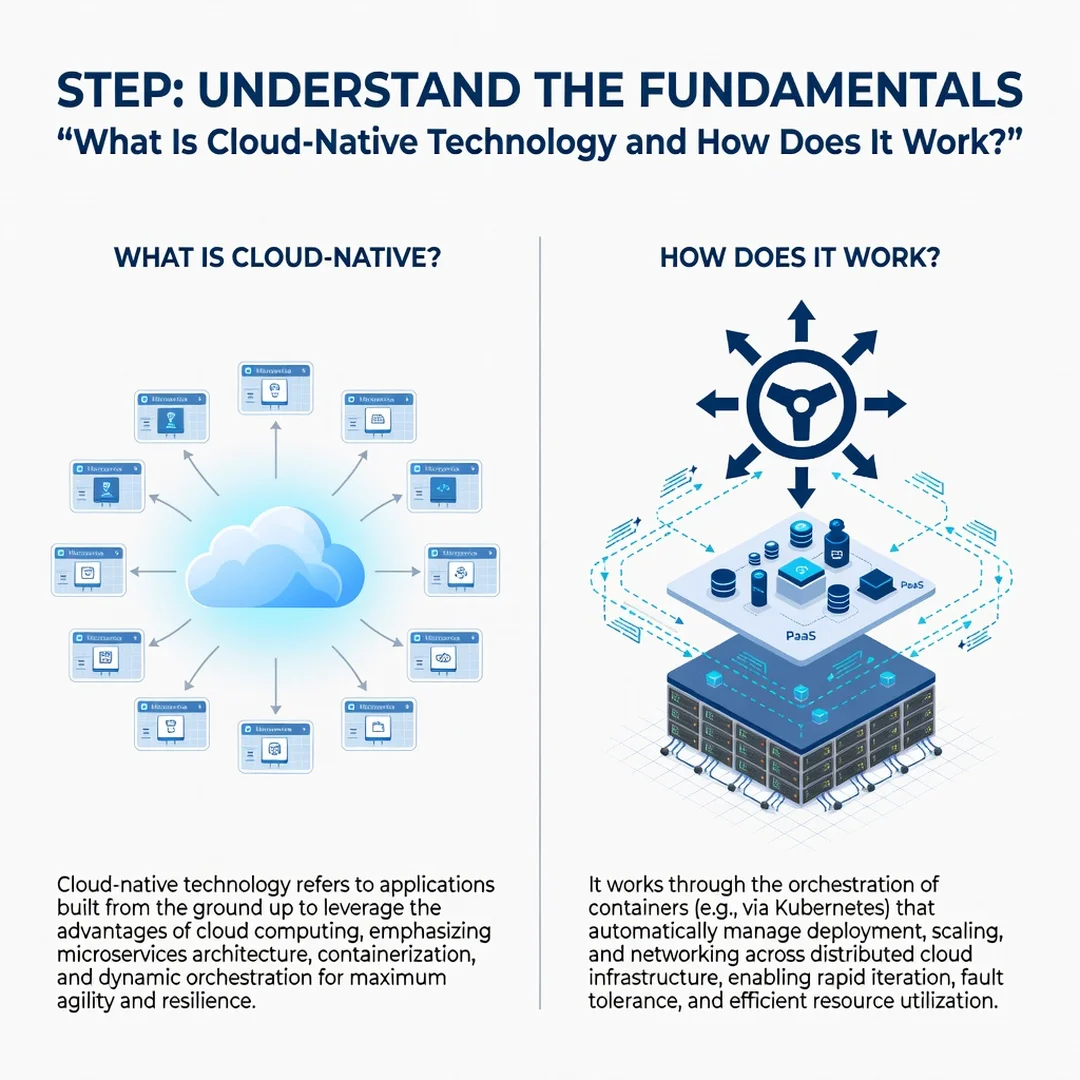
Step 1: Understand the fundamentals
Before you install any tools, make sure you can explain containers, microservices, orchestration, and CI/CD in your own words. Read official documentation, try a short tutorial, and identify which concepts apply to your current systems. A solid mental model prevents costly mistakes later.
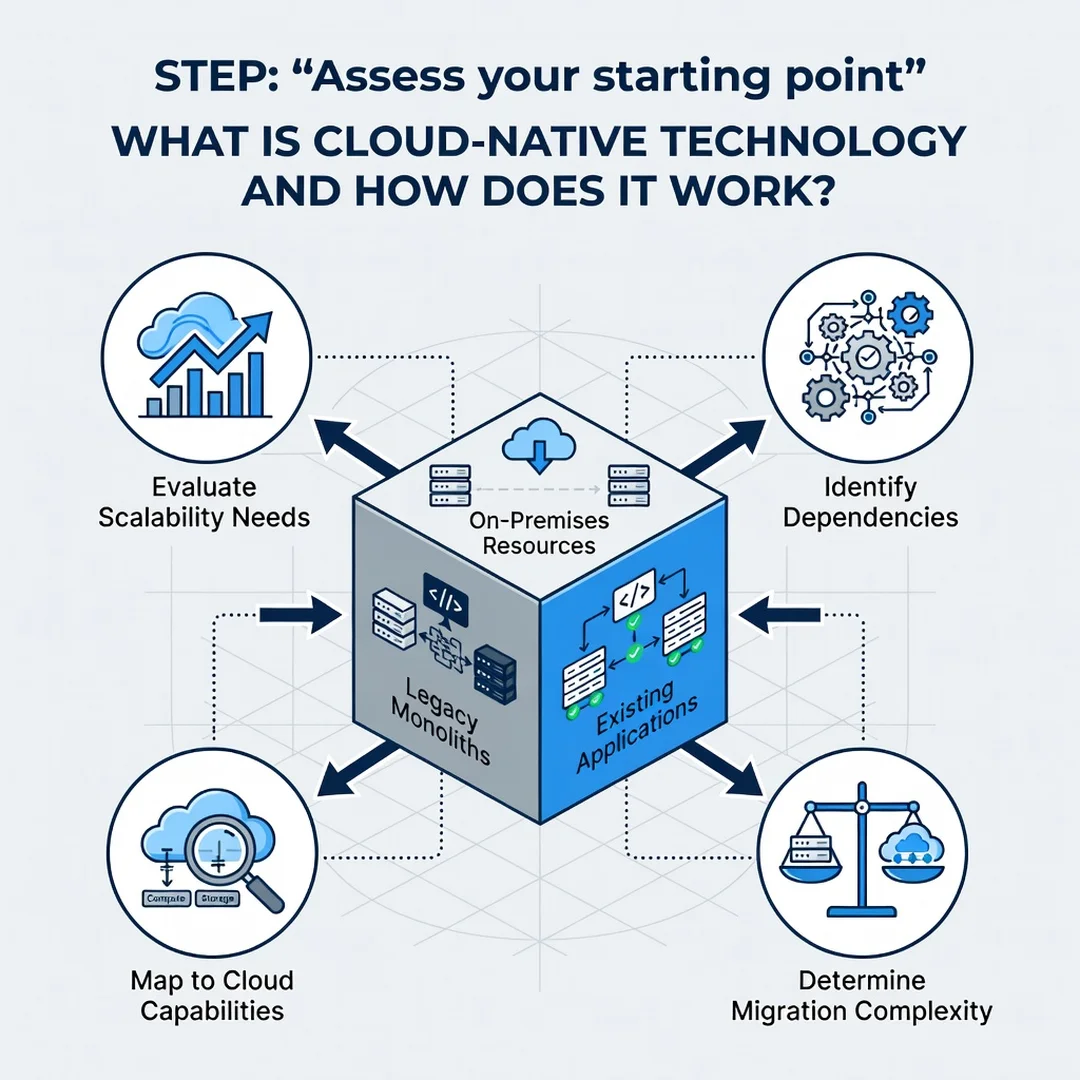
Step 2: Assess your starting point
Review your existing applications, infrastructure, and team skills. Which workloads are good candidates for containerization? Which are tightly coupled to legacy systems? Note where automation is missing and where manual processes slow you down. This assessment gives you a realistic baseline.
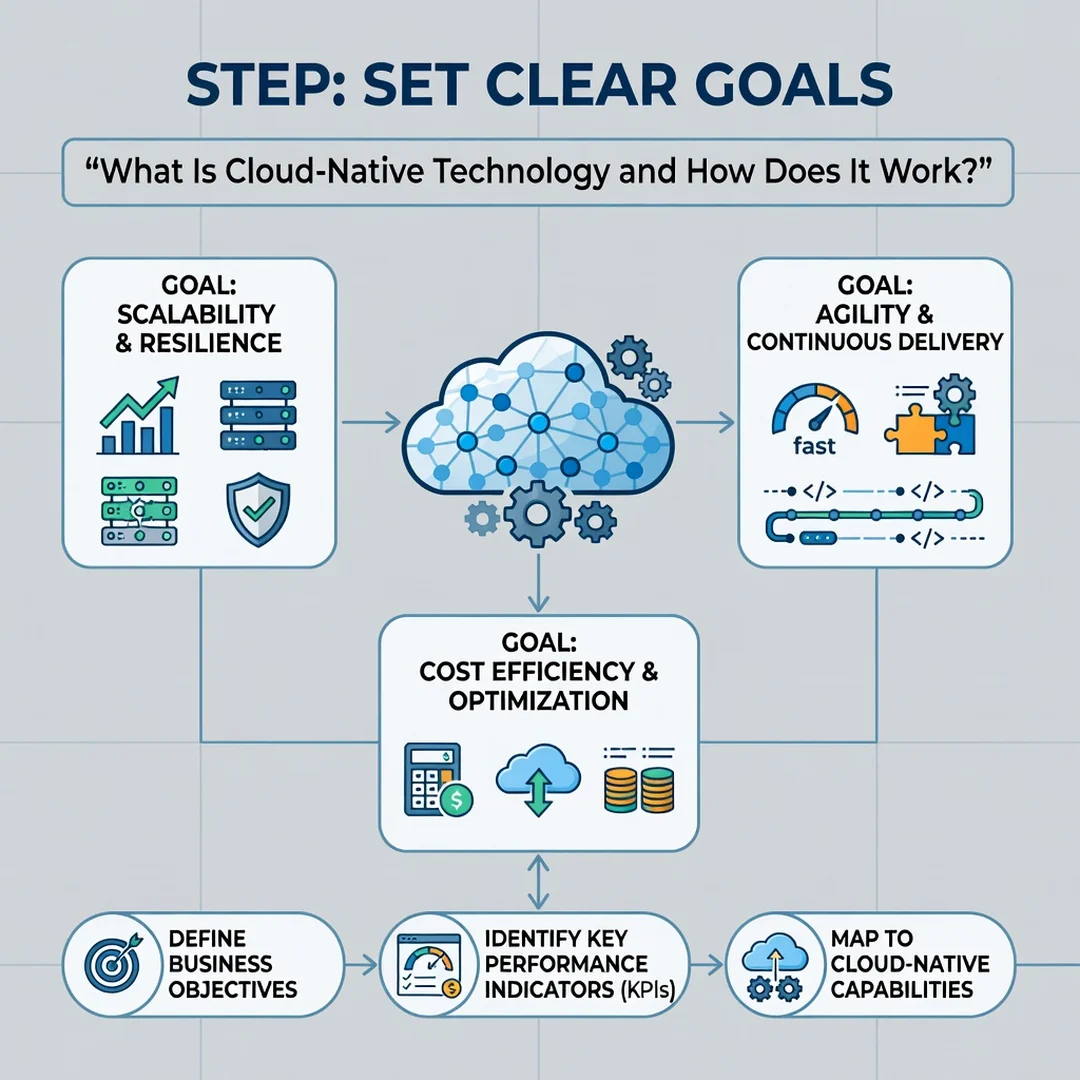
Step 3: Set clear goals
Define what success looks like. Goals might include reducing deployment time from hours to minutes, improving uptime, or lowering infrastructure costs. Write them down and make them measurable. Clear goals keep the project focused and help you justify the investment to stakeholders.
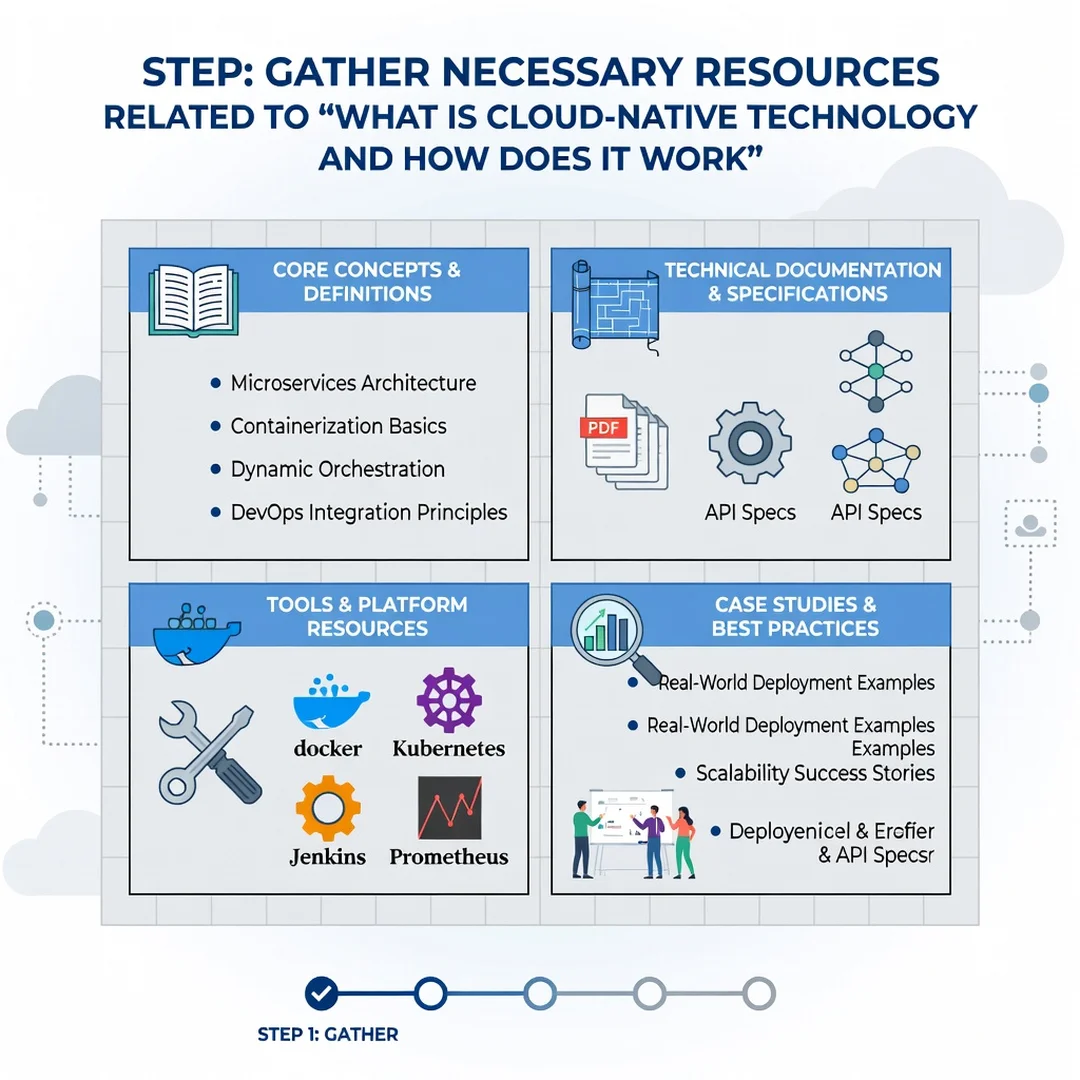
Step 4: Gather necessary resources
Identify the tools, budget, and people you need. This may include a container registry, a Kubernetes cluster, a CI/CD service, and monitoring software. It also includes time for training. Assign roles so that responsibilities for development, operations, and security are clear.
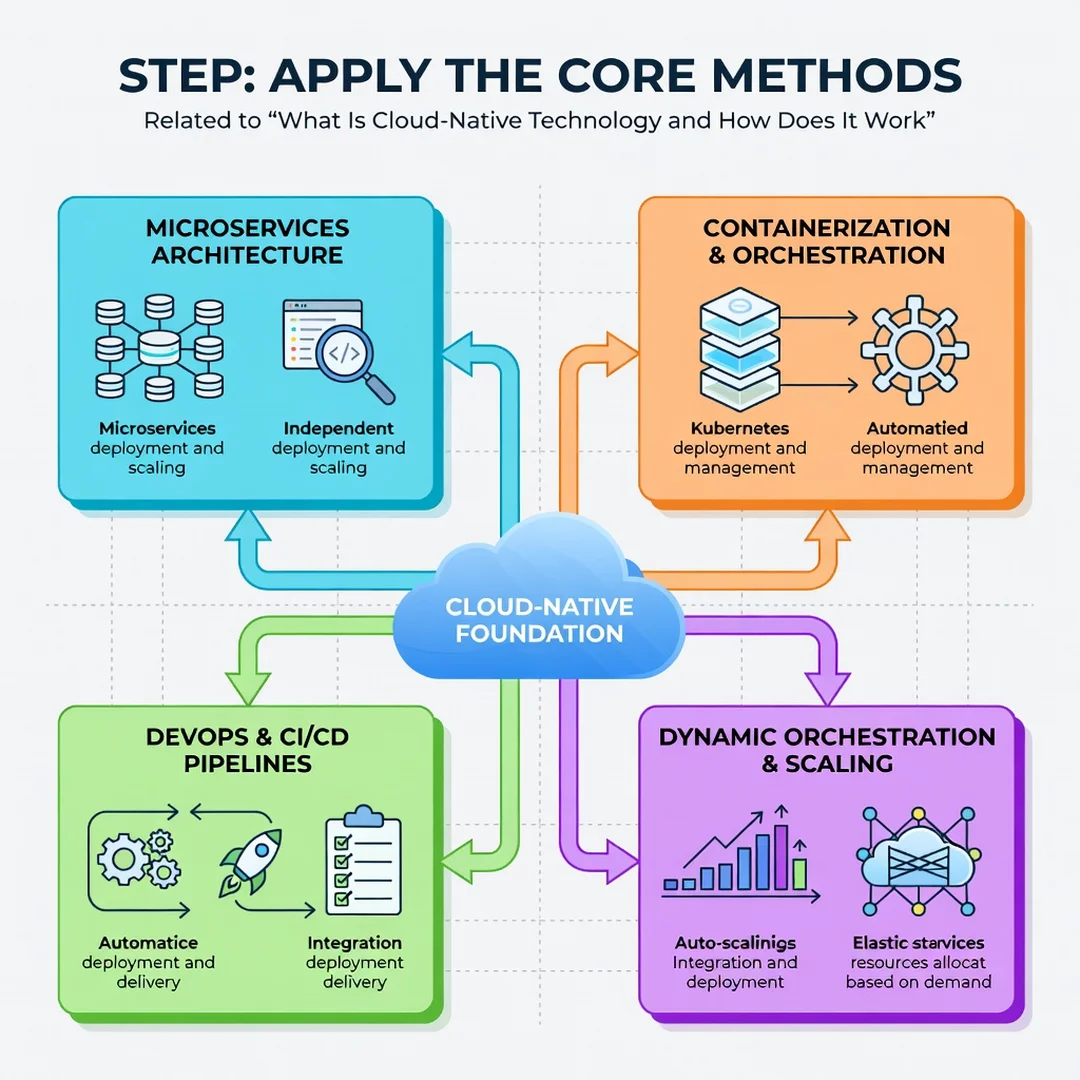
Step 5: Apply the core methods
Start with one application. Containerize it, write the deployment configuration, and automate its pipeline into a test environment. Then run it in production with monitoring in place. Review the results, document lessons learned, and repeat the process for the next service. Over time, these small gains compound into a mature cloud-native platform.
FAQ
What should I know about What Is Cloud-Native Technology and How Does It Work?
You should know that cloud-native is an approach, not a single product. It combines containers, microservices, orchestration, automation, and observability to make software more resilient and easier to update. It works by packaging applications into portable units, managing them with an orchestration platform such as Kubernetes, and automating delivery through CI/CD pipelines. You should also know that adopting it requires new skills and consistent operational habits, not just new tools.
Who is this guide for?
This guide is for anyone seeking a clear, practical explanation of cloud-native technology. That includes software developers, IT managers, business decision-makers, and students. No prior cloud experience is required, though familiarity with basic software concepts will help you get more from it. If you want to understand the fundamentals and take actionable steps, this guide is designed for you.
Conclusion
Cloud-native technology changes how software is built and run by combining containers, microservices, orchestration, automation, and observability into a single operating model. It offers real benefits in speed, resilience, and cost efficiency, but it also demands disciplined habits and a willingness to learn. Understanding the fundamentals of What Is Cloud-Native Technology and How Does It Work helps you make informed decisions about your own systems. Start small, set measurable goals, and apply the core methods consistently. Reliable information and consistent habits lead to better long-term outcomes, and the steps in this guide give you a sound path forward.
Frequently Asked Questions
What should I know about What Is Cloud-Native Technology and How Does It Work?
This guide covers the essentials of What Is Cloud-Native Technology and How Does It Work with practical steps you can apply right away.
Who is this guide for?
Anyone looking for a clear, structured overview without unnecessary complexity.
You now have a solid foundation for What Is Cloud-Native Technology and How Does It Work. Apply the best practices above and revisit this guide as your needs evolve.