
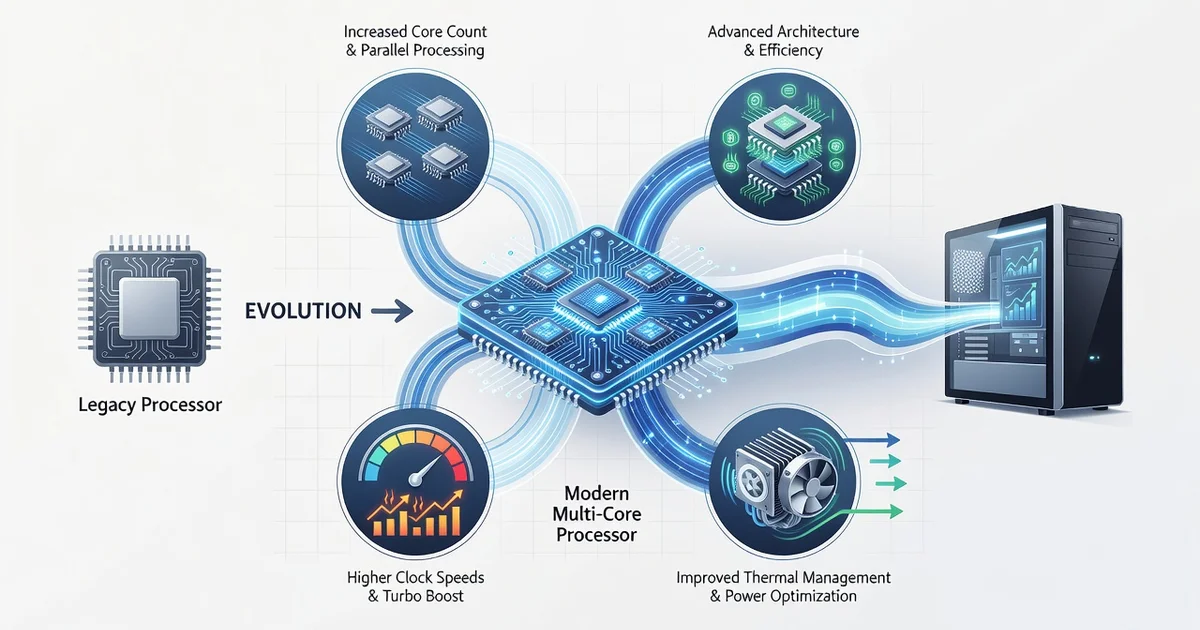
Every click, keystroke, and command you give your computer depends on one tiny component: the processor. But how exactly do modern processors improve computer performance in ways older chips simply couldn’t? From faster clock speeds to smarter multi-core designs, today’s CPUs handle demanding tasks with remarkable efficiency.
In this article, we break down the key technologies behind modern processors—like multiple cores, advanced caching, and turbo boosting—and explain how each one translates into real-world speed. Whether you’re buying a new laptop or just curious about your machine, you’ll walk away with clear, practical insight.
Introduction
Every time you open an app, stream a video, or run a spreadsheet calculation, a tiny silicon chip is making billions of decisions per second. That chip is the processor, often called the CPU (central processing unit), and it is the single most important component determining how responsive your computer feels. Modern processors have evolved far beyond simply running faster—they now use clever designs that anticipate your needs, manage power intelligently, and split work across multiple cores. This article explores how modern processors improve computer performance with clear, practical guidance you can apply when buying, upgrading, or optimizing a system.
Understanding the fundamentals of how modern processors improve computer performance helps you make informed decisions. Whether you are choosing a new laptop, troubleshooting slow performance, or simply curious about the technology inside your devices, the concepts below will give you a solid working knowledge.
Key Concepts
To understand processor performance, you need a handful of core ideas. These are the building blocks that explain why one chip feels dramatically faster than another, even when both are labeled with similar clock speeds.
- Clock speed (GHz): The number of cycles a processor completes per second. Higher clocks generally mean faster single-task performance, but clock speed alone is a poor predictor of real-world speed.
- Cores and threads: A core is an independent processing unit. Threads let each core handle multiple instruction streams. More cores help with multitasking and parallel workloads like video editing.
- Cache memory: Small, ultra-fast memory built into the CPU (L1, L2, L3). Larger caches reduce the time the processor waits for data from slower RAM.
- Instruction sets and IPC: IPC (instructions per cycle) measures how much work a CPU does per clock tick. Modern architectures often achieve more at lower clock speeds than older designs.
- Integrated memory controller and PCIe lanes: Modern CPUs connect directly to RAM and expansion devices, cutting latency and boosting overall throughput.
- Power efficiency and thermal design: Better performance per watt means laptops stay cool and quiet while delivering desktop-class speed.
Reliable information and consistent habits lead to better long-term outcomes—whether you are comparing spec sheets or maintaining a system over years of use.
Deep Dive
What actually changed in processor design over the last decade? Several architectural shifts explain the performance gains you feel in everyday computing.
Out-of-order execution and branch prediction
Modern CPUs do not process instructions strictly in the order they appear. They look ahead, predict which way a branch (like an if-statement) will go, and execute likely instructions in advance. When the prediction is correct, results are ready instantly. When wrong, the pipeline flushes and refills. Sophisticated predictors now guess correctly more than 95% of the time, which dramatically reduces idle waiting.
Multi-core parallelism and hybrid designs
Instead of chasing ever-higher clock speeds, manufacturers added cores. Today, many processors use a hybrid architecture: high-performance cores for demanding tasks and efficiency cores for background work. The operating system’s scheduler assigns work to the right core, balancing speed and battery life. This is why modern laptops can handle a video call, dozens of browser tabs, and a file sync without stuttering.
Integrated graphics and dedicated accelerators
Many modern CPUs include graphics processing units (GPUs) on the same chip. This eliminates the cost and power draw of a separate graphics card for everyday tasks. Some processors also add neural processing units (NPUs) for AI workloads like background blur, voice recognition, and photo enhancement—offloading work that would otherwise burden the main cores.
Advanced manufacturing and 3D packaging
Chips are now built at process nodes measured in nanometers (e.g., 5nm, 3nm). Smaller transistors switch faster and use less power. Manufacturers also stack chip layers vertically (3D packaging) and use chiplets—small modular dies—to improve yields and mix different technologies on one package. These advances translate directly to faster, more efficient performance.
Best Practices
Knowing the theory is useful, but applying it is what improves your actual experience. Follow these practical steps to get the most from a modern processor.
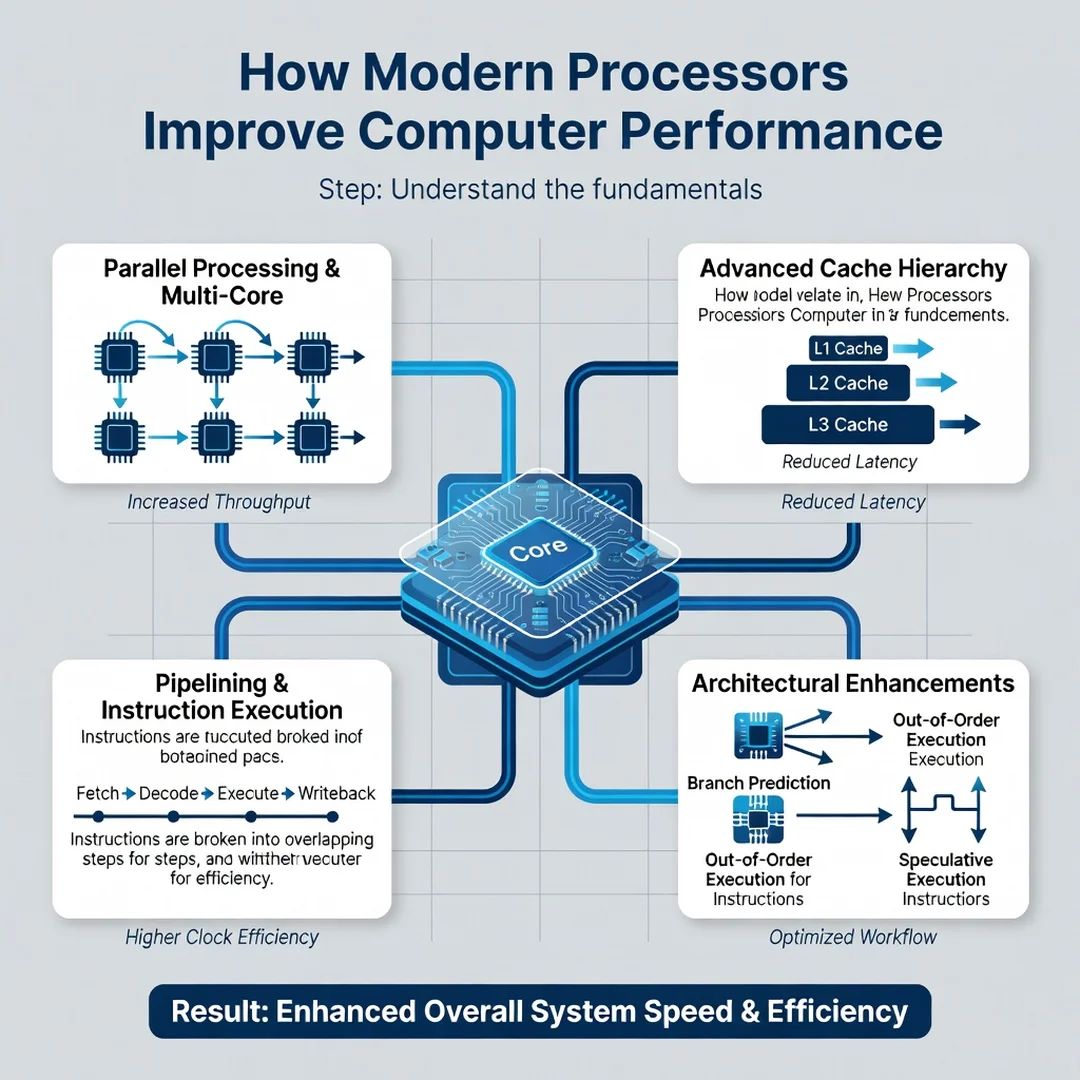
Step 1: Understand the fundamentals
Before buying or upgrading, learn what matters for your workload. Gaming and light office work benefit most from high IPC and clock speed. Video editing, 3D rendering, and software compilation benefit from more cores and threads. Check reputable benchmark reviews rather than relying on marketing numbers alone.
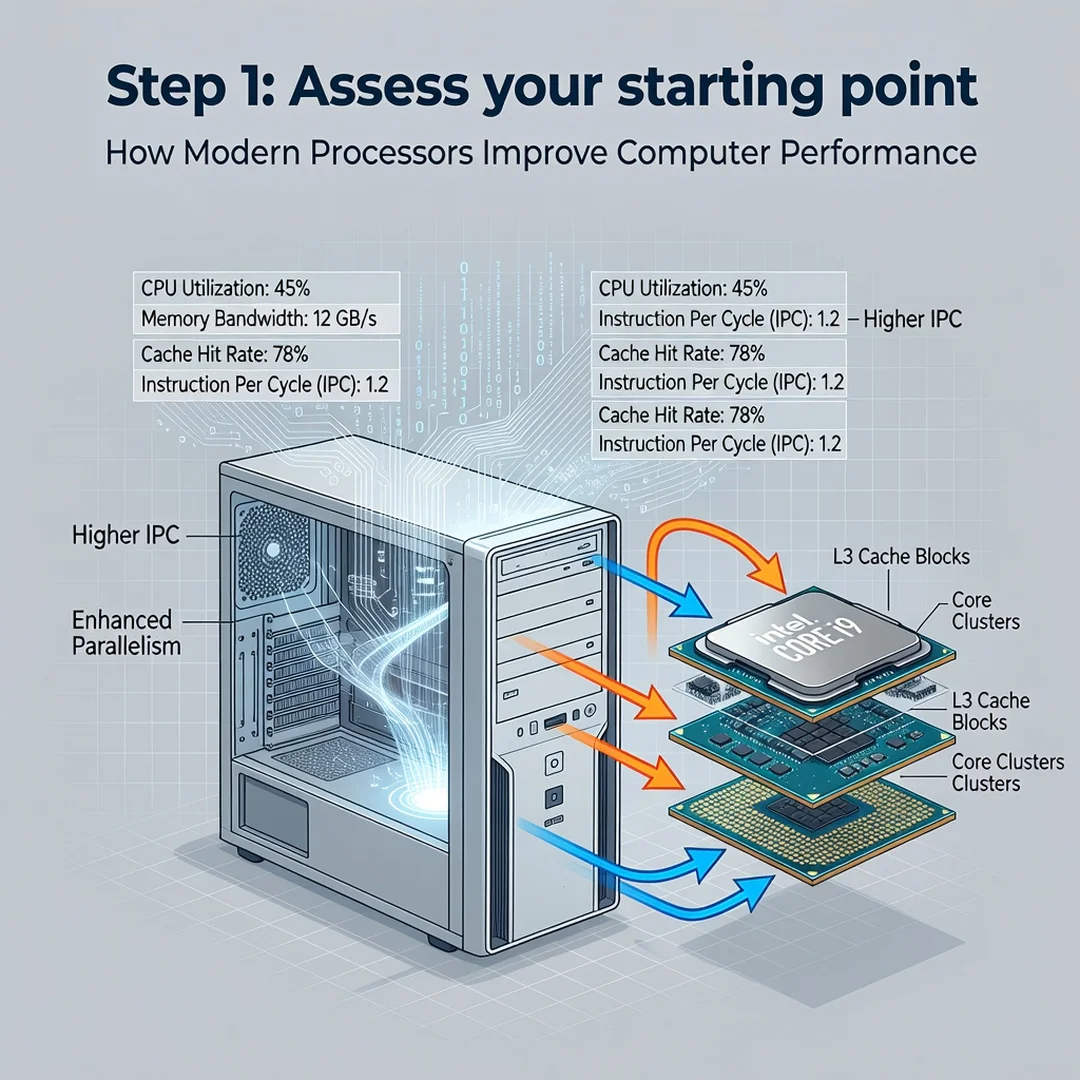
Step 2: Assess your starting point
Identify your current processor model and measure where it struggles. Use built-in tools like Task Manager (Windows) or Activity Monitor (macOS) to see if the CPU is pegged at 100% during slow moments. If it is, the processor may be the bottleneck. If RAM or storage is maxed out instead, a CPU upgrade may not help as much as you expect.
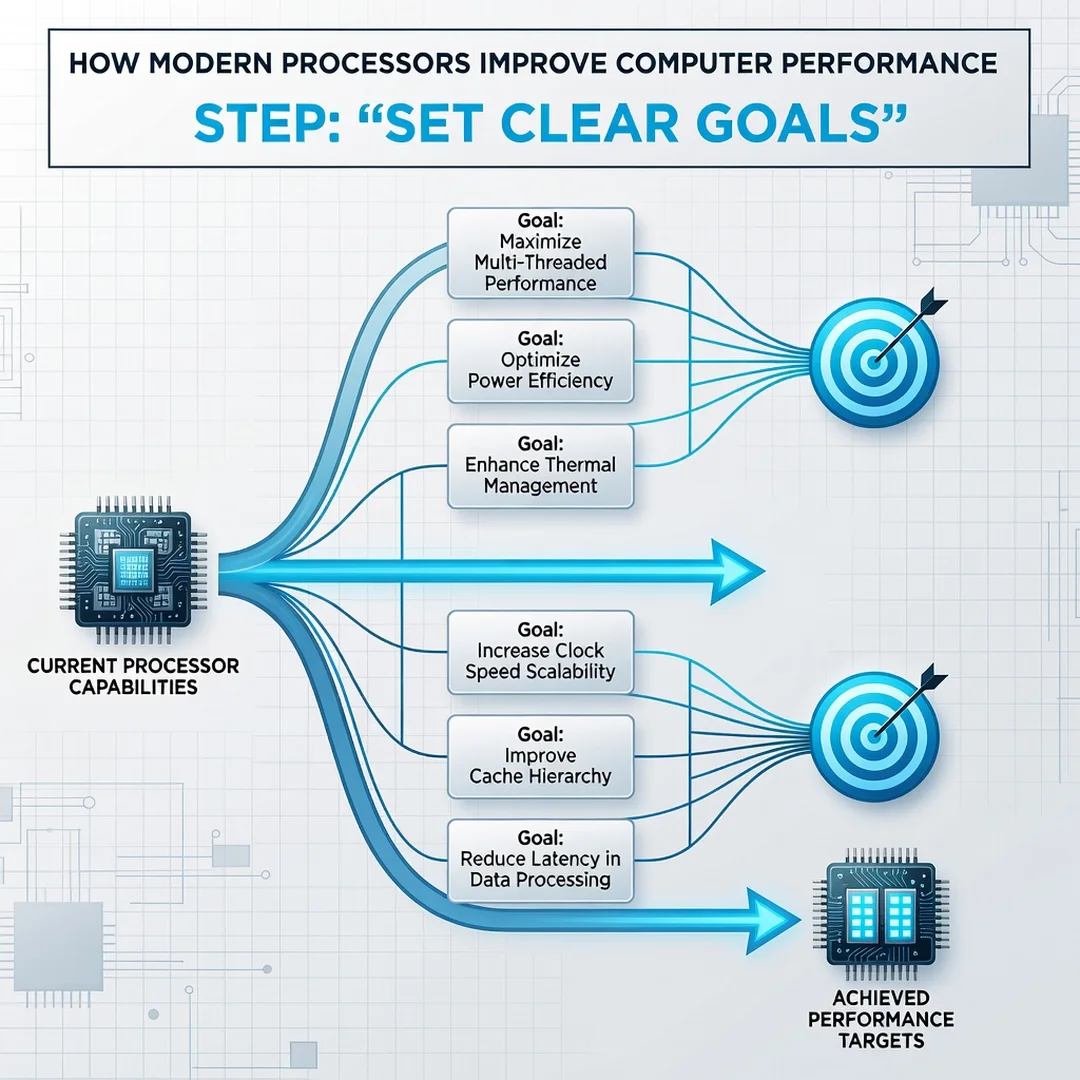
Step 3: Set clear goals
Define what “better performance” means for you. Do you want faster app launches, smoother video calls, quicker exports, or better battery life? Write these down. Clear goals prevent overspending on hardware you do not need and help you measure success after an upgrade.
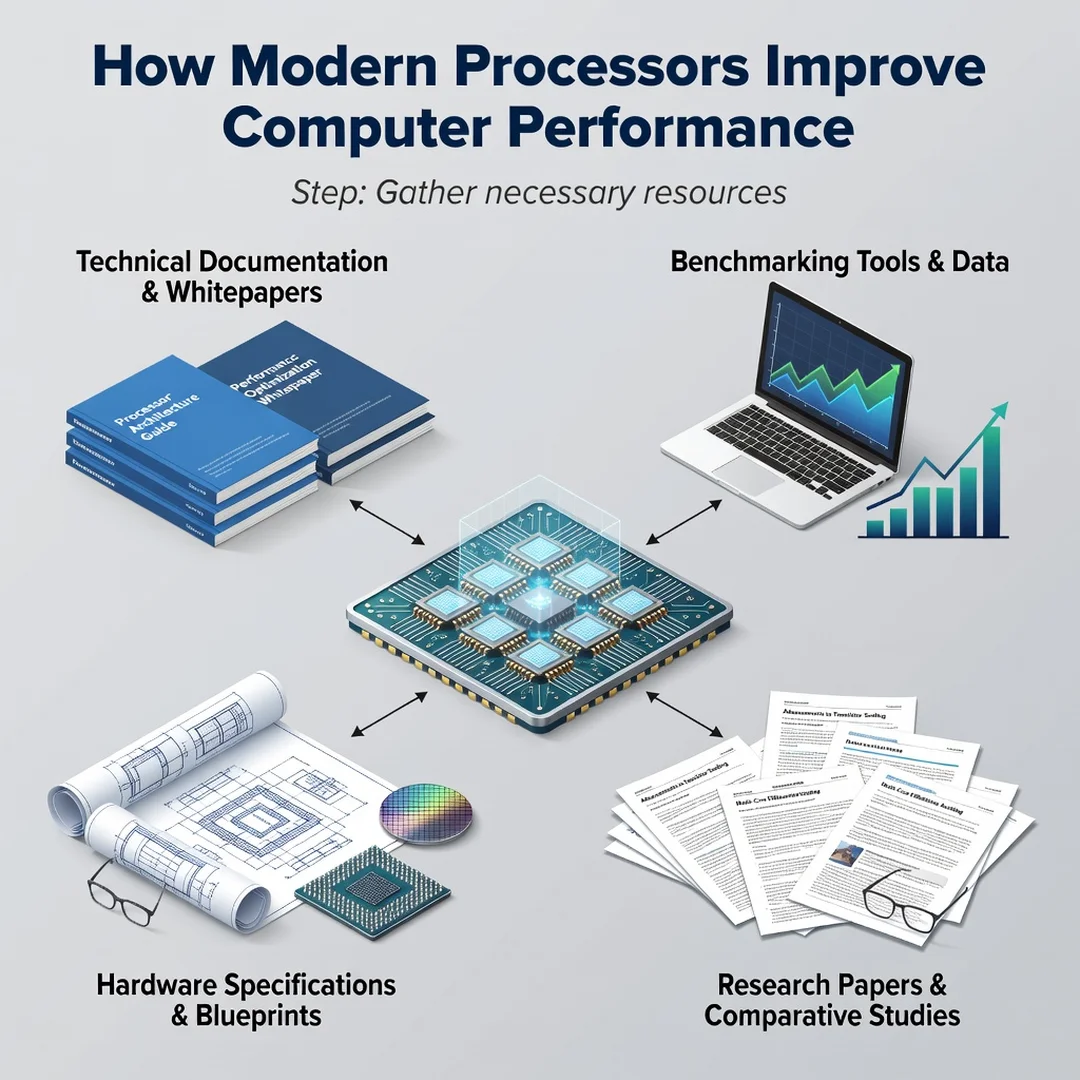
Step 4: Gather necessary resources
Collect the information and tools you need: your motherboard’s CPU compatibility list, the power supply wattage, cooling capacity, and your budget. For laptops, check whether the CPU is soldered (most are) and consider whether a full system replacement makes more sense. Reliable sources include manufacturer spec pages and independent benchmark databases.
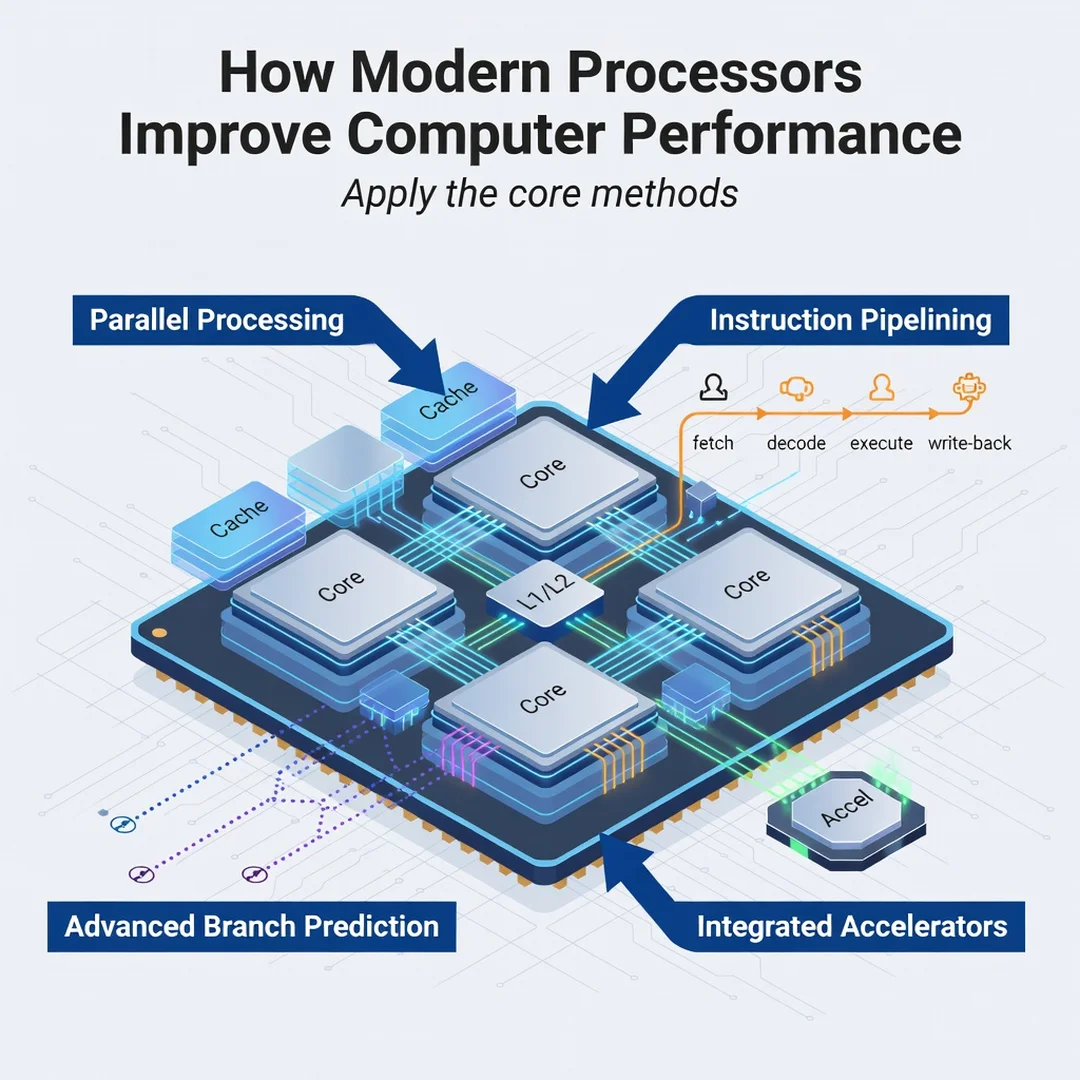
Step 5: Apply the core methods
Put your plan into action. If you are upgrading a desktop, install the new CPU with fresh thermal paste and update the BIOS first. If you are optimizing an existing system, close background apps, disable startup bloat, and ensure the CPU is not thermally throttling—clean dust from fans and vents. Keep operating system and driver updates current, because scheduler improvements and microcode patches often unlock better performance on modern processors.
FAQ
What should I know about How Modern Processors Improve Computer Performance?
The most important takeaway is that performance comes from a combination of clock speed, core count, cache size, architecture efficiency, and software optimization. No single number tells the whole story. Modern processors improve performance by doing more work per cycle, dividing tasks across multiple cores, predicting what you will need next, and integrating memory and graphics functions directly onto the chip. To benefit, match the processor to your actual tasks and keep the system cool, updated, and free of unnecessary background load.
Who is this guide for?
This guide is for anyone who wants a clear, non-technical explanation of processor performance—students, office workers, gamers, content creators, and general computer users. If you are planning to buy a new computer, upgrade an existing one, or simply want to understand why your device feels fast or slow, the concepts and steps here apply to you. No prior engineering background is required.
Conclusion
Modern processors improve computer performance through smarter architecture, more cores, larger caches, integrated accelerators, and efficient manufacturing. You do not need to memorize every specification to benefit. By understanding the fundamentals, assessing your real needs, setting clear goals, gathering the right information, and applying practical optimizations, you can make confident decisions and enjoy a faster, more responsive computer for years to come. Reliable information and consistent habits lead to better long-term outcomes—both in the technology you choose and in how you maintain it.
Frequently Asked Questions
What should I know about How Modern Processors Improve Computer Performance?
This guide covers the essentials of How Modern Processors Improve Computer Performance with practical steps you can apply right away.
Who is this guide for?
Anyone looking for a clear, structured overview without unnecessary complexity.
You now have a solid foundation for How Modern Processors Improve Computer Performance. Apply the best practices above and revisit this guide as your needs evolve.