
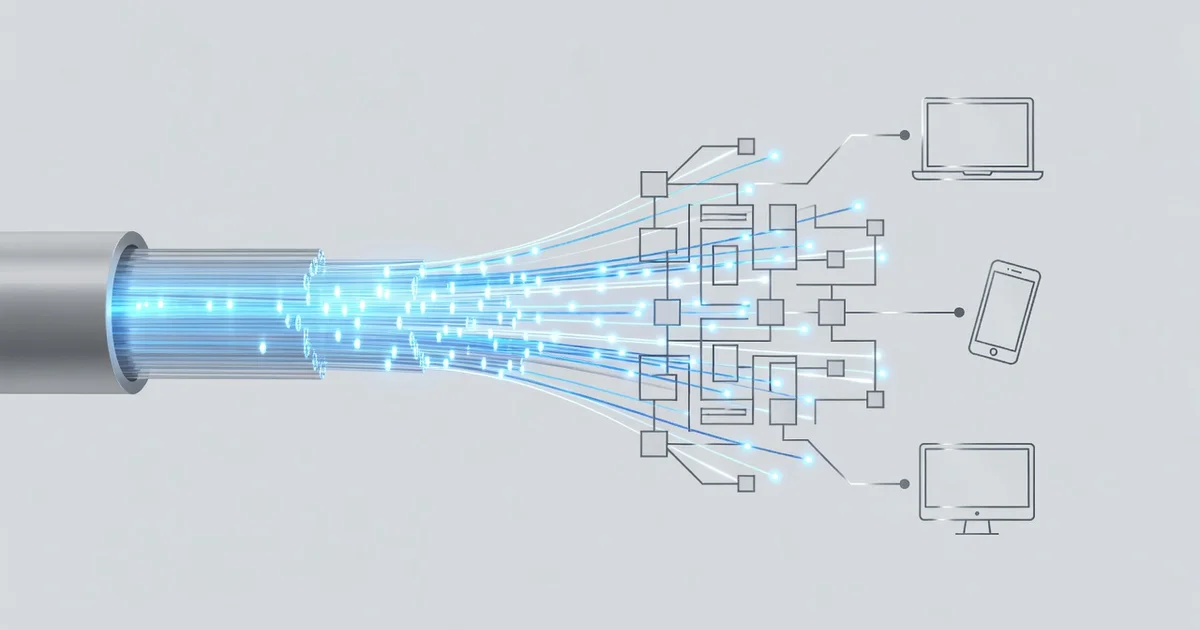
Your internet connection powers everything from video calls to streaming, but what actually makes it fast and reliable? Understanding the technology behind fast and reliable internet connections helps you make smarter choices about your provider, equipment, and setup.
In this article, we break down the key components—fiber optics, routers, bandwidth, and latency—in plain language. You’ll learn what affects your speed and discover practical steps to boost performance at home or work.
Introduction
Every time you open a webpage, stream a video, or join a video call, a remarkable chain of technologies works together to move data between your device and servers that may be thousands of miles away. The technology behind fast and reliable internet connections combines physical infrastructure, networking protocols, and smart traffic management to deliver information in milliseconds. Understanding how these pieces fit together helps you troubleshoot problems, choose better equipment, and get more value from the service you already pay for.
This article explores the technology behind fast and reliable internet connections with clear, practical guidance. You do not need an engineering degree to benefit from knowing how signals travel, why latency matters as much as speed, and which habits keep a connection stable. Whether you work from home, game competitively, or simply want fewer buffering wheels, the fundamentals are the same.
Key Concepts
Before diving into configuration and troubleshooting, it helps to understand the vocabulary that internet providers and networking tools use. These terms appear constantly in speed tests, router settings, and support conversations.
- Bandwidth: The maximum amount of data a connection can carry per second, usually measured in megabits per second (Mbps) or gigabits per second (Gbps). Think of it as the width of a pipe.
- Latency: The time it takes for a single packet of data to travel from your device to a server and back, measured in milliseconds (ms). Lower latency means snappier responses, which matters enormously for gaming, video calls, and remote desktop work.
- Jitter: Variation in latency over time. High jitter causes choppy audio and stuttering video even when average speed looks fine.
- Packet loss: Data that never arrives at its destination. Even a small percentage of packet loss forces retransmissions, which slows everything down.
- Throughput: The actual data rate you experience in practice, which is often lower than the advertised bandwidth due to congestion, Wi-Fi interference, or device limitations.
Understanding the fundamentals of the technology behind fast and reliable internet connections helps you make informed decisions. For example, if your video calls freeze while downloads run quickly, you likely have a latency or jitter problem rather than a bandwidth problem — and the fix is different.
Deep Dive
How Data Travels: From Fiber to Your Device
Most fast connections begin with fiber-optic cable, which carries data as pulses of light rather than electrical signals. Fiber offers enormous capacity and is largely immune to electromagnetic interference. From a provider’s central office, that light signal is converted to electrical signals that travel over coaxial cable, telephone lines, or directly to fiber-to-the-home equipment.
Once inside your home, the signal reaches your router, which distributes it to devices over Wi-Fi or Ethernet. Each stage introduces potential bottlenecks. A gigabit fiber plan means little if your router uses an old Wi-Fi standard or if your laptop’s wireless card is outdated.
Why Latency Often Matters More Than Speed
Speed determines how much data moves at once; latency determines how quickly each request is answered. A 500 Mbps connection with 10 ms latency feels far more responsive than a 1 Gbps connection with 80 ms latency for interactive tasks. This is why gamers and remote workers often prioritize low-latency fiber over higher-speed cable plans.
Latency depends on distance, the number of network hops, and congestion. Content delivery networks (CDNs) reduce latency by caching popular content on servers close to you. That is why major streaming platforms load quickly even during peak hours.
The Role of Wi-Fi Standards and Frequencies
Wi-Fi 6 and Wi-Fi 6E introduced improvements in handling many devices simultaneously, while Wi-Fi 7 pushes throughput and latency further. Older standards like Wi-Fi 4 can become a genuine bottleneck on modern fiber plans. The 2.4 GHz band travels farther but is slower and more congested; the 5 GHz and 6 GHz bands are faster but have shorter range. Placing your router centrally and using wired Ethernet for stationary devices like desktop computers and televisions remains one of the most effective reliability upgrades available.
DNS, Routing, and Traffic Management
Domain Name System (DNS) servers translate website names into IP addresses. Slow or unreliable DNS can make every page feel sluggish. Quality-of-Service (QoS) settings on your router let you prioritize latency-sensitive traffic like video calls over background downloads. Modern mesh systems often handle this automatically, but manually configuring QoS can help on crowded networks.
Best Practices
Reliable information and consistent habits lead to better long-term outcomes. The following practical steps help you get the most from any connection.
- Run speed tests at different times of day and from different devices to identify patterns rather than one-off results.
- Use Ethernet for any device that stays in one place and needs stability.
- Reboot your router and modem periodically to clear memory leaks and renegotiate connections.
- Update router firmware, which often includes performance and security fixes.
- Position your router away from thick walls, metal objects, microwaves, and cordless phone bases.
- Limit the number of devices streaming high-definition video simultaneously during important calls or gaming sessions.
- Contact your provider with specific data — times, latency figures, and affected services — rather than general complaints.
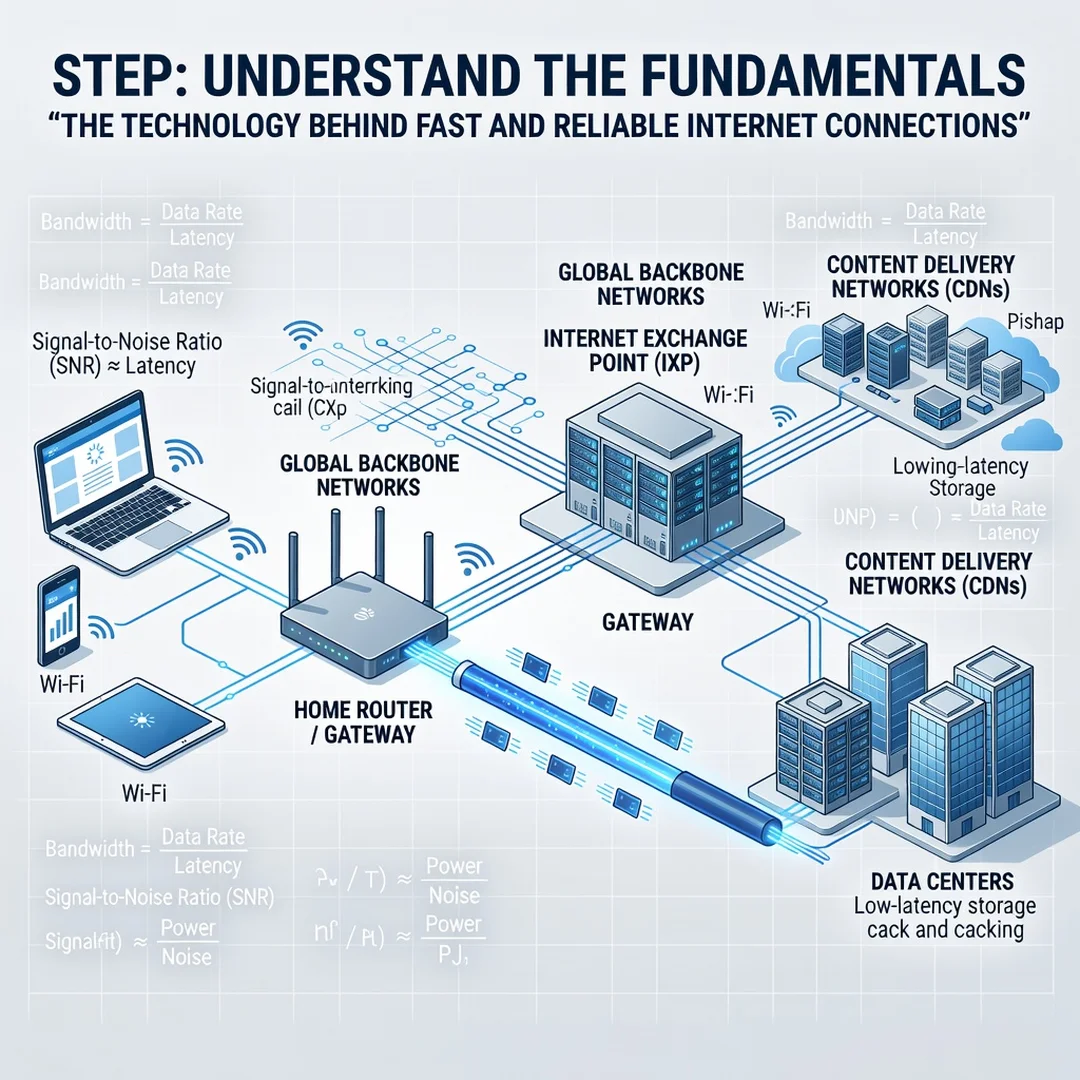
Step 1: Understand the fundamentals
Learn the difference between bandwidth, latency, jitter, and packet loss. Know what your plan promises and what your devices can actually use. This baseline prevents you from chasing the wrong fix.
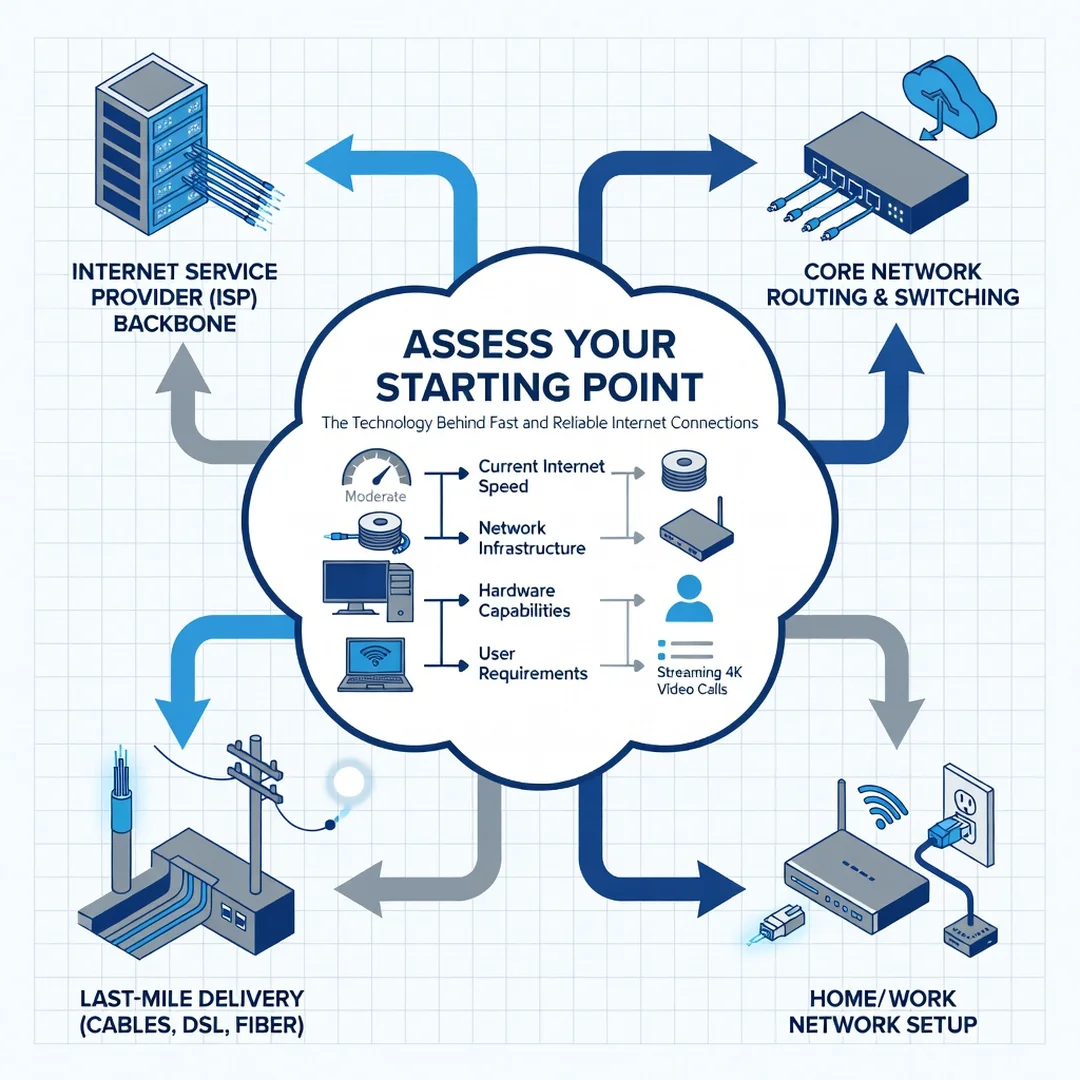
Step 2: Assess your starting point
Measure your current performance. Run a reputable speed test, check latency with a ping tool, and note which devices and activities struggle. Document times of day when problems occur.
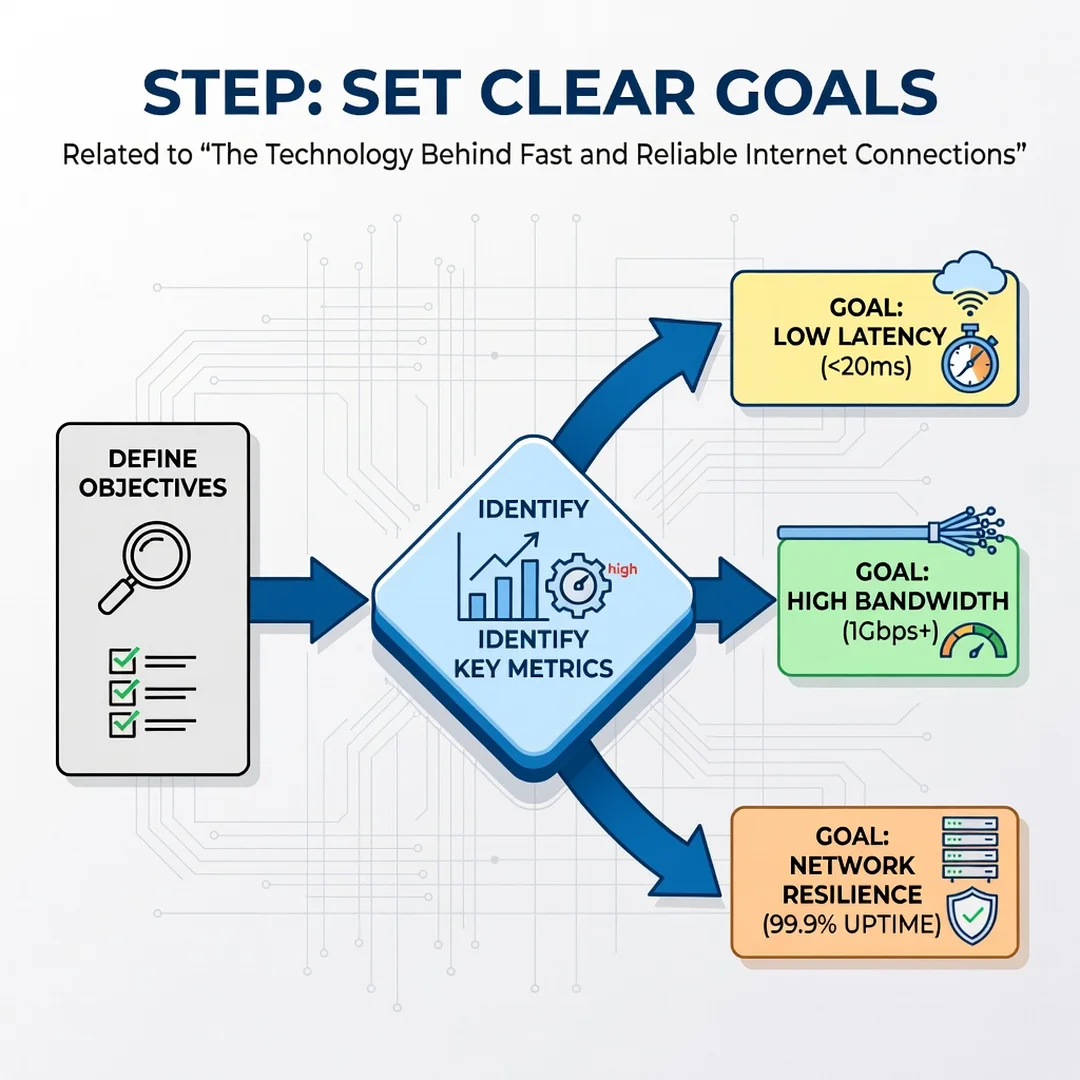
Step 3: Set clear goals
Decide what “good” looks like for your household. A family streaming on four screens has different needs than a competitive gamer or a video editor uploading large files. Write down target speeds, acceptable latency, and must-work applications.
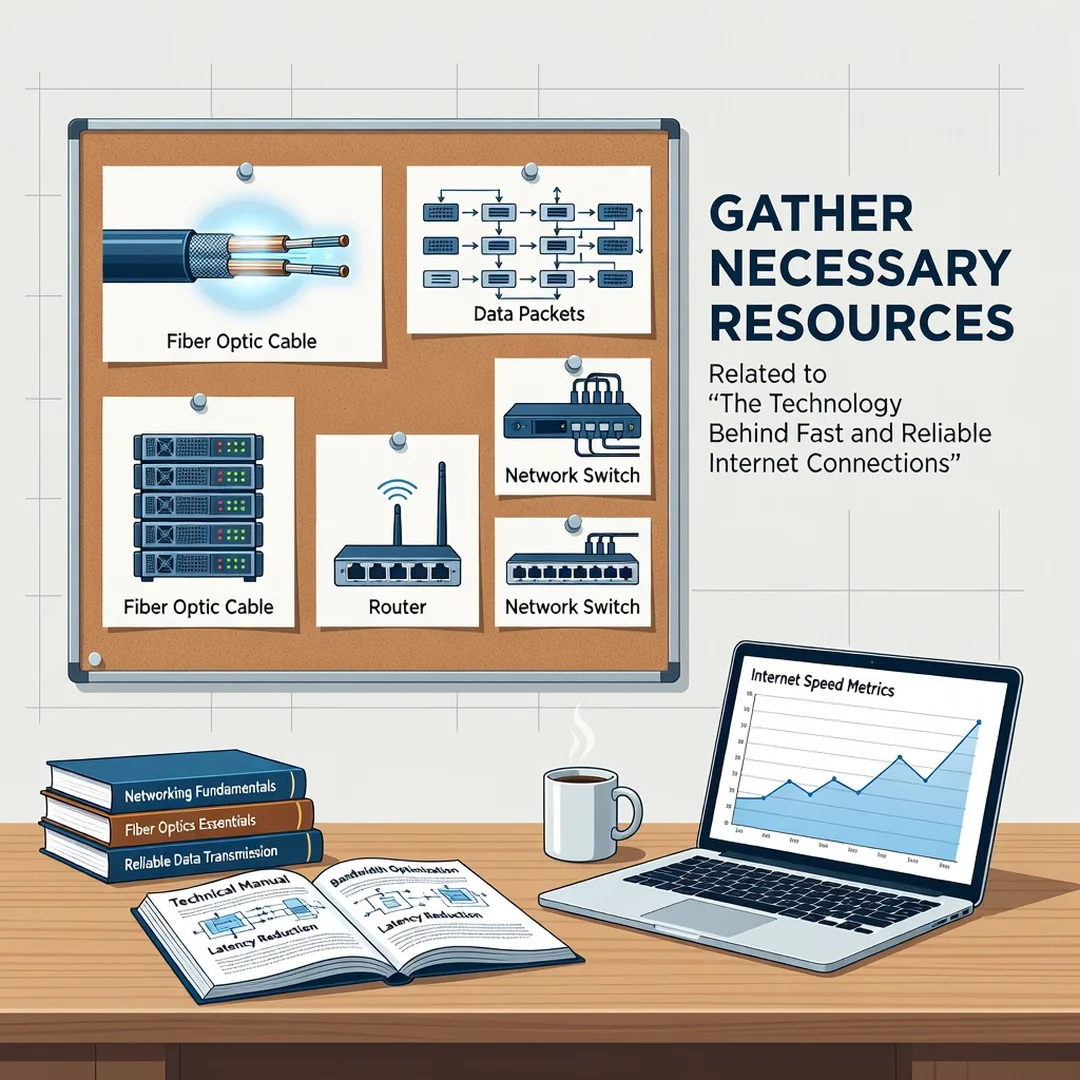
Step 4: Gather necessary resources
Collect what you need: an Ethernet cable, your router’s admin login, your provider’s support number, and possibly a newer router or mesh system. Check whether your modem supports your current plan’s speed tier.
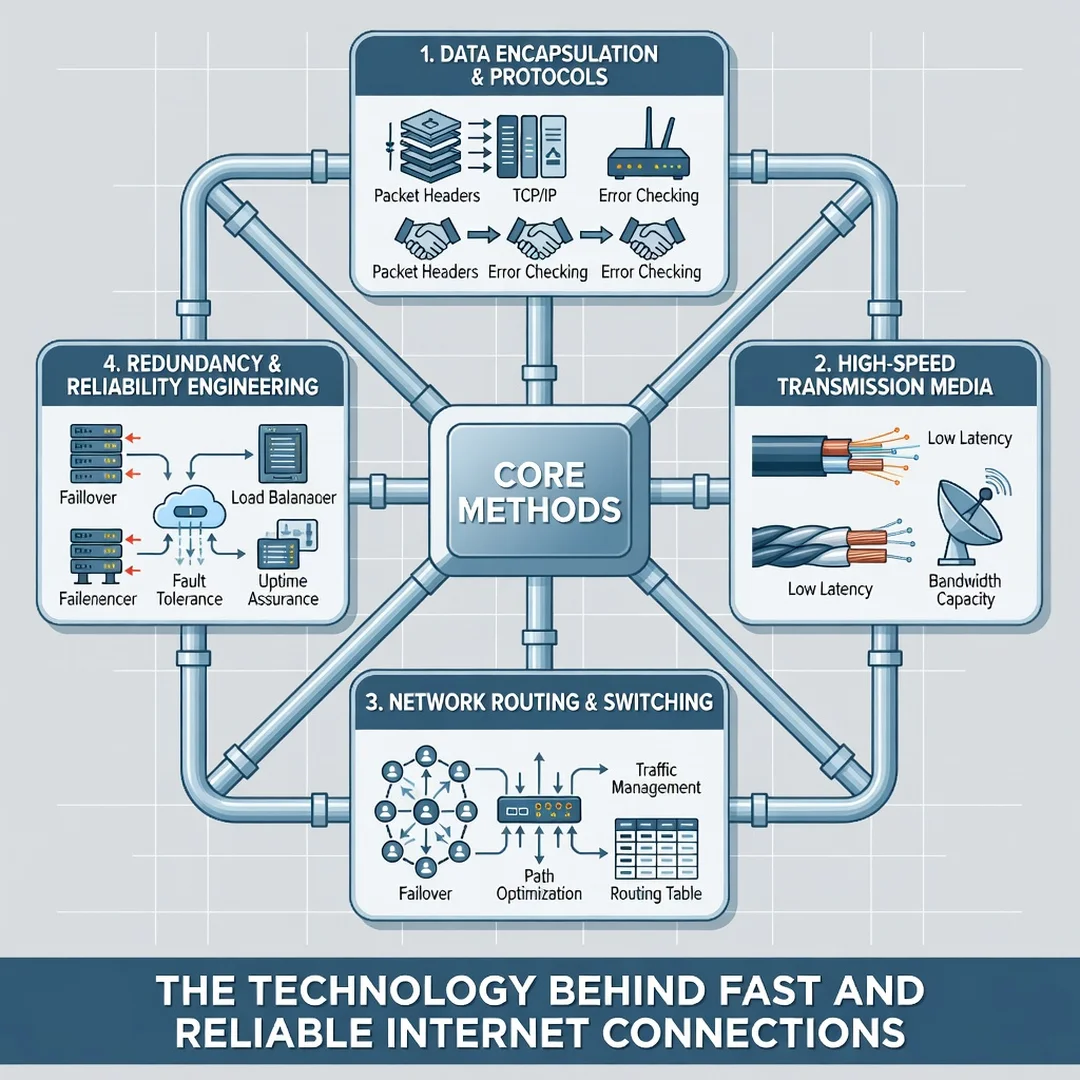
Step 5: Apply the core methods
Make changes one at a time so you can identify what worked. Start with wired connections for critical devices, then optimize Wi-Fi placement, update firmware, configure QoS, and consider a DNS change. Re-test after each adjustment and keep notes.
FAQ
What should I know about The Technology Behind Fast and Reliable Internet Connections?
The most important takeaway is that speed alone does not determine quality. Latency, jitter, packet loss, Wi-Fi standards, router placement, and DNS performance all shape your experience. A balanced approach — good hardware, sensible configuration, and realistic expectations — delivers better results than simply buying the fastest advertised plan.
Who is this guide for?
This guide is for anyone who wants a faster, more stable internet connection without deep technical expertise. That includes remote workers, students, gamers, streamers, and households with many connected devices. The advice applies whether you use fiber, cable, DSL, or fixed wireless, and whether you rent equipment from your provider or own it.
Conclusion
The technology behind fast and reliable internet connections is a layered system, from fiber-optic cables and routing protocols to the Wi-Fi chip in your laptop. You cannot control every layer, but you can control far more than most people realize: where your router sits, which devices use Ethernet, how your traffic is prioritized, and how you diagnose problems. By understanding the fundamentals, assessing your starting point honestly, and applying changes methodically, you turn a confusing tangle of acronyms into a connection that simply works. Reliable information and consistent habits lead to better long-term outcomes — and a network that stays fast when it matters most.
Frequently Asked Questions
What should I know about The Technology Behind Fast and Reliable Internet Connections?
This guide covers the essentials of The Technology Behind Fast and Reliable Internet Connections with practical steps you can apply right away.
Who is this guide for?
Anyone looking for a clear, structured overview without unnecessary complexity.
You now have a solid foundation for The Technology Behind Fast and Reliable Internet Connections. Apply the best practices above and revisit this guide as your needs evolve.