

AI automation is the use of artificial intelligence to handle repetitive tasks, make decisions, and run workflows with minimal human input. Instead of following rigid rules, these systems learn from data and improve over time.
Learning what AI automation is and how it saves time can transform your daily routine. By letting software handle scheduling, data entry, and customer replies, you free up hours for work that truly matters.
Introduction
AI automation is the use of artificial intelligence technologies to perform tasks and make decisions with minimal human intervention. Instead of manually handling every repetitive action, you let software that can learn, reason, and adapt take over the routine work. This article explores What Is AI Automation and How Can It Save Time with clear, practical guidance. Whether you are a solo professional, a small business owner, or part of a larger team, understanding how AI automation works can free up hours every week and reduce the mental load of repetitive tasks.
The core promise is simple: machines handle the predictable, you handle the strategic. Yet the details matter. AI automation is not just a single tool — it is a combination of data, algorithms, and workflow design that together reduce the time you spend on low-value activities. By the end of this guide, you will know the key concepts, a step-by-step approach, and best practices that make adoption smoother.
Key Concepts
To use AI automation effectively, you need a working vocabulary. These are the foundational ideas that appear again and again.
- Automation vs. AI automation: Traditional automation follows fixed rules (if this, then that). AI automation adds learning and judgment, so it can handle variations, unusual inputs, and unstructured data like emails or images.
- Machine learning (ML): A subset of AI where systems improve at a task by analyzing data rather than following explicit instructions. This is what powers spam filters, recommendation engines, and predictive text.
- Natural language processing (NLP): The ability of AI to understand and generate human language. Chatbots, summarization tools, and sentiment analysis rely on NLP.
- Workflow orchestration: The glue that connects multiple automated steps. A trigger (like a new support ticket) can start a chain of AI actions (categorize, draft a reply, assign a priority).
- Human-in-the-loop: A design pattern where AI suggests or drafts, and a person reviews or approves. This keeps quality high while still saving time.
Understanding the fundamentals of What Is AI Automation and How Can It Save Time helps you make informed decisions. Without these concepts, it is easy to buy the wrong tool or over-automate a process that actually needs human judgment.
Deep Dive
How exactly does AI automation save time? It works through three main mechanisms: speed, consistency, and parallel processing.
Speed
AI systems can process thousands of data points in seconds. Tasks that take a person minutes — sorting emails, extracting invoice details, scheduling meetings — can be done in milliseconds. Over a workweek, those seconds compound into hours.
Consistency
Humans get tired, distracted, and inconsistent. AI does not. When a task is automated, it is performed the same way every time, which reduces errors and the rework that follows. Fewer mistakes mean less time spent fixing problems.
Parallel processing
A single person can only do one thing at a time. AI automation can run dozens of workflows simultaneously. While you sleep, your automated system can qualify leads, update records, and send follow-ups. That is time you effectively gain back.
Consider a practical example. A small e-commerce business receives 200 customer emails a day. Manually reading, categorizing, and responding takes about four hours. With AI automation, an NLP model categorizes each email, drafts a personalized response based on past tickets, and routes complex issues to a human. The human only handles the 15% that truly need a person. Time saved: roughly three hours per day — over 60 hours a month.
The same principle applies to scheduling, data entry, report generation, social media posting, and lead scoring. The pattern is always the same: identify a repetitive, rule-based or pattern-based task, then let AI handle the first pass.
Best Practices
Adopting AI automation without structure can create more work than it removes. Follow these guidelines to keep things efficient.
- Start with one process. Choose a single, high-frequency task. Prove the time savings before expanding.
- Map the process first. Write down every step a human currently takes. Automation works best when you understand the existing flow.
- Keep humans in the loop for exceptions. Let AI handle the common cases and escalate the unusual ones. This balances speed and quality.
- Measure before and after. Track time spent on the task for two weeks before automating, then again after. Without numbers, you cannot know if it is working.
- Review and retrain regularly. AI models drift over time. Schedule monthly check-ins to review outputs and update rules or training data.
- Prioritize data quality. AI is only as good as the data it learns from. Clean, consistent inputs lead to reliable outputs.
Reliable information and consistent habits lead to better long-term outcomes. The businesses that save the most time are not the ones that automate everything at once; they are the ones that automate deliberately and maintain their systems.
Step-by-Step Guide
Use this sequence to introduce AI automation into your workflow without overwhelm.
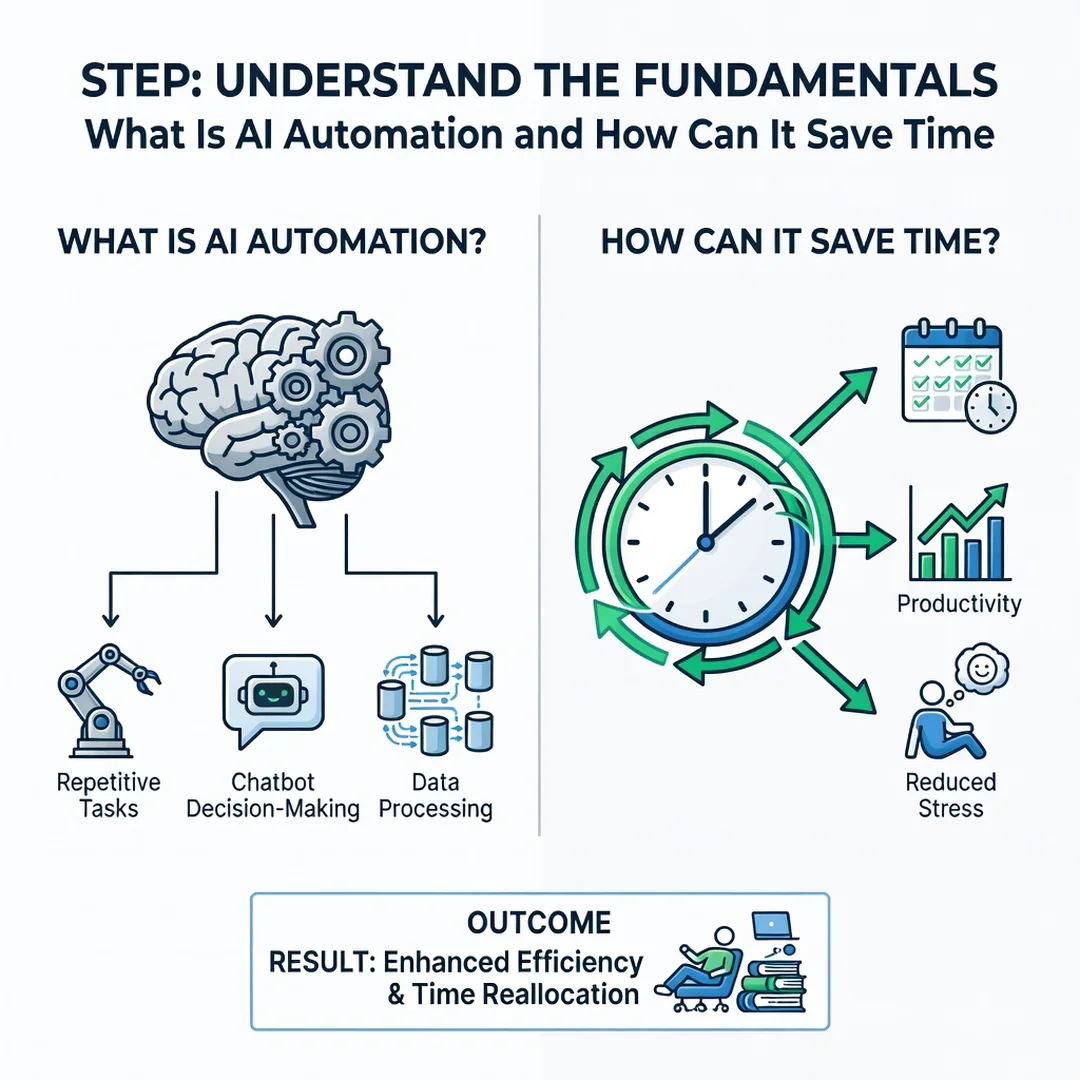
Step 1: Understand the fundamentals
Before choosing any tool, learn the difference between rule-based automation and AI automation. Read one or two beginner articles, watch a short tutorial, or take a free introductory course. You need to know what AI can and cannot do. For example, AI can summarize a document, but it cannot read your mind about which parts matter most. This step prevents costly missteps.

Step 2: Assess your starting point
List your daily and weekly tasks. Mark each one as repetitive, judgment-based, or mixed. Repetitive tasks with clear rules are prime candidates. Also note how much time each task takes. A simple spreadsheet with columns for task, frequency, time per occurrence, and category is enough. This baseline shows you where the biggest opportunities are.
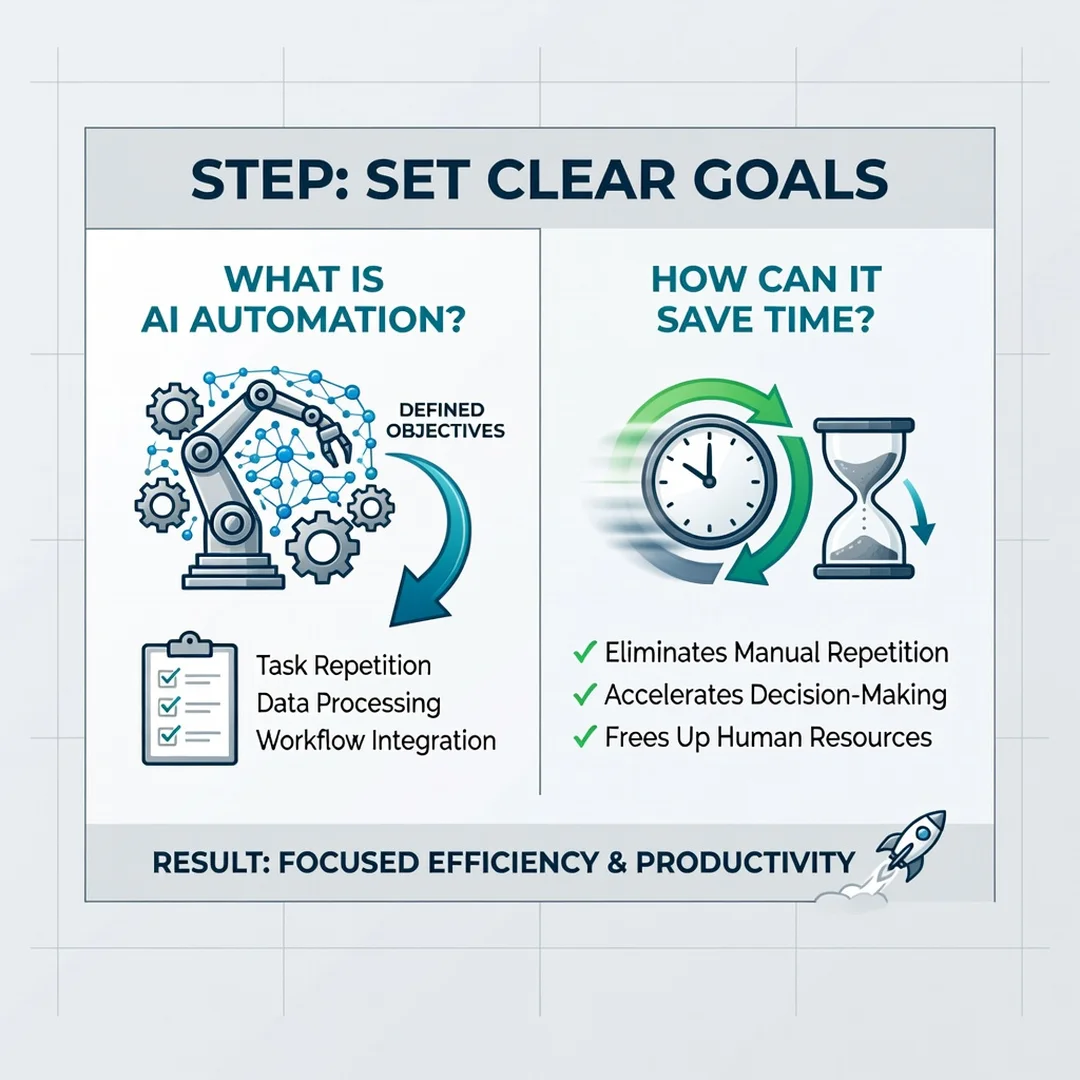
Step 3: Set clear goals
Decide what success looks like. Instead of “save time,” aim for “reduce email response time from four hours to one hour per day” or “cut data entry by 80%.” Specific goals make it easier to choose tools and measure results. Write your goal down and share it with anyone affected by the change.
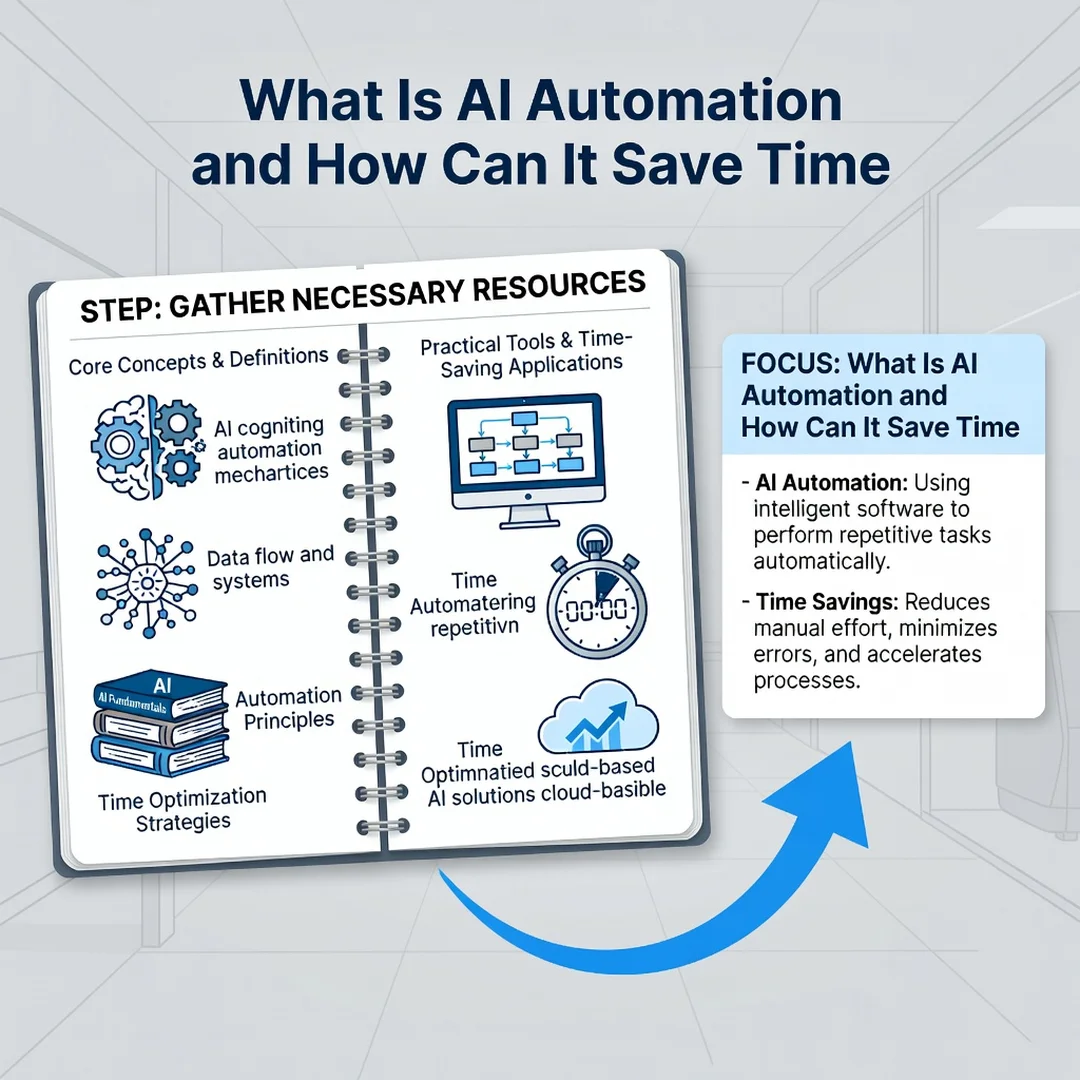
Step 4: Gather necessary resources
You will need three things: a tool, data, and a bit of time for setup. Tools range from no-code platforms like Zapier or Make to specialized AI services for writing, scheduling, or customer support. Gather sample data — past emails, spreadsheets, or tickets — so the AI has something to learn from. Set aside two to three hours for initial configuration.
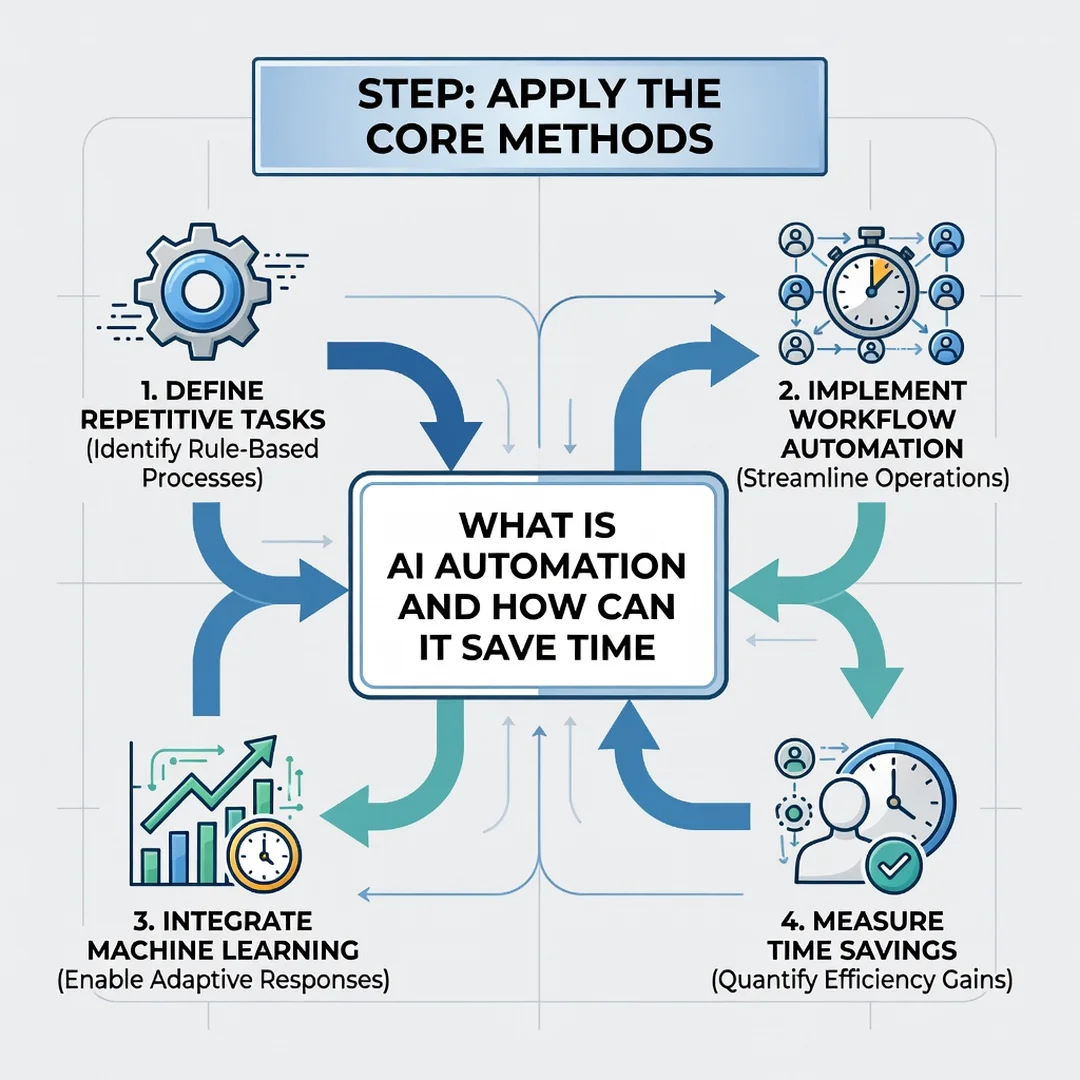
Step 5: Apply the core methods
Start with a simple workflow. For example, connect your email inbox to an AI classifier that labels messages and drafts replies. Run it in parallel with your manual process for one week. Compare outputs, note errors, and adjust. Once it works reliably, turn off the manual step. Then repeat the cycle with the next task on your list. Small, repeated wins build momentum.
FAQ
What should I know about What Is AI Automation and How Can It Save Time?
The most important thing is that AI automation is not magic — it is a tool that requires clear processes and good data. It saves time by handling repetitive, pattern-based work quickly and consistently. You should also know that it works best with human oversight, especially for tasks involving nuance or high stakes. Start small, measure results, and expand only when you see real time savings.
Who is this guide for?
This guide is for anyone who spends too much time on repetitive digital tasks: freelancers, small business owners, administrative professionals, marketers, and team leads. No technical background is required. If you can follow a recipe and use a spreadsheet, you can apply the steps here. The goal is to give you actionable methods, not theoretical theory.
Conclusion
AI automation is a practical way to reclaim hours from repetitive work. By understanding the key concepts, following a step-by-step approach, and sticking to best practices, you can reduce manual effort without sacrificing quality. Remember that reliable information and consistent habits lead to better long-term outcomes. Start with one task, measure the time you save, and build from there. The time you free up can then go toward the work that truly needs a human touch.
You now have a solid foundation for What Is AI Automation and How Can It Save Time. Apply the best practices above and revisit this guide as your needs evolve.