
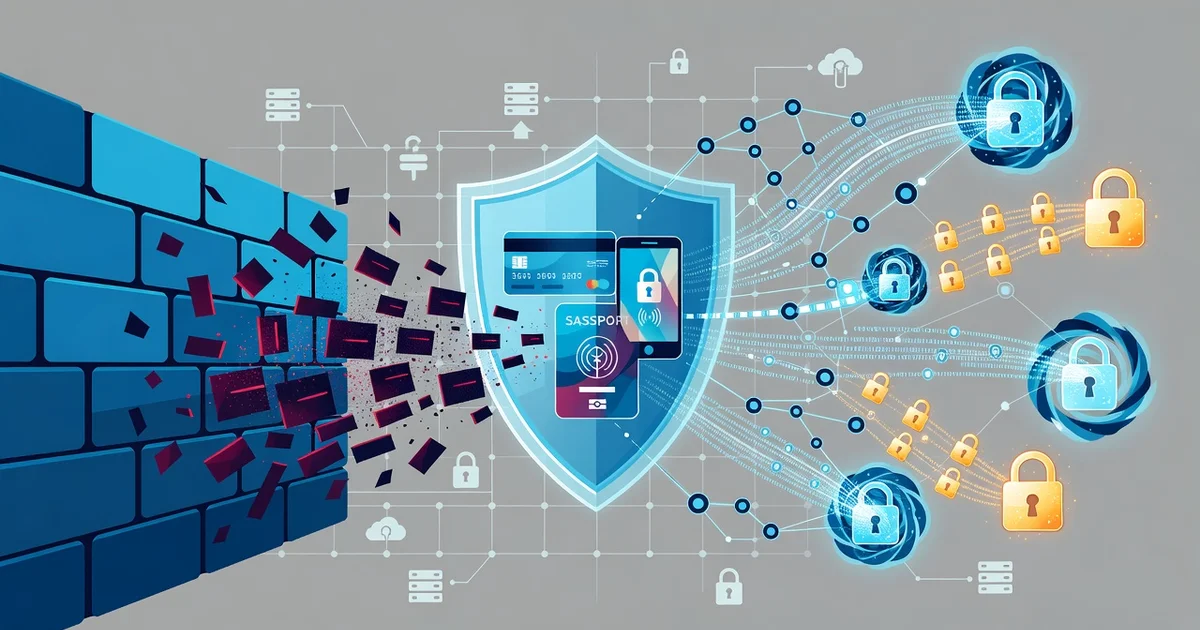
Your personal data is valuable—and cybercriminals know it. Every time you shop online, check your bank balance, or scroll through social media, you leave a digital trail that attackers would love to exploit. Fortunately, cybersecurity technology works behind the scenes to keep that information out of the wrong hands.
In this article, we’ll break down how encryption, firewalls, multi-factor authentication, and threat detection protect your personal data every day. You’ll also get practical tips to strengthen your own digital defenses—no technical background required.
Introduction
Every time you shop online, send a message, or log into a banking app, you create a trail of personal data. That data has real value — to you, to legitimate businesses, and unfortunately to criminals. Cybersecurity technology is the collection of tools, systems, and practices designed to keep that data private, intact, and available only to the people who are authorized to use it. This article explores How Cybersecurity Technology Protects Personal Data with clear, practical guidance you can act on today.
You do not need to be a technologist to benefit from these protections. Understanding the fundamentals of How Cybersecurity Technology Protects Personal Data helps you make informed decisions about the apps you install, the passwords you reuse, and the networks you trust. Reliable information and consistent habits lead to better long-term outcomes — fewer breaches, less identity theft, and greater peace of mind.
Key Concepts
Before diving into tools and tactics, it helps to understand the vocabulary. Cybersecurity is built on a few core ideas that appear again and again.
- Confidentiality: Keeping data secret so only authorized parties can read it. Encryption is the primary technology here.
- Integrity: Ensuring data is not altered or corrupted, whether accidentally or maliciously. Hashing and digital signatures help verify this.
- Availability: Making sure your data and services are accessible when you need them. Backups and redundancy support this goal.
- Authentication: Proving you are who you claim to be. Passwords, biometrics, and multi-factor authentication (MFA) are common methods.
- Authorization: Deciding what an authenticated user is allowed to do. Permissions and access controls enforce this.
- Encryption: Scrambling data into unreadable code that can only be unlocked with a key. It protects data both at rest (stored) and in transit (moving across networks).
These concepts form the backbone of nearly every security product on the market, from antivirus software to secure messaging apps.
Deep Dive
Cybersecurity technology protects personal data through layers. No single tool is enough, which is why experts talk about “defense in depth.” If one layer fails, others still stand.
Encryption in transit and at rest
When you visit a website with HTTPS, your browser and the server negotiate an encrypted tunnel. Anyone intercepting the traffic sees gibberish. At rest, encryption protects files on your phone or laptop. If the device is lost or stolen, the data remains unreadable without your passcode or key. Full-disk encryption is now standard on modern smartphones and many computers.
Multi-factor authentication (MFA)
Passwords alone are weak. They get reused, phished, or leaked in breaches. MFA adds a second proof of identity — a code from an app, a hardware key, or a biometric scan. Even if a criminal steals your password, they cannot log in without the second factor. This single measure blocks the vast majority of automated account takeover attempts.
Endpoint protection
Your devices are endpoints. Endpoint protection software watches for malicious activity — ransomware trying to encrypt files, spyware capturing keystrokes, or unauthorized processes running in the background. Modern tools use behavioral analysis and machine learning to catch threats that traditional signature-based antivirus would miss.
Network security
Firewalls, virtual private networks (VPNs), and secure Wi-Fi protocols protect data as it travels. A VPN encrypts your traffic even on untrusted networks like coffee shop Wi-Fi. Firewalls block unwanted incoming connections. Together, they reduce the chance that someone on the same network can snoop on your activity.
Data minimization and access control
Technology alone is not enough. Good security also means collecting less data and limiting who can see it. Access control systems ensure that an employee in billing cannot read medical records, for example. Data minimization reduces the blast radius if a breach does occur.
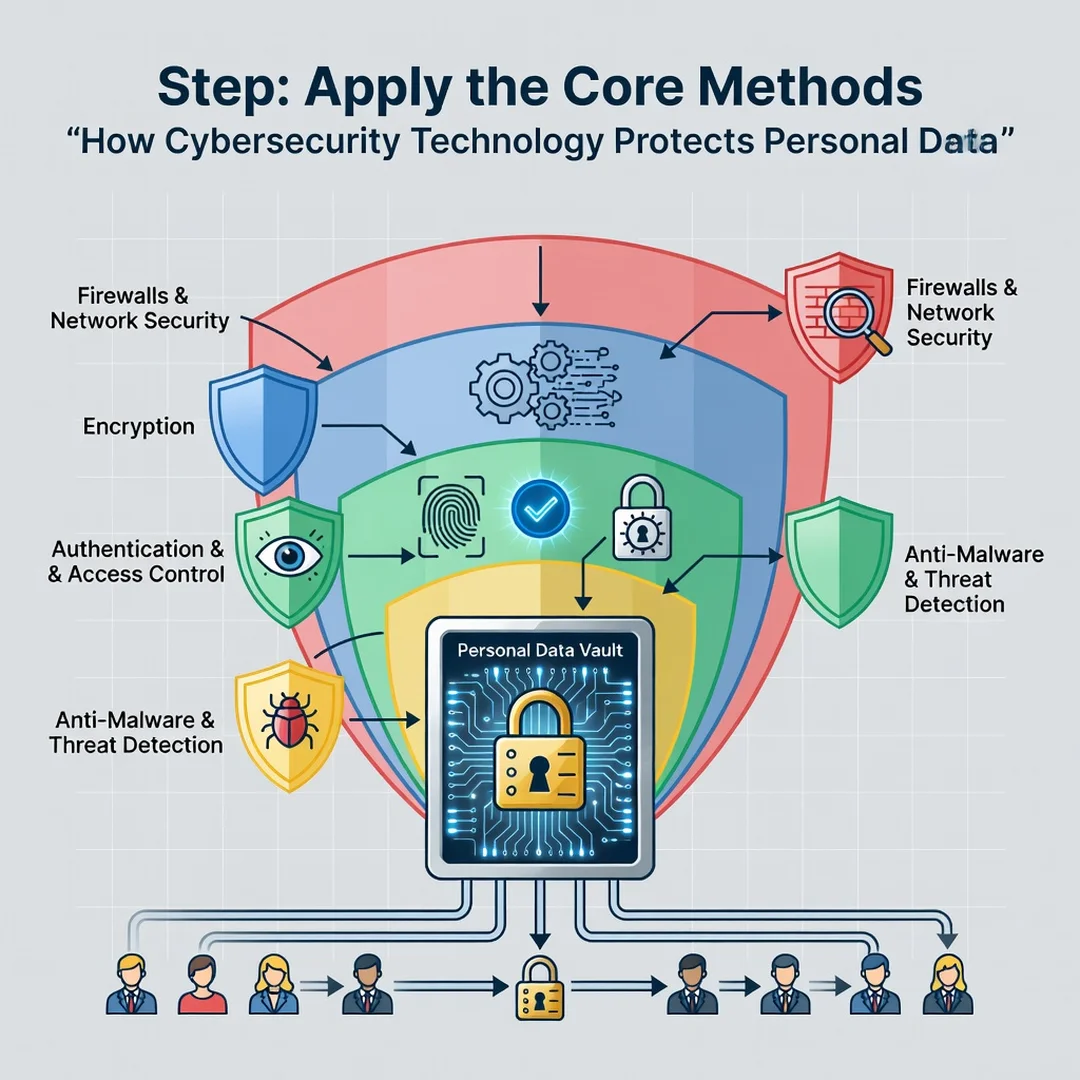
These technologies work together. Encryption protects the data, MFA protects the account, endpoint protection guards the device, and network security guards the connection. Remove one layer and the whole system becomes weaker.
Best Practices
You do not need an enterprise budget to protect your personal data. These habits deliver the highest return for the least effort.
- Use a password manager. It generates and stores unique, complex passwords for every account. You only remember one strong master password.
- Turn on MFA everywhere. Start with email, banking, and social media. These are the keys to your digital life.
- Keep software updated. Updates patch known vulnerabilities. Enable automatic updates where possible.
- Encrypt your devices. Turn on full-disk encryption and set a strong passcode or biometric lock.
- Be cautious on public Wi-Fi. Use a reputable VPN or your phone’s hotspot for sensitive tasks.
- Back up important data. Follow the 3-2-1 rule: three copies, two different media, one offsite. Test your backups.
- Review app permissions. Deny access to contacts, location, or microphone unless the app genuinely needs it.
- Monitor accounts. Check statements and credit reports regularly for signs of identity theft.
Consistency matters more than perfection. A few strong habits maintained over time outperform a one-time security binge.
Step-by-Step Guide
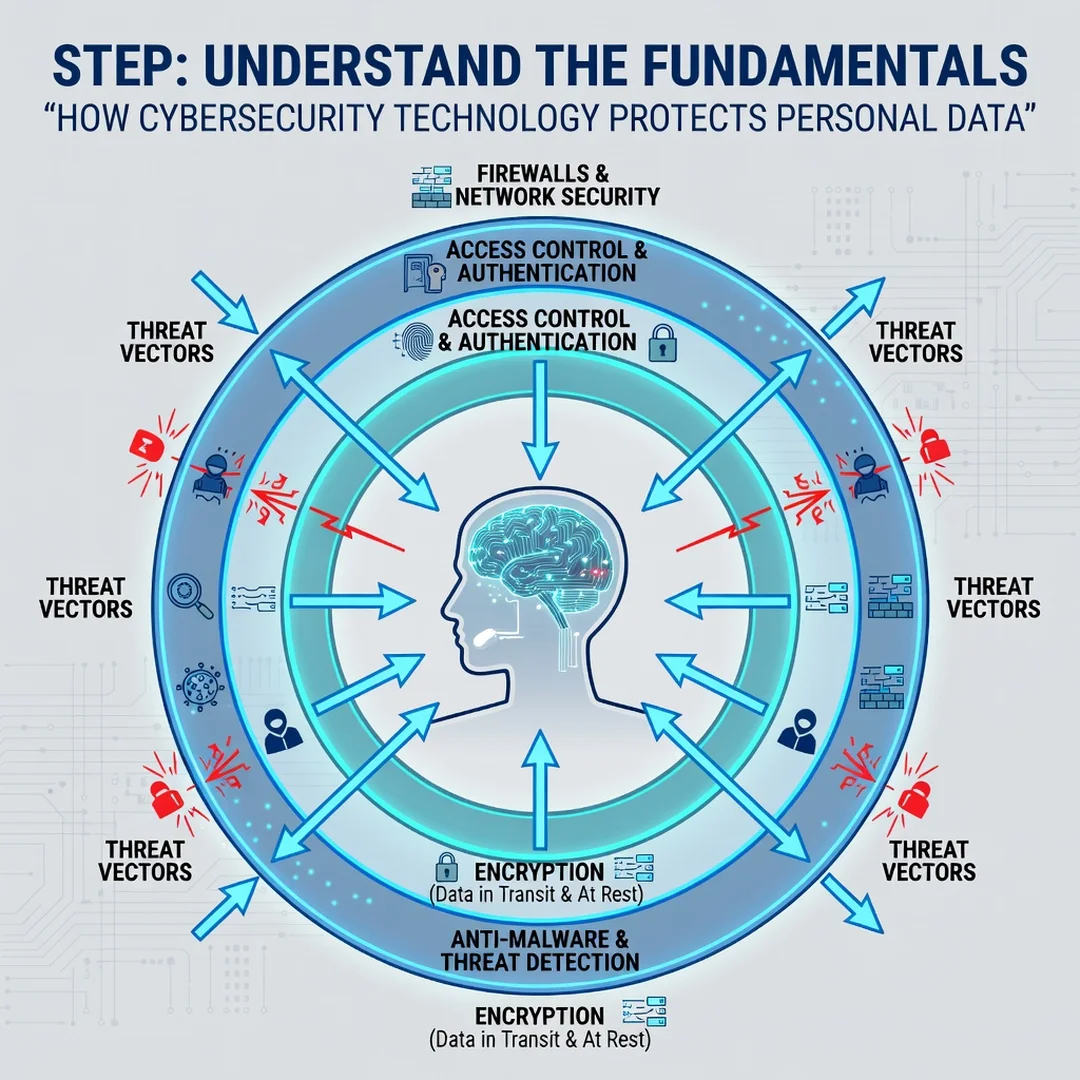
Step 1: Understand the fundamentals
Learn the core concepts: confidentiality, integrity, availability, authentication, and encryption. Read one reputable guide or take a short free course. You do not need deep technical knowledge — just enough to recognize what these terms mean when you see them in settings menus or product descriptions.
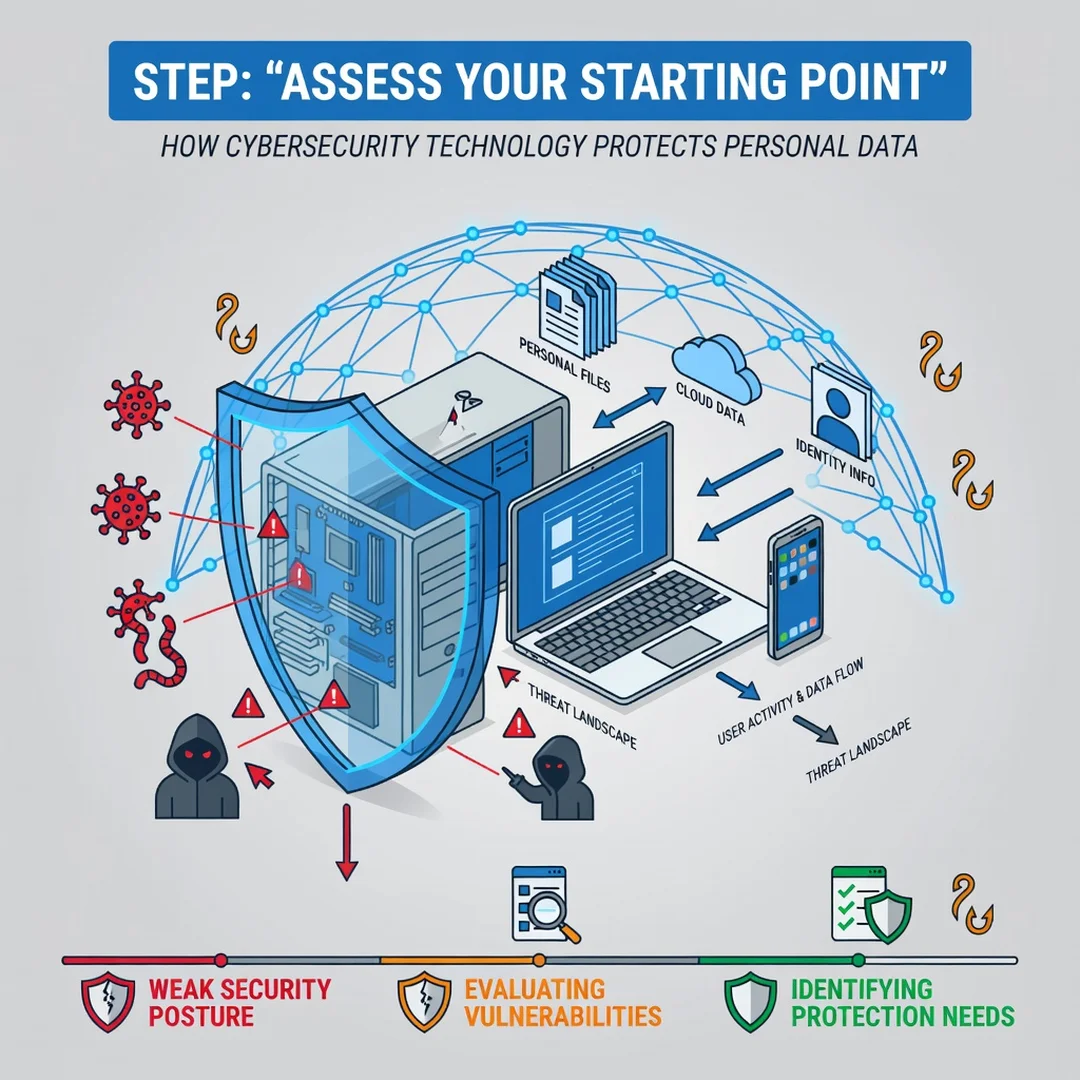
Step 2: Assess your starting point
Take inventory. List your important accounts (email, banking, social media), your devices (phone, laptop, tablet), and your current security habits. Note which accounts lack MFA, which devices lack encryption, and where you reuse passwords. This baseline shows you where the biggest gaps are.
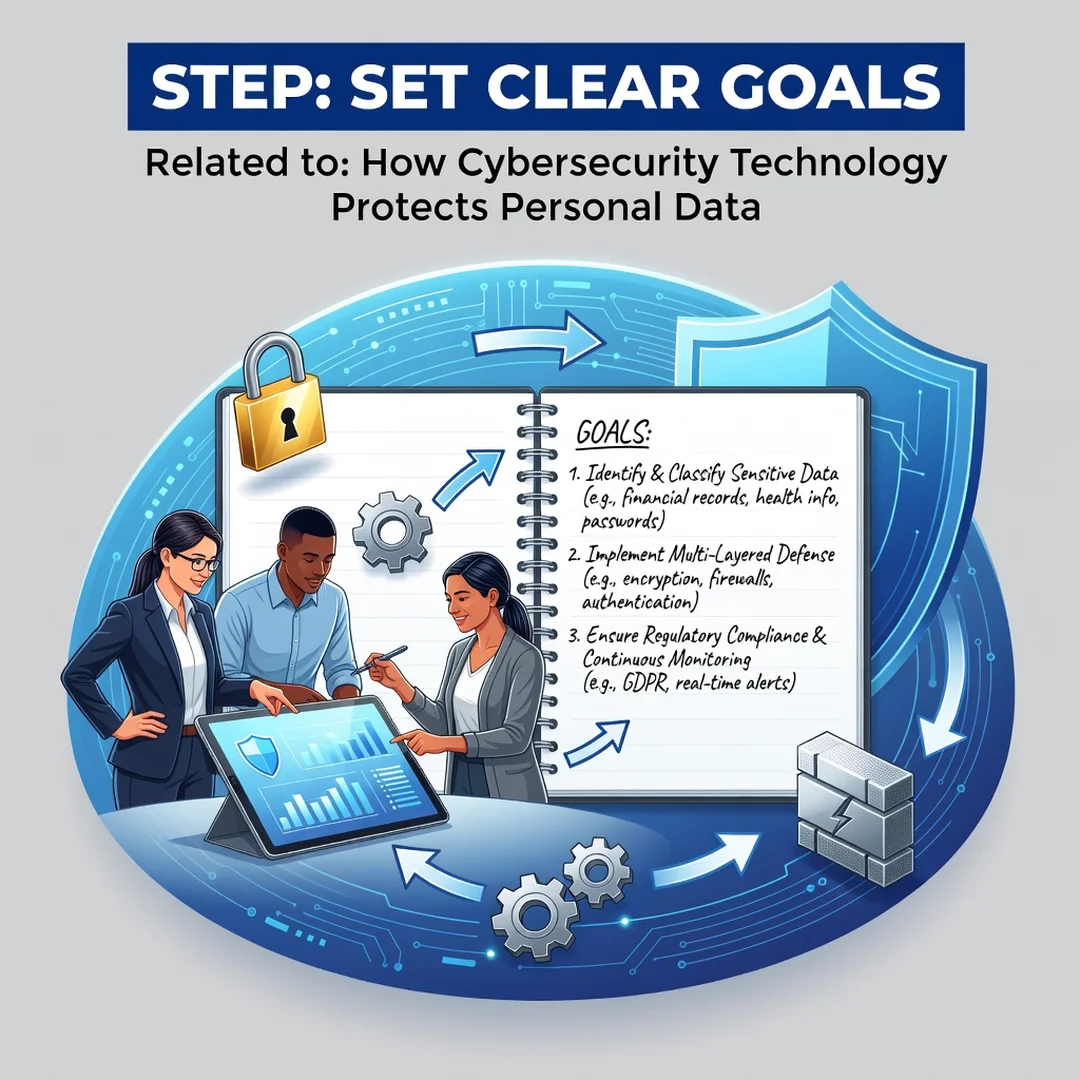
Step 3: Set clear goals
Pick specific, achievable targets. For example: “Enable MFA on my five most important accounts within one week,” or “Install a password manager and replace reused passwords within one month.” Clear goals turn vague intentions into concrete actions.
Step 4: Gather necessary resources
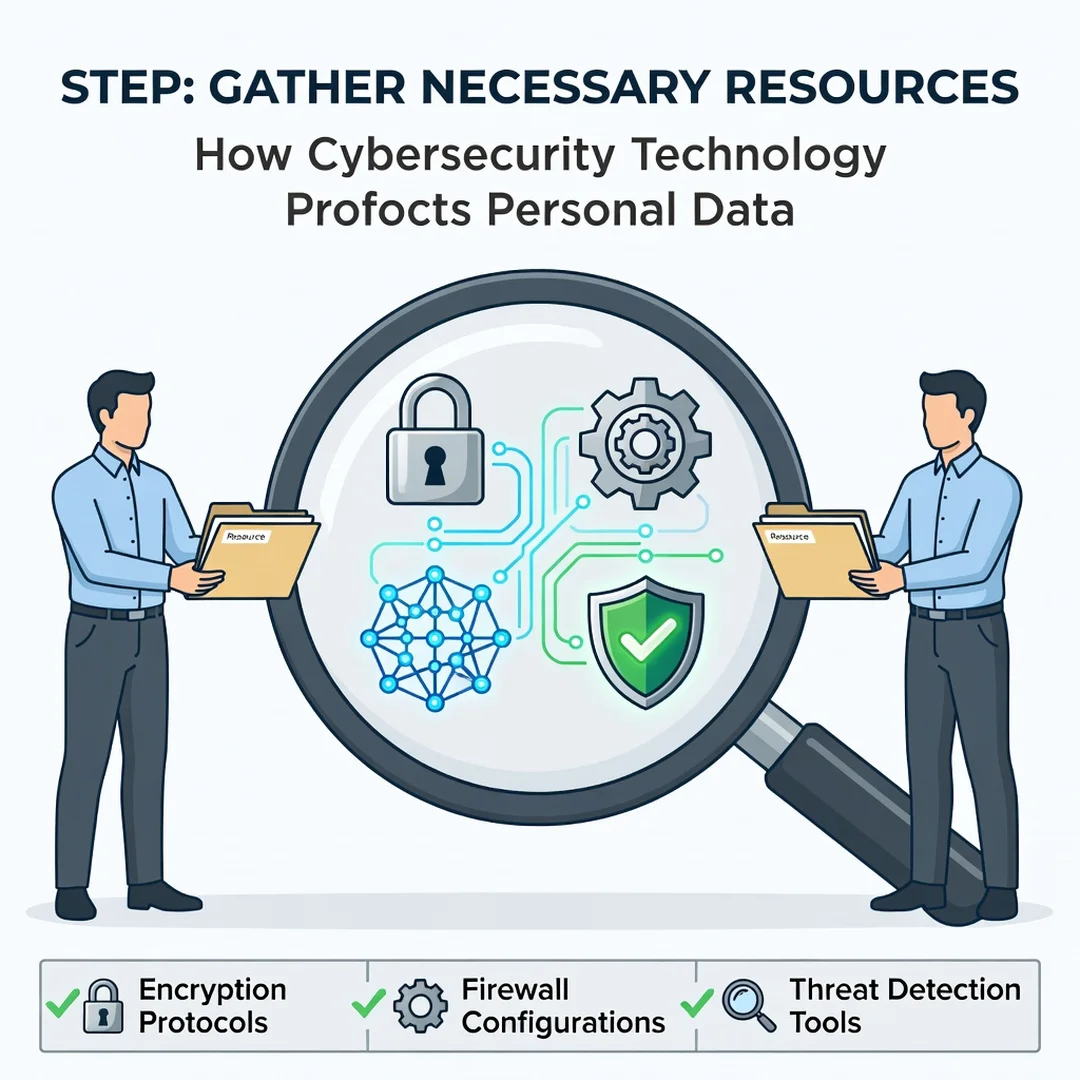
Choose your tools. A reputable password manager, an authenticator app, and a VPN are the essentials for most people. Check that your devices support full-disk encryption and automatic updates. If you are unsure, consult official documentation from the manufacturer or a trusted security organization.
Step 5: Apply the core methods
Execute your plan. Install the password manager and change reused passwords. Enable MFA account by account. Turn on device encryption and automatic updates. Set up backups. Review app permissions and remove anything unnecessary. Do this methodically rather than all at once, and record what you have done so you can maintain it.
FAQ
What should I know about How Cybersecurity Technology Protects Personal Data?
The most important takeaway is that protection comes from layers, not a single product. Encryption, MFA, endpoint protection, and network security each address different risks. You do not need to master every tool — focus on the fundamentals and apply them consistently. Understanding these basics helps you evaluate security claims, choose trustworthy services, and avoid common mistakes like password reuse or ignoring updates.
Who is this guide for?
This guide is for anyone who uses the internet and wants to protect their personal information. That includes individuals managing their own accounts, parents overseeing family devices, remote workers using home networks, and small business owners without a dedicated IT team. No technical background is required. The steps are practical and apply to everyday life.
Conclusion
Cybersecurity technology is not magic — it is a set of well-understood tools and practices that, used together, dramatically reduce the risk to your personal data. Encryption keeps it secret, MFA keeps accounts locked, endpoint protection keeps devices clean, and network security keeps connections safe. Combine those technologies with consistent habits like strong unique passwords, timely updates, and regular backups, and you build a resilient defense. Start with the step-by-step guide above, and remember that reliable information and steady effort lead to better long-term outcomes.
Frequently Asked Questions
What should I know about How Cybersecurity Technology Protects Personal Data?
This guide covers the essentials of How Cybersecurity Technology Protects Personal Data with practical steps you can apply right away.
Who is this guide for?
Anyone looking for a clear, structured overview without unnecessary complexity.
You now have a solid foundation for How Cybersecurity Technology Protects Personal Data. Apply the best practices above and revisit this guide as your needs evolve.