
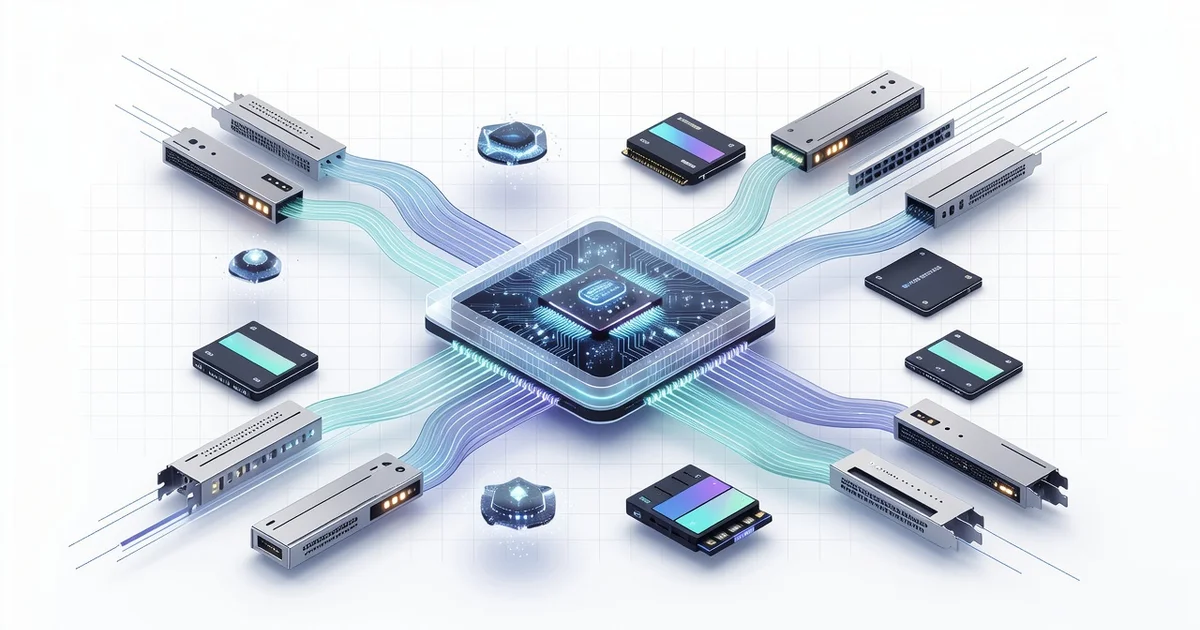
The future of computer hardware and processing technology is arriving faster than most people expect. From chip designs that mimic the human brain to processors built on atoms, the next decade promises faster devices, lower power consumption, and entirely new ways to compute.
Whether you’re upgrading a laptop, planning a business purchase, or simply curious about what’s next, understanding these shifts helps you make smarter decisions today. This article breaks down the key trends shaping tomorrow’s machines—and what they mean for you.
Introduction
Computer hardware and processing technology sit at the foundation of nearly everything digital in modern life. From the smartphone in your pocket to the data centers that power cloud services, advances in silicon, memory, storage, and packaging determine what software can actually do. This article explores The Future of Computer Hardware and Processing Technology with clear, practical guidance. Rather than chasing hype, you will learn the forces shaping the next decade and how to evaluate them for yourself.
Understanding the fundamentals of The Future of Computer Hardware and Processing Technology helps you make informed decisions, whether you are buying a laptop, planning an upgrade cycle for a business, or simply trying to separate real progress from marketing noise. The pace of change can feel overwhelming, but the underlying principles are stable. Once you grasp them, new announcements become much easier to interpret.
Reliable information and consistent habits lead to better long-term outcomes. That applies to tracking hardware trends just as much as it does to personal finance or health. By the end of this guide, you will have a mental model for where computing is heading and a repeatable process for staying current without wasting time or money.
Key Concepts
Before looking ahead, it helps to name the core ideas that define the current era of computing hardware.
- Moore’s Law and its slow-down: The observation that transistor counts roughly doubled every two years has weakened. Transistors still shrink, but gains now come from smarter design rather than raw scaling alone.
- Heterogeneous computing: Instead of one general-purpose CPU doing everything, systems combine CPUs, GPUs, NPUs (neural processing units), and specialized accelerators. Each handles what it does best.
- Advanced packaging and chiplets: Rather than building one giant chip, manufacturers assemble small dies into a single package. This improves yield, lowers cost, and allows mixing of process nodes.
- Memory and storage hierarchy: High-bandwidth memory (HBM), DDR5, and fast NVMe storage reduce the bottleneck between the processor and its data.
- Power and thermal limits: Performance per watt has become the dominant metric. Better cooling and power delivery matter as much as clock speed.
- Edge versus cloud: Some processing moves closer to where data is created, reducing latency and bandwidth costs, while heavy training and large-scale tasks stay in data centers.
These concepts interact. A chiplet design might pair a CPU die with a GPU die and HBM, all on an interposer, all managed by power-aware scheduling. Recognizing these combinations is the key to reading any hardware roadmap.
Deep Dive
To see where processing technology is going, look at the pressures forcing change.
Why single-chip scaling is running out of steam
For decades, shrinking transistors delivered free performance. Today, physics and economics intervene. Building at the smallest nodes costs billions, and leakage current and heat density rise. As a result, the industry shifted from pure miniaturization to architectural innovation: wider cores, better branch prediction, on-chip AI accelerators, and cache stacked directly on compute dies.
The rise of specialized silicon
General-purpose CPUs are excellent at varied, unpredictable workloads. But video encoding, cryptography, and matrix math — the backbone of AI — benefit enormously from dedicated circuits. This is why every major vendor now ships chips with neural engines. For buyers, the practical implication is that “faster” is no longer a single number. A processor may excel at gaming, another at video editing, another at running local AI models.
Memory, storage, and the data bottleneck
Processors can only work as fast as they can fetch data. High-bandwidth memory and PCIe 5.0/6.0 storage aim to close that gap. In practice, you will notice this in faster application loading, quicker model inference, and smoother multitasking. When evaluating any system, check the memory bandwidth and storage interface, not just the CPU model.
What this means for real-world use
Most everyday tasks — browsing, office work, streaming — are already well served by modest hardware. The frontier is in AI inference, real-time rendering, scientific simulation, and large-scale data processing. Knowing which category you fall into prevents overspending. If you run local AI models or edit 8K video, specialized silicon pays off. If you write documents and attend video calls, prioritize battery life, display quality, and enough RAM over the latest chip.
Best Practices
Staying ahead in hardware does not require constant buying. It requires disciplined evaluation.
- Define your workload first. List the top three things you actually do. Match hardware to those tasks, not to benchmark charts.
- Watch performance per watt. Efficiency predicts long-term value better than peak speed, especially for laptops and servers.
- Prefer upgradeable systems where possible. Replaceable RAM and storage extend useful life and reduce e-waste.
- Track the software side. Driver maturity and framework support often determine whether new silicon delivers real gains.
- Buy at the plateau, not the peak. New architectures often need a year to mature. Waiting for revisions can save money and frustration.
- Keep a simple log. Note what you use, how it performs, and when you last upgraded. Patterns reveal when a change is genuinely due.
Reliable information and consistent habits lead to better long-term outcomes here too. A short monthly check of trusted outlets beats reacting to every press release.
Step-by-Step Guide
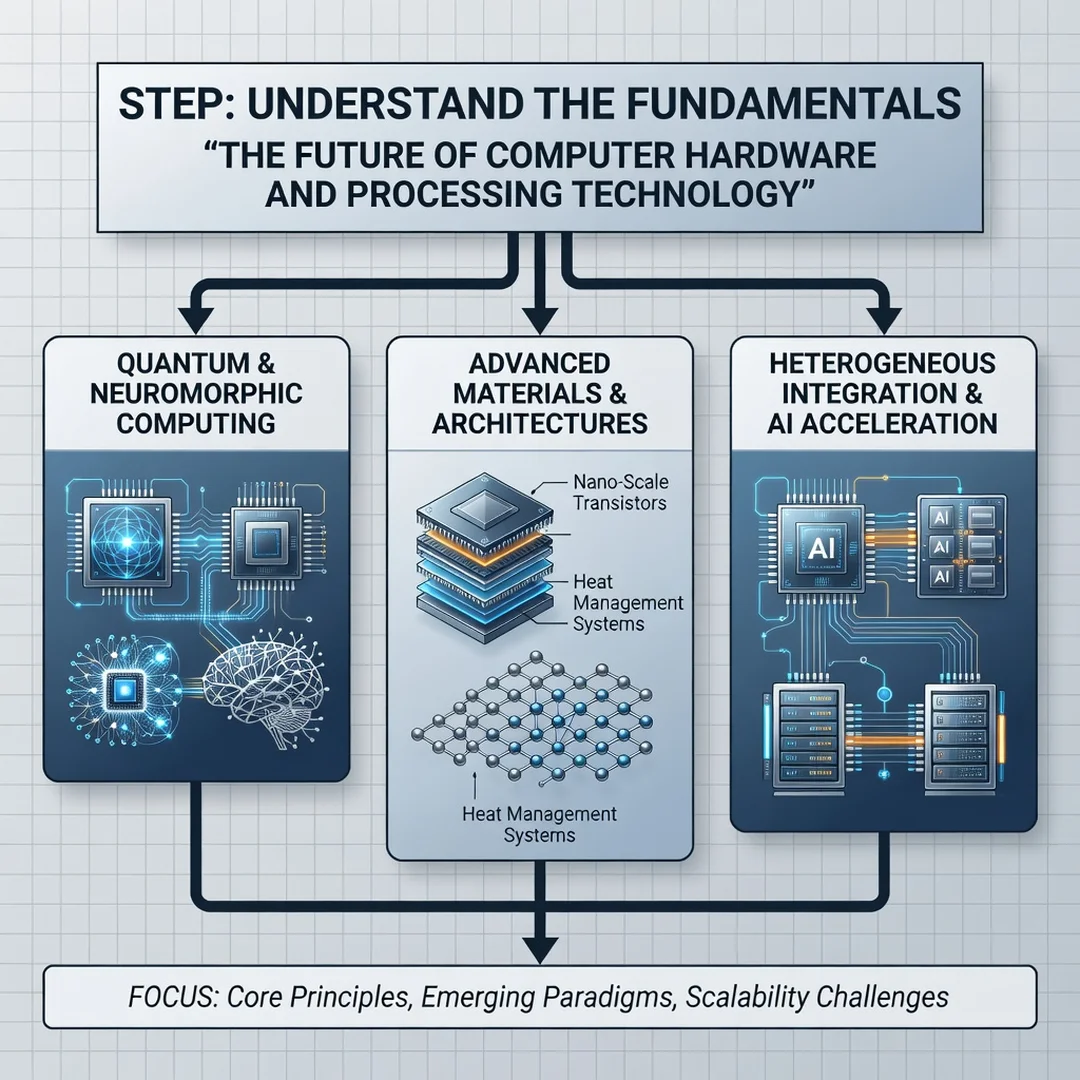
Step 1: Understand the fundamentals
Learn the vocabulary: cores, threads, cache, process node (in nanometers), TDP, memory bandwidth, and accelerator types. You do not need to be an engineer, but you should know what each term means and why it matters. Spend an hour with a reputable explainer and write down definitions in your own words.
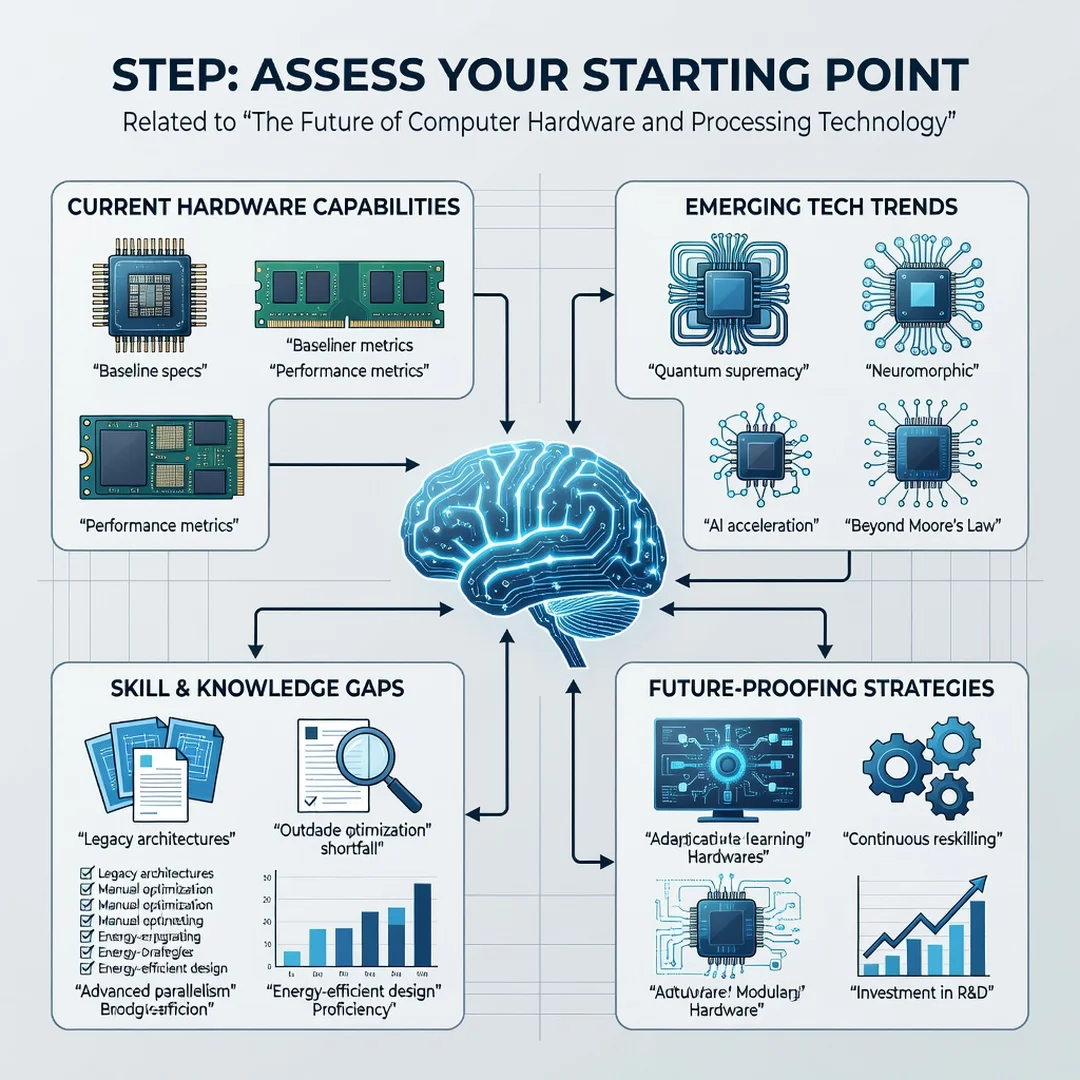
Step 2: Assess your starting point
Audit your current devices. Record the CPU, GPU, RAM amount, storage type, and age. Note which tasks feel slow. This baseline is your reference point. Without it, you cannot tell whether a new purchase will actually improve your experience or just look impressive.
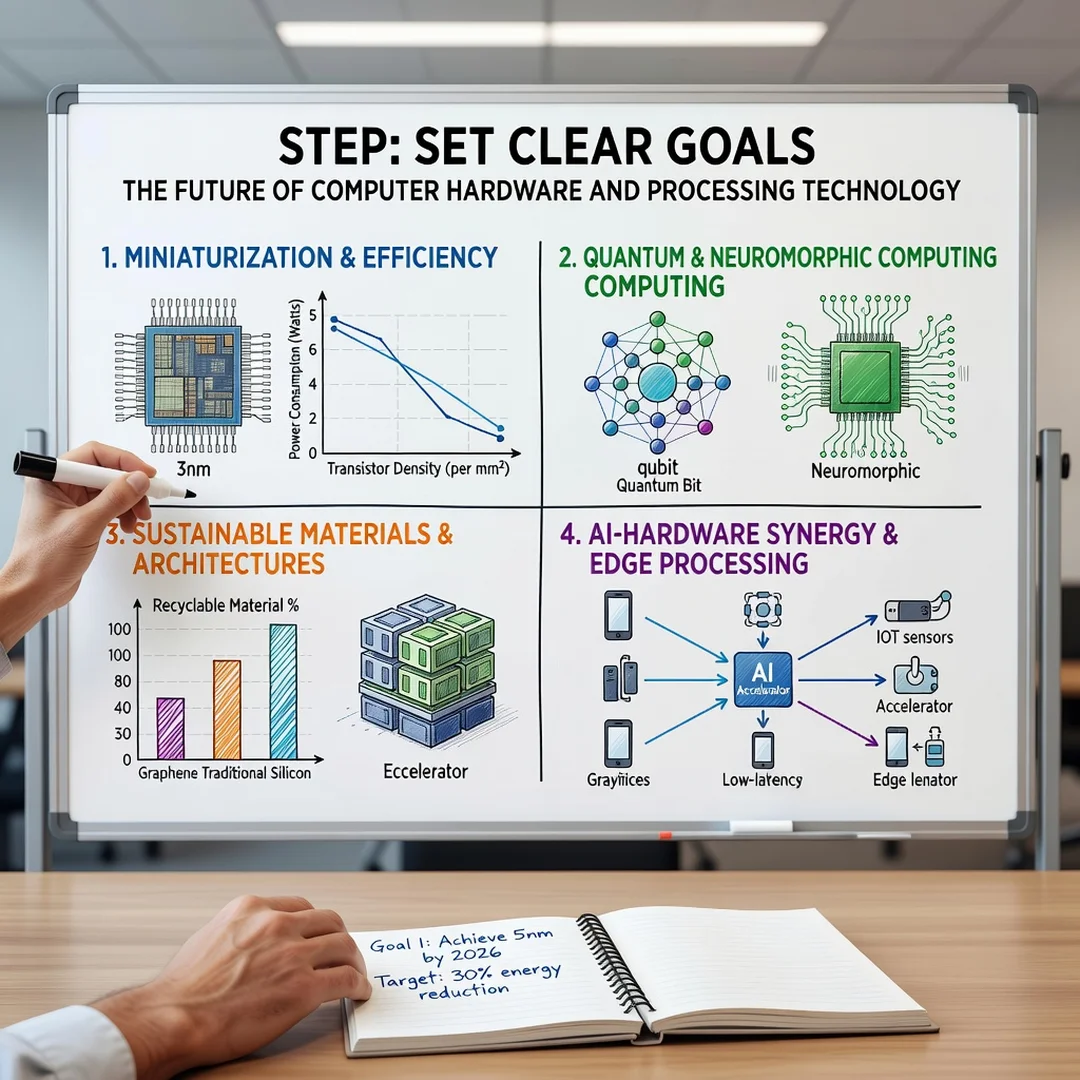
Step 3: Set clear goals
Decide what success looks like. Examples: “Render this video project 30 percent faster,” “Run a local AI model without cloud access,” or “Extend laptop battery life to a full workday.” Concrete goals turn vague interest into a checklist and prevent impulse buys.
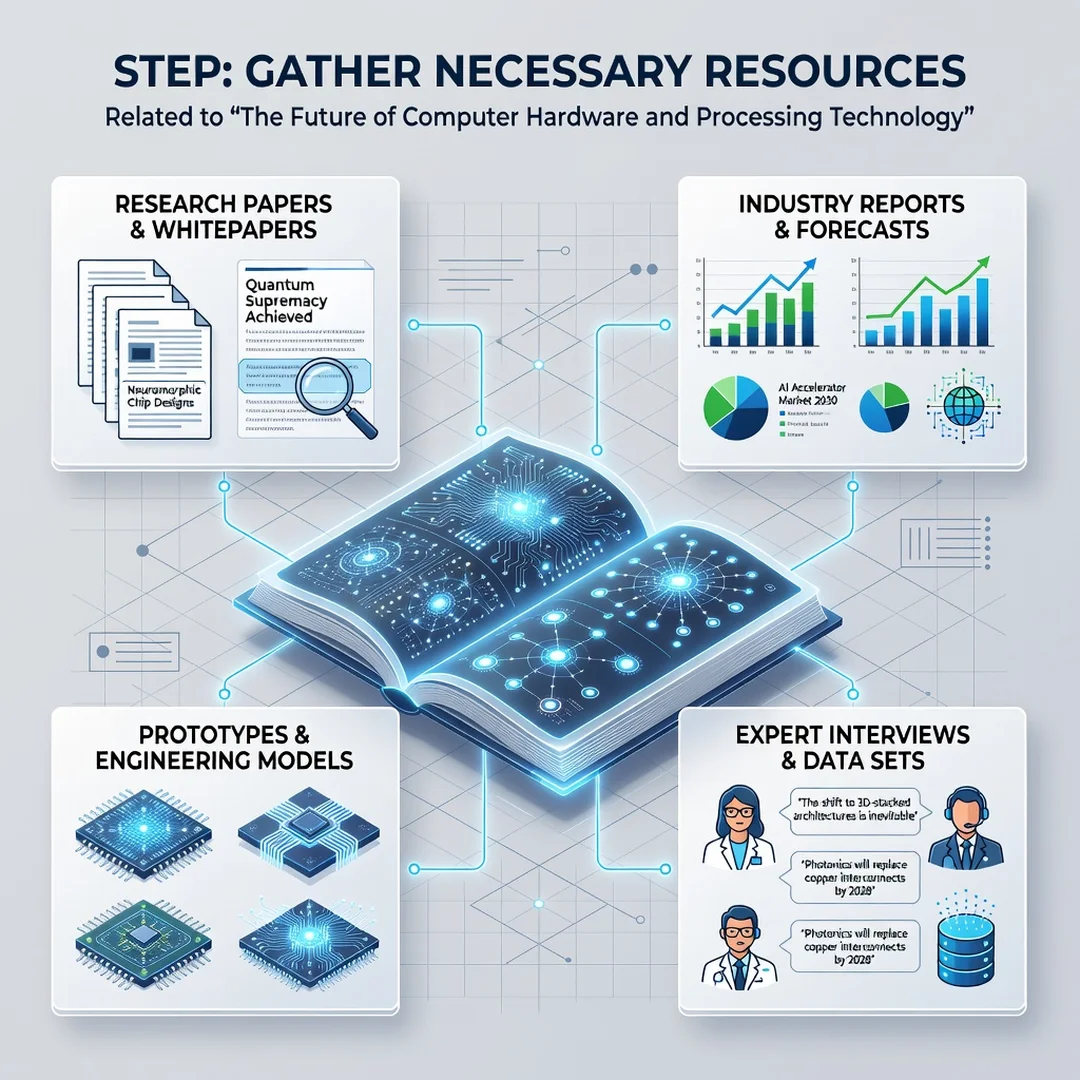
Step 4: Gather necessary resources
Collect trusted sources: manufacturer datasheets, independent benchmark sites, and community forums with real-world reports. Bookmark two or three you trust rather than relying on a single review. For business planning, include budget, warranty terms, and support contracts.
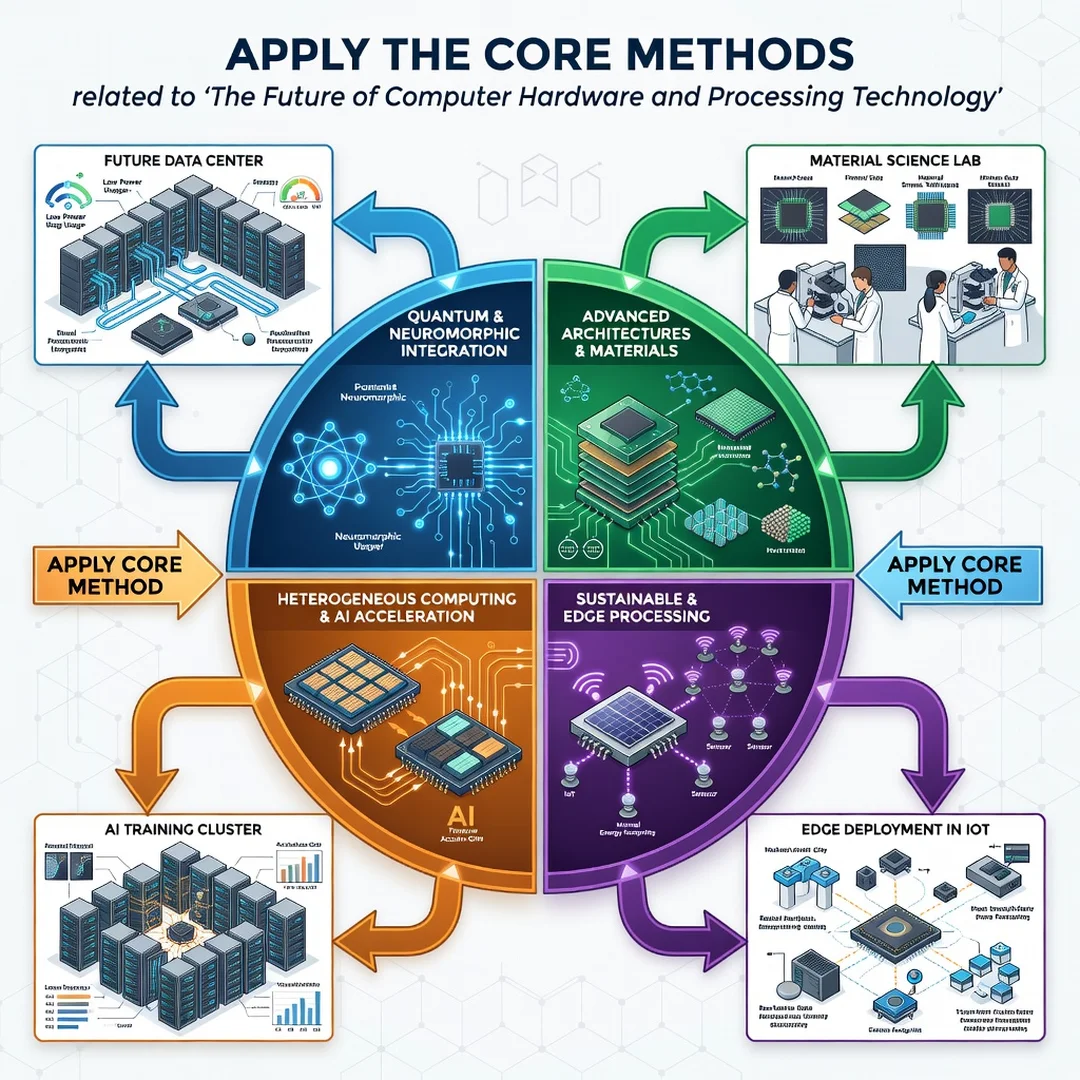
Step 5: Apply the core methods
Compare options against your goals, not against each other in isolation. Test if possible — borrow, rent, or use return policies. Then implement: upgrade, replace, or wait. After a few weeks, revisit your log and confirm whether the change delivered. Repeat the cycle as your needs evolve.
FAQ
What should I know about The Future of Computer Hardware and Processing Technology?
Focus on four things: the shift from raw clock speed to specialized, heterogeneous processors; the growing importance of memory bandwidth and advanced packaging; the central role of performance per watt; and the move of some processing to the edge. You do not need to predict exact products. You need a framework for judging whether any new release fits your actual workload.
Who is this guide for?
It is written for general readers: students, professionals, small-business owners, and hobbyists who want clear, actionable information without deep engineering background. If you make purchasing decisions for yourself or an organization, or simply want to understand where computing is heading, this guide is for you.
Conclusion
The future of computer hardware is not about one breakthrough but about many coordinated advances: chiplets, accelerators, faster memory, and smarter power management. By understanding the fundamentals, assessing your own needs, setting concrete goals, and following a repeatable evaluation process, you can make confident decisions. Reliable information and consistent habits lead to better long-term outcomes — whether you are upgrading a laptop or planning a data center. Stay curious, stay measured, and let your workload guide your choices.
Frequently Asked Questions
What should I know about The Future of Computer Hardware and Processing Technology?
This guide covers the essentials of The Future of Computer Hardware and Processing Technology with practical steps you can apply right away.
Who is this guide for?
Anyone looking for a clear, structured overview without unnecessary complexity.
You now have a solid foundation for The Future of Computer Hardware and Processing Technology. Apply the best practices above and revisit this guide as your needs evolve.