
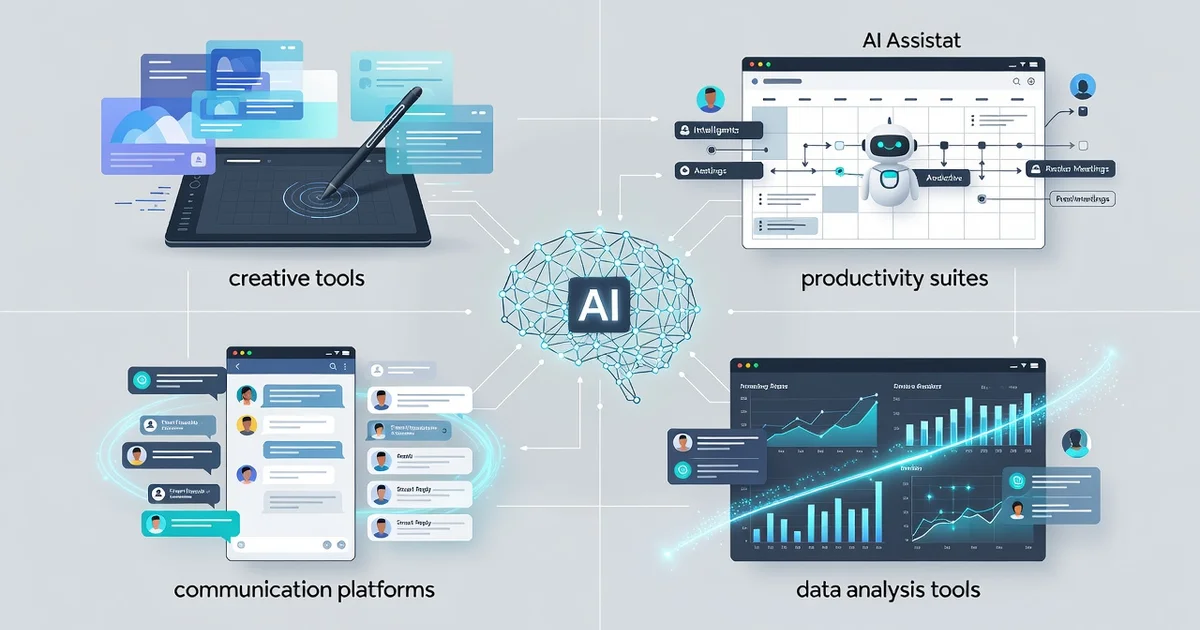
Artificial intelligence is no longer a distant promise—it’s already embedded in the apps you use every day. From email filters that sort spam before you see it to maps that reroute you around traffic in real time, how AI is transforming everyday software is reshaping the tools we rely on, often without us noticing.
This article breaks down where AI shows up in common software, what it actually changes for users, and how you can take advantage of these shifts today. Expect clear examples and practical takeaways—no jargon, just what matters.
Introduction
Artificial intelligence has quietly moved from research labs into the software you already use every day. It shapes the emails you receive, the routes your maps app suggests, the shows your streaming service recommends, and the way your bank flags a suspicious transaction. This article explores How AI Is Transforming Everyday Software with clear, practical guidance, so you can understand what is changing and why it matters.
The shift is not about robots taking over. It is about small, constant improvements that make software faster, more personal, and easier to use. Knowing how these systems work helps you make better decisions as a user, a professional, or a buyer of technology.
Key Concepts
Before diving deeper, it helps to understand a few core ideas that appear again and again in AI-powered software.
- Machine learning: Instead of following only hand-written rules, software learns patterns from data. The more relevant data it sees, the better its predictions tend to become.
- Natural language processing (NLP): This lets software understand and generate human language. It powers chatbots, voice assistants, autocorrect, and summarization tools.
- Recommendation systems: These analyze your past behavior to suggest products, articles, music, or contacts you are likely to want next.
- Computer vision: Software can now interpret images and video. This is used in face unlock, medical imaging, and quality checks on production lines.
- Automation and agents: AI can trigger actions, not just give answers. It can draft a reply, schedule a meeting, or adjust a setting based on context.
Understanding the fundamentals of How AI Is Transforming Everyday Software helps you make informed decisions. You will recognize when a feature is genuinely useful and when it is mostly marketing.
Deep Dive
AI is changing everyday software in several concrete ways. The changes are often invisible, but their impact adds up.
Personalization at scale
Years ago, everyone saw roughly the same app or website. Today, AI tailors the experience to each person. A news app may reorder stories based on your reading history. A fitness app may adjust workout intensity based on your progress and recovery. This level of personalization was impossible with manual rules alone.
Smarter search and assistance
Search bars are becoming conversational. Instead of typing exact keywords, you can ask a question in plain language. The software understands intent, not just words. This is why support chatbots can resolve simple issues without a human agent, and why document editors can suggest full sentences as you type.
Proactive rather than reactive
Traditional software waits for you to click. AI-powered software often acts first. It might warn you about a calendar conflict, flag an unusual expense, or suggest a cheaper route before you ask. This shift from reactive to proactive is one of the biggest changes in everyday tools.
Behind-the-scenes quality improvements
Not all AI is visible. It helps compress files, sharpen photos, reduce background noise on calls, and detect fraud in milliseconds. You may never notice these features, but they make software more reliable and pleasant to use.
Reliable information and consistent habits lead to better long-term outcomes. This applies to how you evaluate AI features, too. A feature that works well one day may behave differently after an update, so staying informed is part of the process.
Best Practices
To get the most from AI-driven software without unnecessary risk, follow these practical habits.
- Verify important outputs: AI can be confident and wrong. Double-check facts, numbers, and legal or medical advice.
- Protect your data: Understand what information an app collects. Avoid sharing sensitive details with tools that do not clearly explain their privacy policy.
- Keep humans in the loop: For high-stakes decisions, use AI as a helper, not the final authority.
- Update regularly: AI models and safety filters improve over time. Updates often fix bugs and reduce errors.
- Adjust settings: Many apps let you limit personalization or turn off AI features you do not need.
- Stay curious but skeptical: Learn what a feature actually does before relying on it.
These habits are simple, but they reduce frustration and help you use AI tools more effectively.
Step-by-Step Guide
If you want to understand and apply AI in your everyday software, follow these five steps.
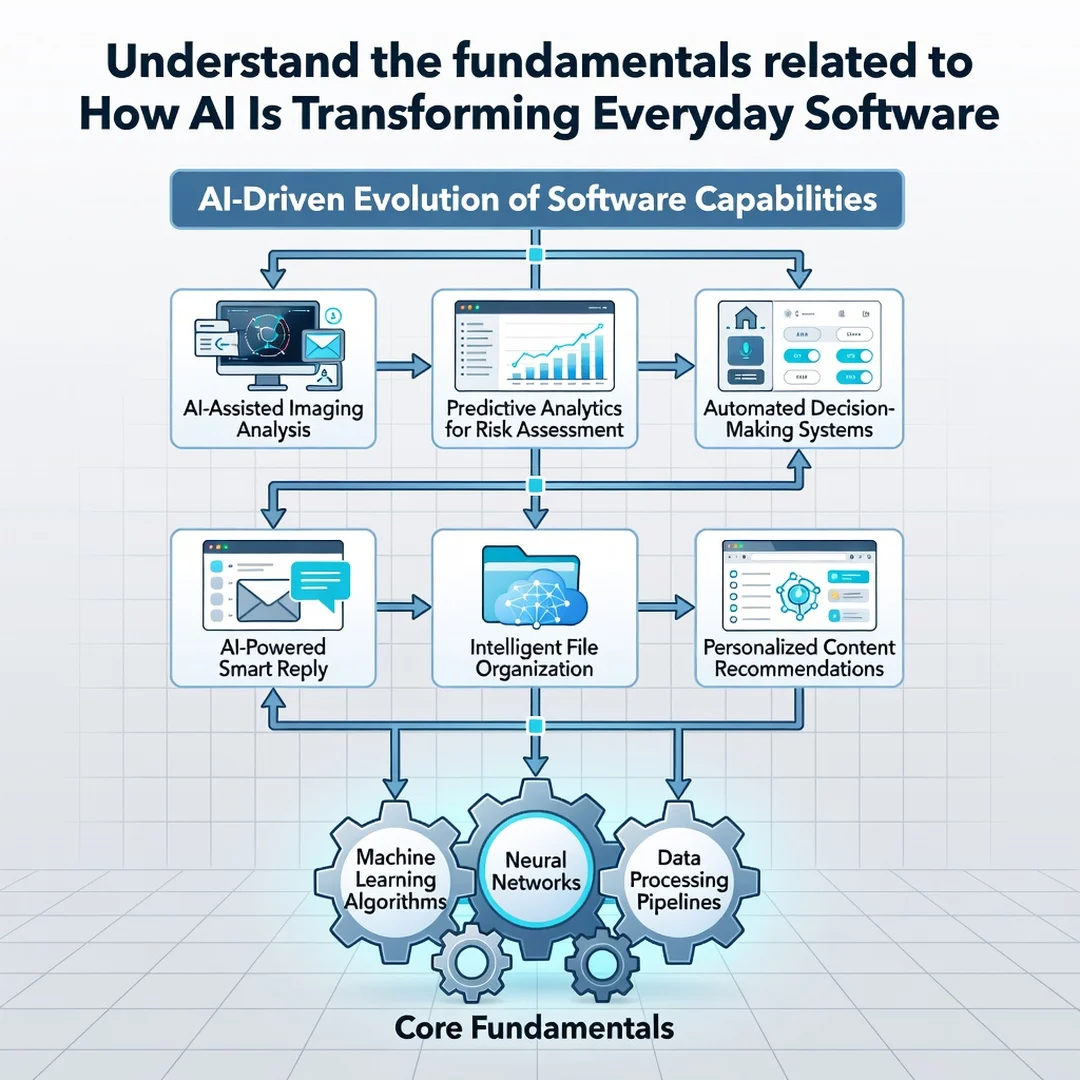
Step 1: Understand the fundamentals
Learn the basic vocabulary: machine learning, training data, and inference. You do not need to be an engineer. A few hours of reading can help you tell the difference between a rule-based feature and a genuinely adaptive one. This foundation makes every later decision easier.
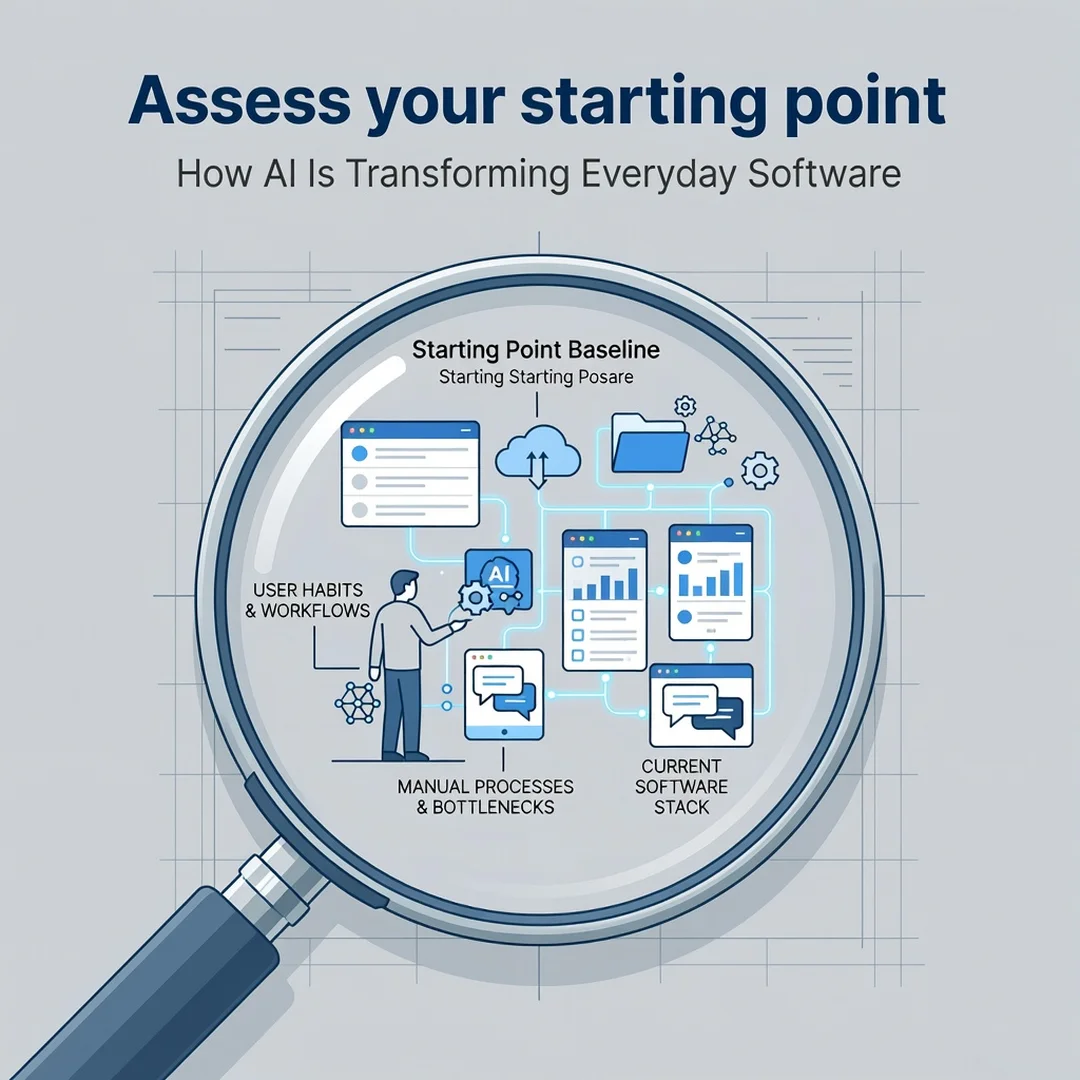
Step 2: Assess your starting point
Look at the software you already use. Which tools have AI features? Which ones do you actually rely on? Make a simple list. Note where AI helps you and where it gets in the way. This gives you a realistic picture instead of a vague impression.
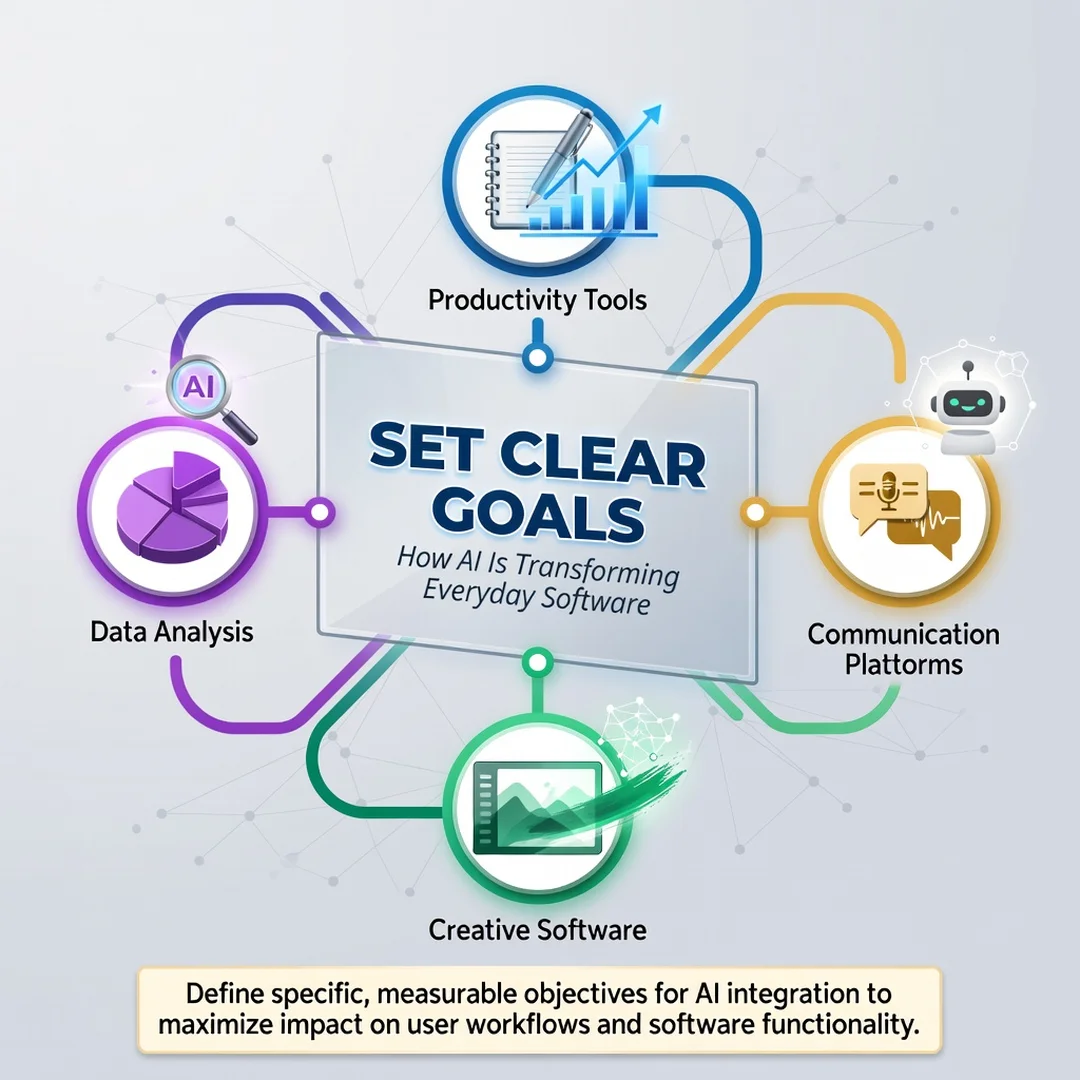
Step 3: Set clear goals
Decide what you want from AI in your daily tools. Maybe you want to save time on email, get better search results, or reduce repetitive tasks. Clear goals help you choose features that matter and ignore the rest. Without goals, it is easy to be swayed by hype.
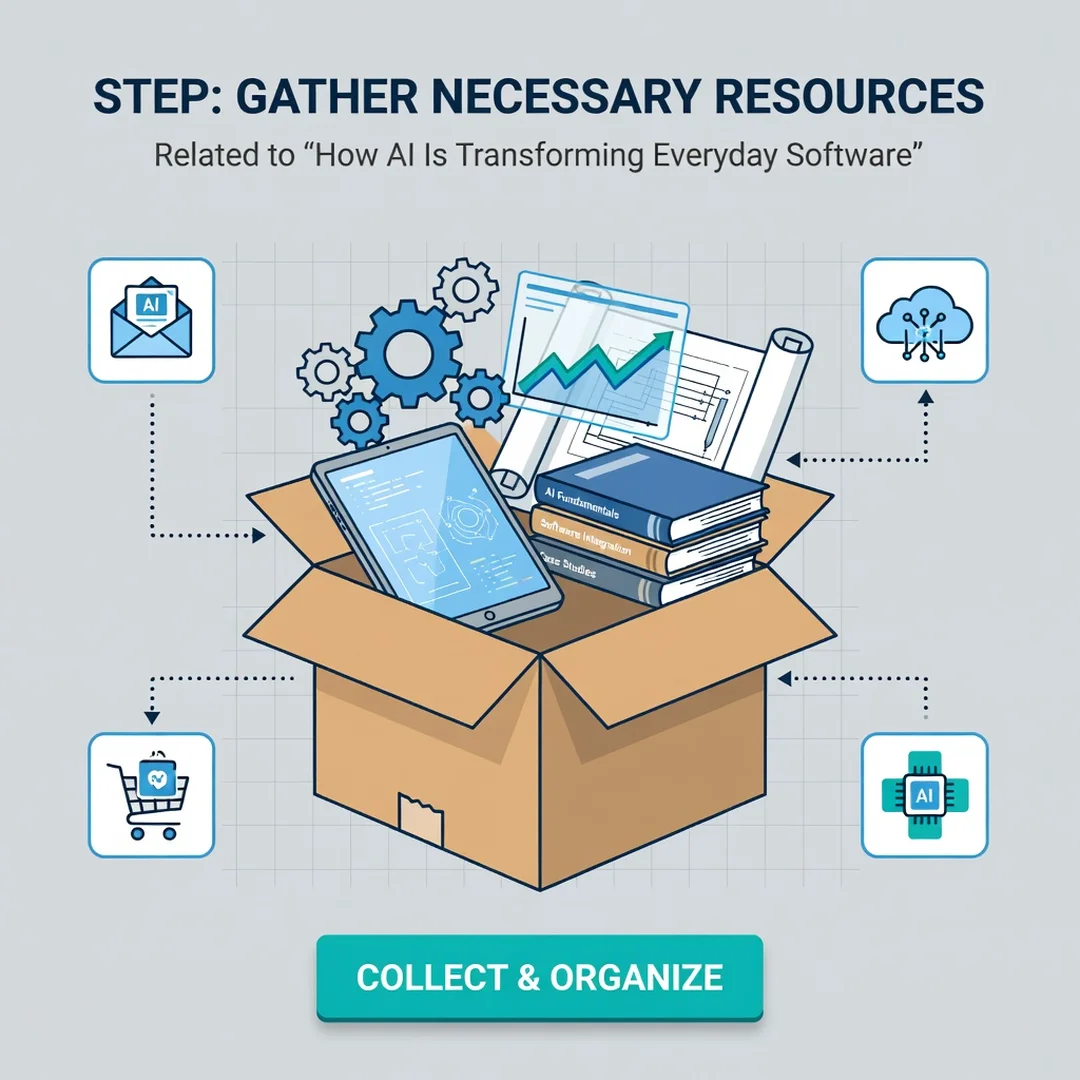
Step 4: Gather necessary resources
Collect what you need to use these features well. That might include reading the help documentation, enabling a setting, or learning a few prompt-writing tips. If you are evaluating software for a team, gather feedback from the people who will use it most. Good information leads to better choices.
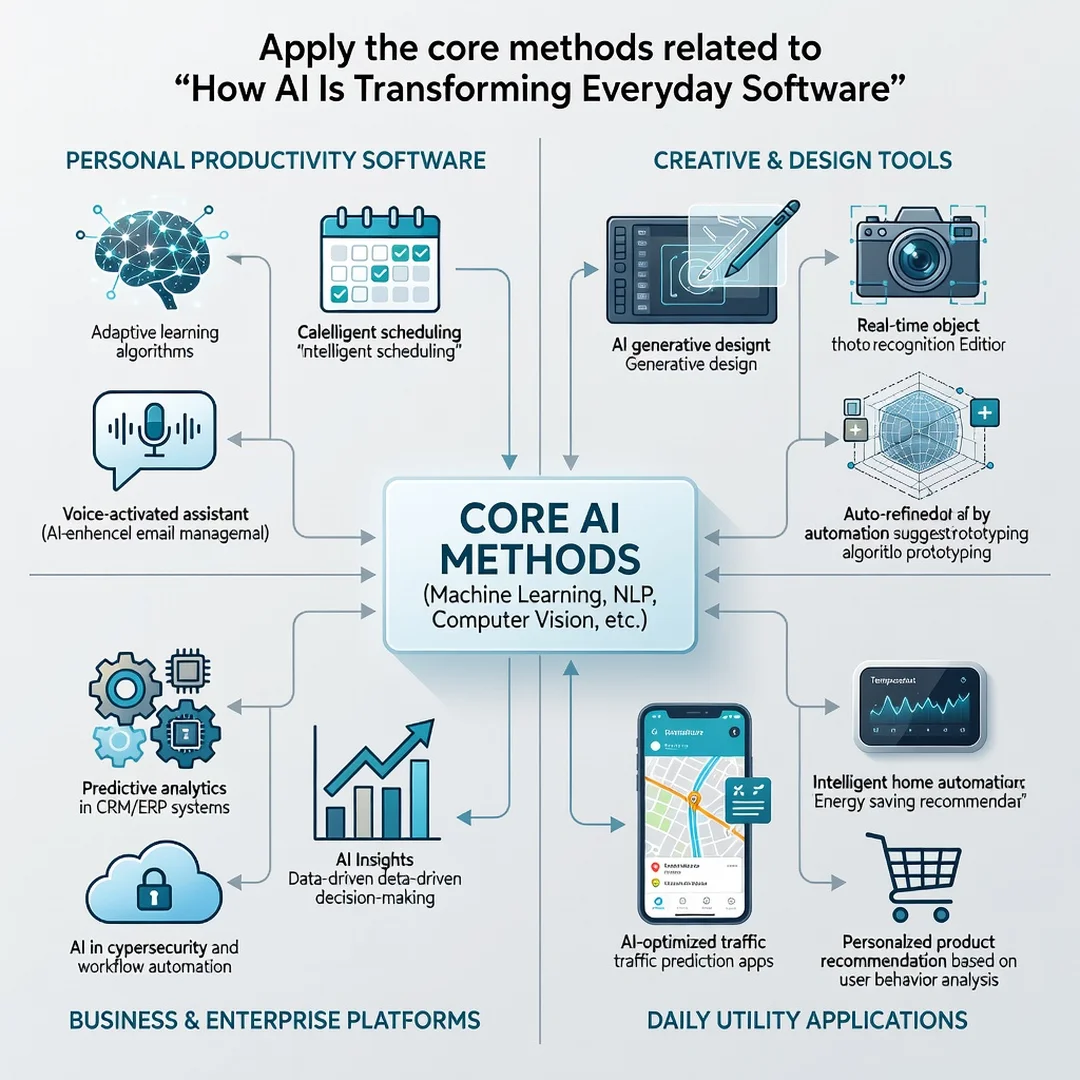
Step 5: Apply the core methods
Start using one AI feature consistently. For example, use a summarization tool for meeting notes or a smart reply feature for routine messages. Track whether it saves time or improves quality. If it does, expand to another area. If not, adjust or turn it off. Small, consistent experiments teach you more than passive reading.
FAQ
What should I know about How AI Is Transforming Everyday Software?
The most important thing is that AI is already embedded in common tools, often invisibly. It changes how software personalizes content, understands language, and acts proactively. You should know that these features depend on data, can make mistakes, and usually improve with updates. Understanding this helps you use them wisely and avoid overtrusting them.
Who is this guide for?
This guide is for anyone who uses everyday software and wants a clear, practical explanation of AI’s role. That includes students, professionals, small business owners, and curious general readers. No technical background is required. The goal is to help you make informed decisions and build consistent habits around AI-powered tools.
Conclusion
AI is not a distant future; it is woven into the apps and services you touch daily. By understanding key concepts, following best practices, and applying a step-by-step approach, you can use these changes to your advantage. Reliable information and consistent habits lead to better long-term outcomes. Stay informed, stay skeptical, and let AI serve your goals rather than distract from them.
Frequently Asked Questions
What should I know about How AI Is Transforming Everyday Software?
This guide covers the essentials of How AI Is Transforming Everyday Software with practical steps you can apply right away.
Who is this guide for?
Anyone looking for a clear, structured overview without unnecessary complexity.
You now have a solid foundation for How AI Is Transforming Everyday Software. Apply the best practices above and revisit this guide as your needs evolve.