

Website speed is no longer a nice-to-have — it directly affects user experience, search rankings, and conversion rates. When a page takes more than a few seconds to load, visitors often leave before they ever see your content. That’s why understanding how modern websites improve speed and performance has become essential for anyone running or building a site today.
In this article, we’ll break down the practical techniques that make modern sites fast: optimized images, efficient caching, lightweight code, and smarter hosting. Whether you manage a personal blog or a business platform, these actionable tips will help you deliver a faster, smoother experience that keeps visitors engaged.
Introduction
When you click a link, you expect the page to appear almost instantly. That expectation shapes how you judge a website, and it determines whether you stay or leave. Modern websites improve speed and performance through a combination of smarter delivery, leaner code, and continuous measurement. This article explores How Modern Websites Improve Speed and Performance with clear, practical guidance you can apply to your own site or use to evaluate the sites you depend on.
Performance is not a single trick. It is a set of decisions made at every stage, from how images are stored to how scripts load in the browser. The good news is that most improvements follow well-documented patterns. Once you understand them, you can spot bottlenecks quickly and fix the ones that matter most.
Speed also affects more than user patience. Search engines consider page experience signals, and slower pages tend to rank lower and convert worse. Whether you run a business site, a blog, or an internal tool, treating performance as an ongoing habit rather than a one-time project pays off. Reliable information and consistent habits lead to better long-term outcomes.
Key Concepts
Before diving into fixes, it helps to understand a few fundamentals. Understanding the fundamentals of How Modern Websites Improve Speed and Performance helps you make informed decisions instead of chasing random tips.
Core Web Vitals
Google’s Core Web Vitals measure real user experience. The main metrics are Largest Contentful Paint (LCP), which tracks how quickly the main content loads; Interaction to Next Paint (INP), which measures responsiveness to clicks and taps; and Cumulative Layout Shift (CLS), which captures unexpected movement of page elements. Good scores are roughly under 2.5 seconds for LCP, under 200 milliseconds for INP, and under 0.1 for CLS.
Critical Rendering Path
The critical rendering path is the sequence of steps a browser takes to turn HTML, CSS, and JavaScript into visible pixels. Anything that blocks this path—large stylesheets, synchronous scripts, or slow servers—delays what users see.
Caching and Content Delivery
Caching stores copies of resources so the browser or a server can reuse them instead of downloading them again. A Content Delivery Network (CDN) pushes those copies to servers around the world, so users download from a location near them.
Resource Optimization
Images, fonts, and third-party scripts are usually the heaviest parts of a page. Compressing images, using modern formats, and loading scripts only when needed can cut page weight dramatically.
Deep Dive
Modern performance work centers on delivering the smallest useful payload as fast as possible, then making the page interactive without delay.
How Images Are Handled
Images often account for more than half of a page’s total bytes. Modern sites serve responsive images sized to the user’s screen, convert them to formats like WebP or AVIF, and use lazy loading so off-screen images download only when the user scrolls near them.
How JavaScript Is Managed
JavaScript is expensive because the browser must download, parse, and execute it. Modern sites split code into smaller chunks, defer non-critical scripts, and remove unused libraries. Some move rendering to the server so the browser receives ready-to-display HTML.
How Hosting and Architecture Matter
A fast global CDN, HTTP/2 or HTTP/3, and edge computing reduce the distance data travels. Static site generation and server-side rendering can deliver content faster than client-side rendering alone, especially on first load.
How Measurement Drives Improvement
Tools like Lighthouse, PageSpeed Insights, and real-user monitoring (RUM) reveal what actual visitors experience. Lab data shows what could happen; field data shows what does happen. Combining both prevents guesswork.
Best Practices
These habits consistently produce faster, more reliable websites.
- Compress and resize every image before upload, and serve modern formats with fallbacks.
- Minify HTML, CSS, and JavaScript to remove unnecessary characters and comments.
- Use a CDN so assets load from a server close to each visitor.
- Enable browser caching with appropriate cache-control headers for static assets.
- Load third-party scripts asynchronously and audit them regularly for bloat.
- Keep the number of web fonts small and use font-display: swap.
- Set explicit width and height attributes on images to prevent layout shift.
- Monitor Core Web Vitals continuously rather than testing once.
Each of these steps is inexpensive to implement and compounds over time. Together they form the backbone of modern performance strategy.
Step-by-Step Improvement Plan
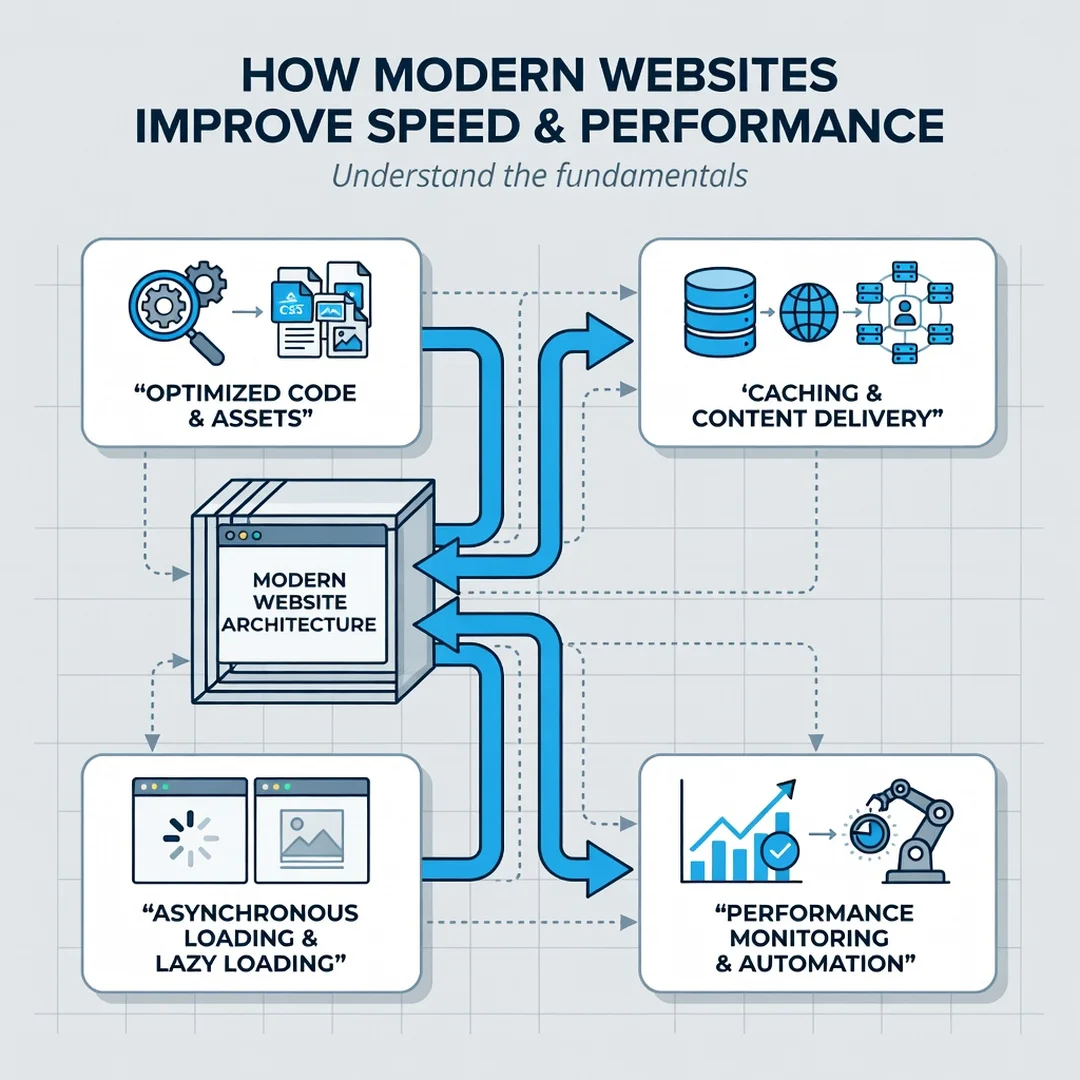
Step 1: Understand the fundamentals
Learn what LCP, INP, and CLS measure and why they matter. Read the official documentation so you recognize which problems affect perceived speed and which are minor. This foundation keeps you from optimizing the wrong things.
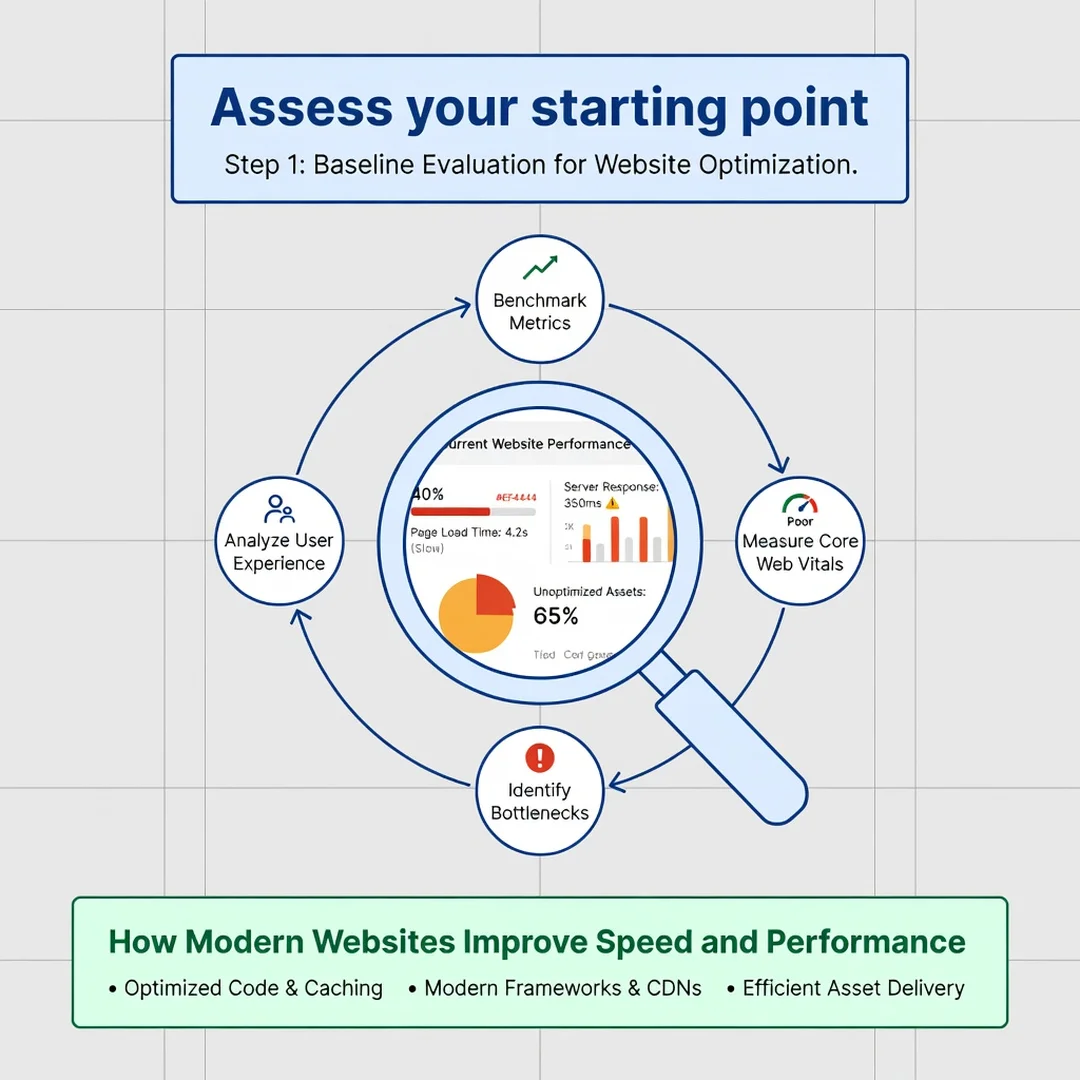
Step 2: Assess your starting point
Run your site through PageSpeed Insights and review field data if available. Note your current LCP, INP, and CLS values, total page weight, and the largest resources. Record these numbers so you can measure progress objectively.
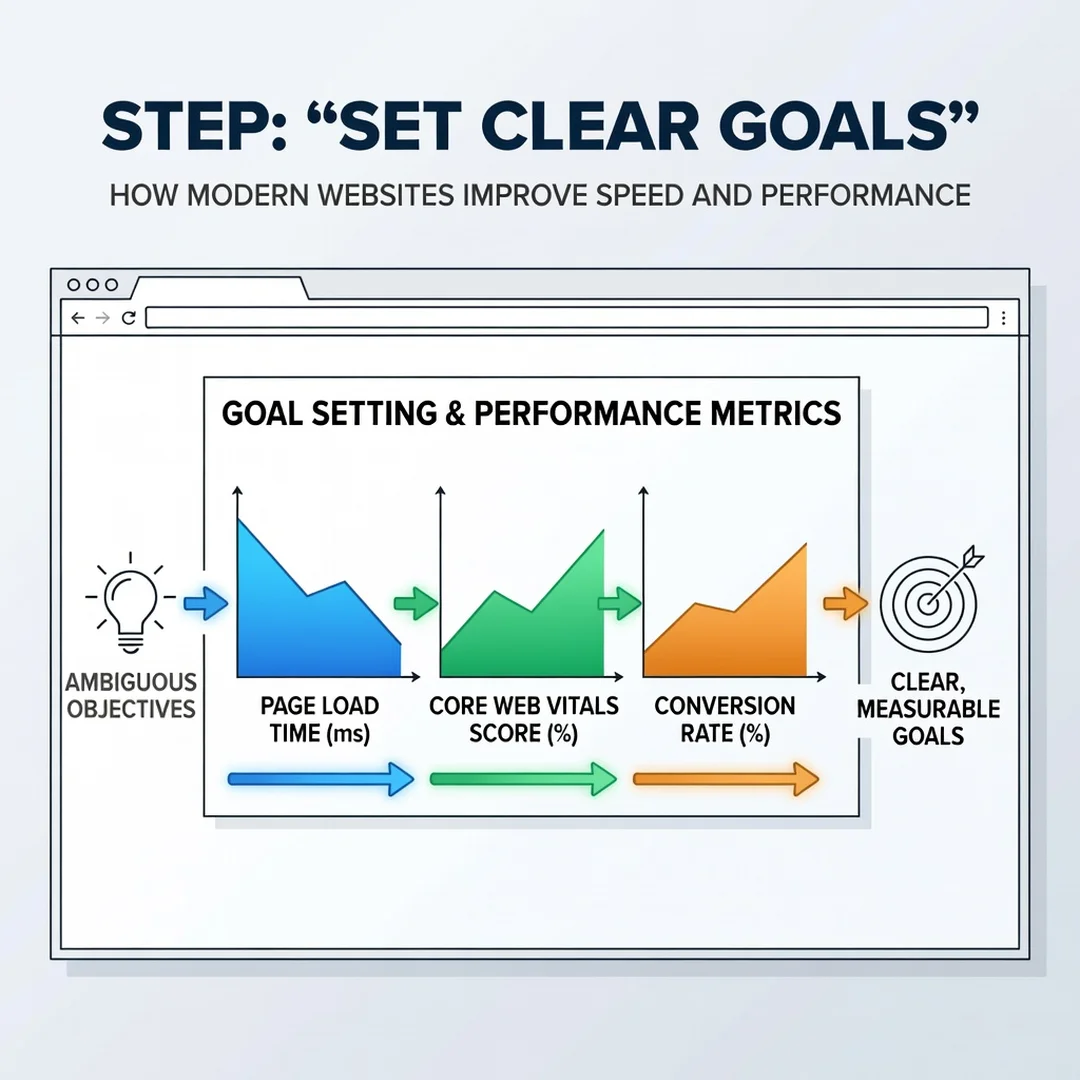
Step 3: Set clear goals
Define targets such as LCP under 2.5 seconds and CLS under 0.1 on mobile. Prioritize the metrics that affect your users most. A clear goal turns a vague wish for “faster” into a measurable objective.
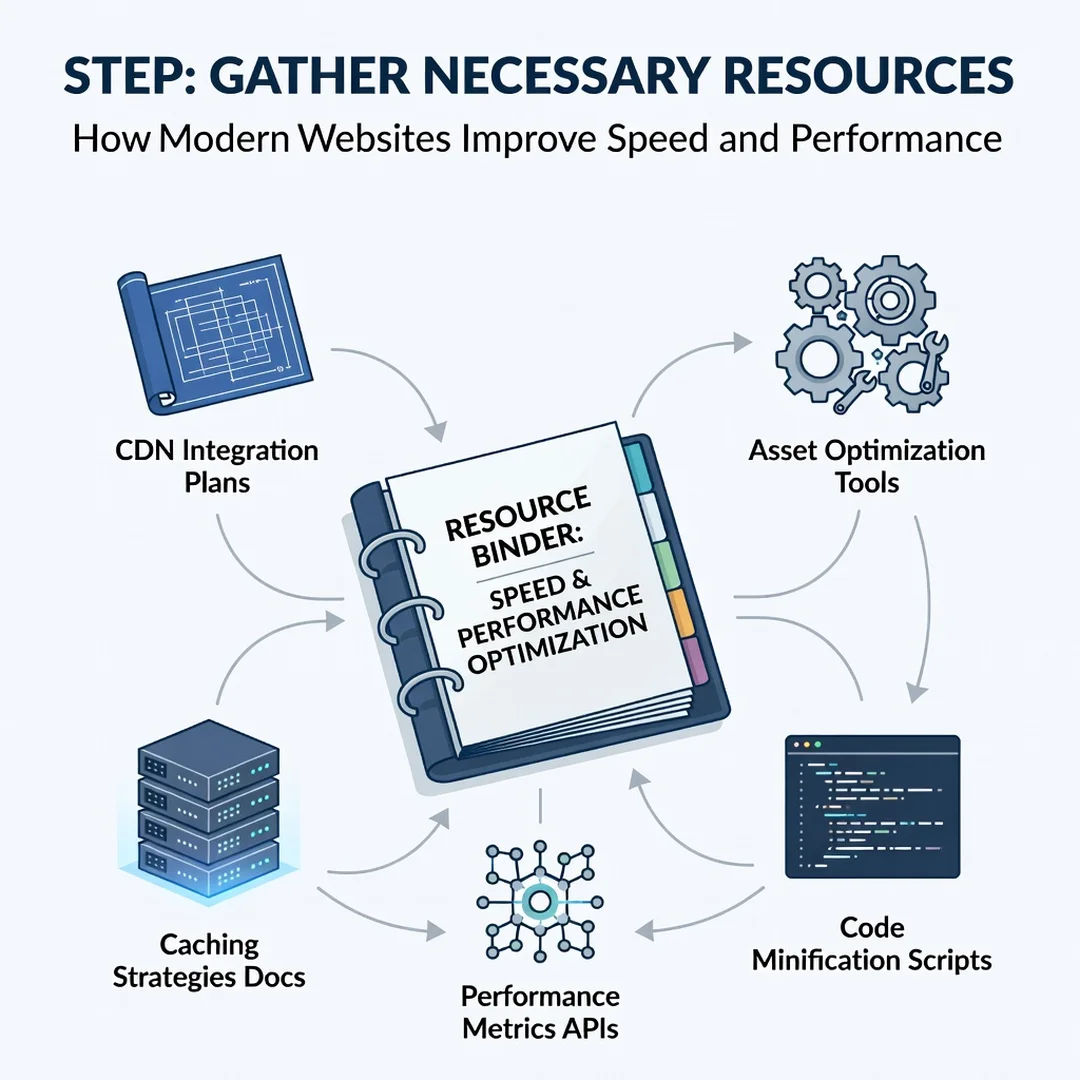
Step 4: Gather necessary resources
Identify the tools you need: an image compressor, a CDN account, a performance testing tool, and access to your site’s code or CMS settings. Assign someone to own performance so improvements do not stall.
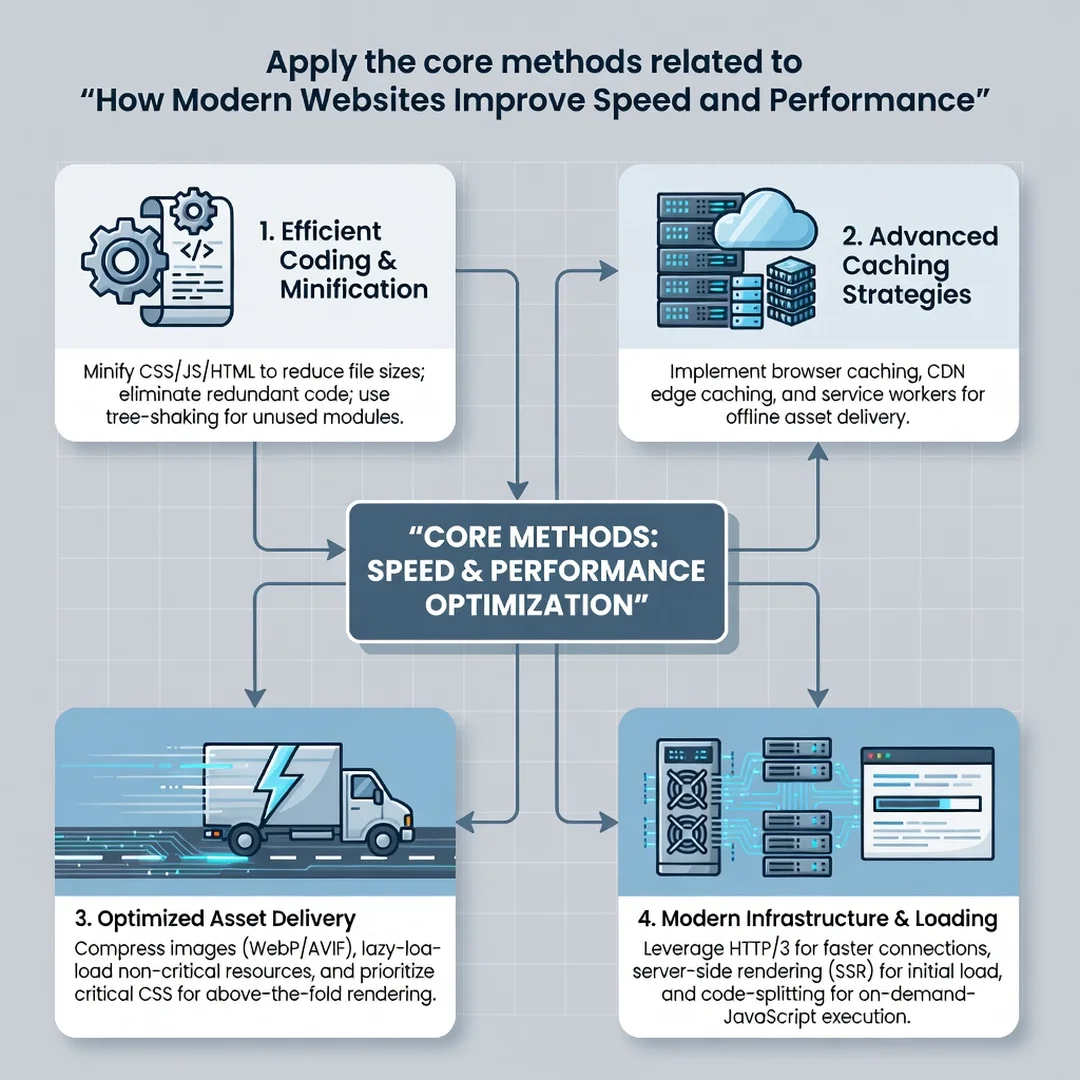
Step 5: Apply the core methods
Start with the highest-impact fixes: compress images, enable caching, defer non-critical scripts, and reduce third-party tags. Re-test after each change. Track your Core Web Vitals monthly and address regressions as they appear.
FAQ
What should I know about How Modern Websites Improve Speed and Performance?
The most important takeaway is that speed comes from many small, well-understood improvements rather than one magic fix. Focusing on Core Web Vitals, optimizing images and scripts, using a CDN, and measuring real-user data will address the vast majority of performance problems. Consistency matters more than perfection.
Who is this guide for?
This guide is for website owners, marketers, developers, and anyone who wants a practical understanding of web performance without deep technical jargon. It suits beginners seeking a clear starting point and experienced readers who want a structured checklist.
Conclusion
Modern websites improve speed and performance by delivering less data, delivering it from closer to the user, and measuring the results continuously. The concepts are approachable, and the best practices are within reach of any team. Start with a baseline assessment, set measurable goals, and apply improvements one at a time. Reliable information and consistent habits lead to better long-term outcomes—both for your metrics and for the people who use your site every day.
Frequently Asked Questions
What should I know about How Modern Websites Improve Speed and Performance?
This guide covers the essentials of How Modern Websites Improve Speed and Performance with practical steps you can apply right away.
Who is this guide for?
Anyone looking for a clear, structured overview without unnecessary complexity.
You now have a solid foundation for How Modern Websites Improve Speed and Performance. Apply the best practices above and revisit this guide as your needs evolve.