
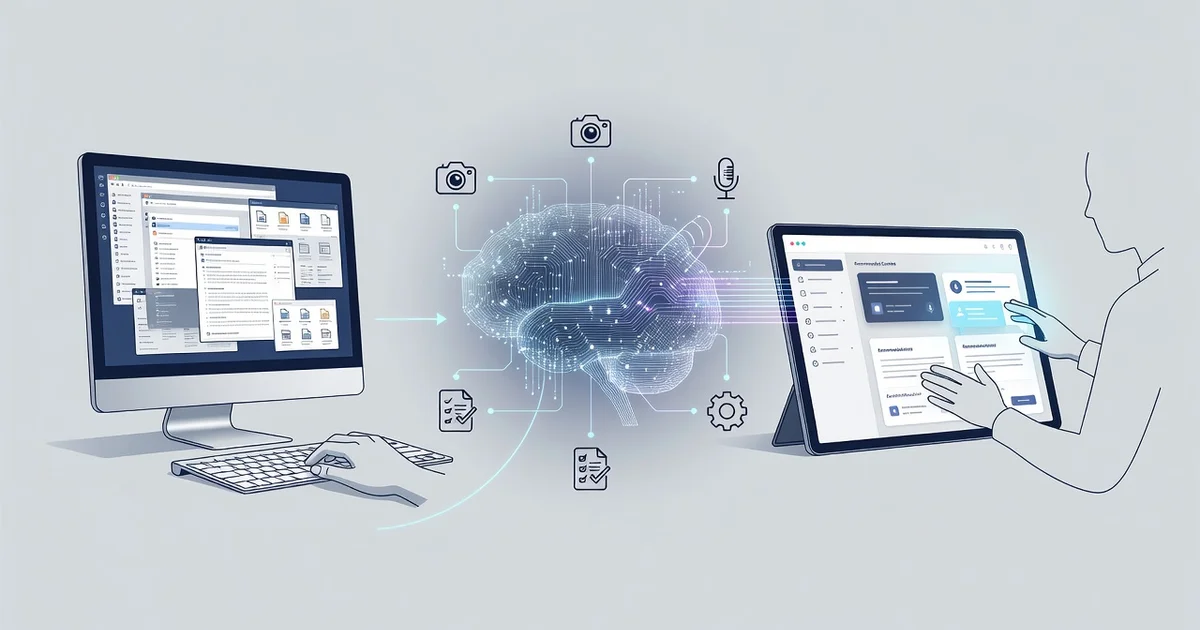
For decades, we interacted with computers by clicking icons, typing commands, and memorizing where every feature lived. Today, how AI is changing the way we use computers goes far beyond faster processors or sleeker screens—it’s reshaping the entire experience. Instead of learning the machine, you can now simply describe what you need in plain language and let AI handle the rest.
This shift affects everything from writing emails to analyzing spreadsheets. In this article, we’ll break down the practical changes, real examples, and actionable steps so you can use these tools confidently—starting today.
Introduction
Not long ago, using a computer meant learning where things were. You memorized menu paths, clicked through folders, and typed exact commands or search terms. The machine waited for you, and you adapted to it. Artificial intelligence is reversing that relationship. Modern computers increasingly adapt to you — predicting what you want, understanding plain language, and acting on intent rather than instruction.
This article explores how AI is changing the way we use computers with clear, practical guidance. You will learn what has actually shifted, why it matters for everyday tasks, and how to build habits that keep you productive and in control. Understanding the fundamentals helps you make informed decisions instead of chasing hype.
Key Concepts
Before the practical steps, it helps to name the forces at work. Four ideas explain most of what you are seeing.
From commands to intent
Traditional software requires precise input. AI-powered tools accept goals: “summarize this report,” “find the error in this spreadsheet,” “draft a reply.” The computer interprets intent, which lowers the skill barrier for complex tasks.
Predictive interfaces
Operating systems now suggest settings, autocomplete sentences, organize photos, and surface files you are likely to need. These small predictions quietly remove friction from routine work.
Natural language as the interface
Typing exact syntax is becoming optional. You can describe a task in ordinary words, and the system translates it into actions — writing code, building a chart, or formatting a document.
Assistants embedded everywhere
AI is no longer a separate app. It appears inside word processors, browsers, email clients, spreadsheets, and operating systems. The tool fades into the background, and the task stays in front of you.
Together, these shifts mean the computer becomes less of a machine to operate and more of a collaborator to direct.
Deep Dive
The most visible change is speed. Tasks that once took an hour — drafting a proposal, cleaning a dataset, researching a topic — can now take minutes with an AI assistant. But the deeper change is cognitive. You spend less energy remembering how to do something and more energy deciding what is worth doing.
Consider three everyday examples:
- Writing: Instead of staring at a blank page, you describe your goal and edit a first draft. Your role shifts from generator to editor, which is often faster and produces better results.
- Research: Instead of opening twenty tabs, you ask a question and receive a synthesized answer with sources to verify. The skill becomes evaluating quality, not collecting links.
- Technical work: Instead of memorizing syntax, you describe what the code should accomplish and review what is generated. Debugging moves from guessing to inspecting.
There is a trade-off. AI systems can be confidently wrong, reflect biases in their training data, and raise real privacy questions when you paste sensitive information into them. The practical rule is simple: treat AI output as a capable first draft, never as a final answer. Verify facts, check numbers, and avoid sharing confidential data with tools you do not trust.
Reliable information and consistent habits lead to better long-term outcomes. People who use AI well are not the ones who automate everything. They are the ones who know which tasks to delegate and which to keep.
Best Practices
Good habits separate productive AI use from frustration. Start with these.
- Be specific. “Make this shorter” is vague. “Cut this to 150 words and keep the key statistics” gets a usable result.
- Verify before you rely. Check names, dates, figures, and citations. If a claim matters, confirm it independently.
- Protect sensitive data. Do not paste passwords, personal records, or confidential business information into tools without clear data policies.
- Keep a human in the loop. Review, edit, and take responsibility for anything you publish or send.
- Iterate in small steps. Ask for one improvement at a time rather than a complete rewrite. Quality improves with each pass.
- Stay current. AI tools change monthly. A quick check of official documentation beats outdated advice.
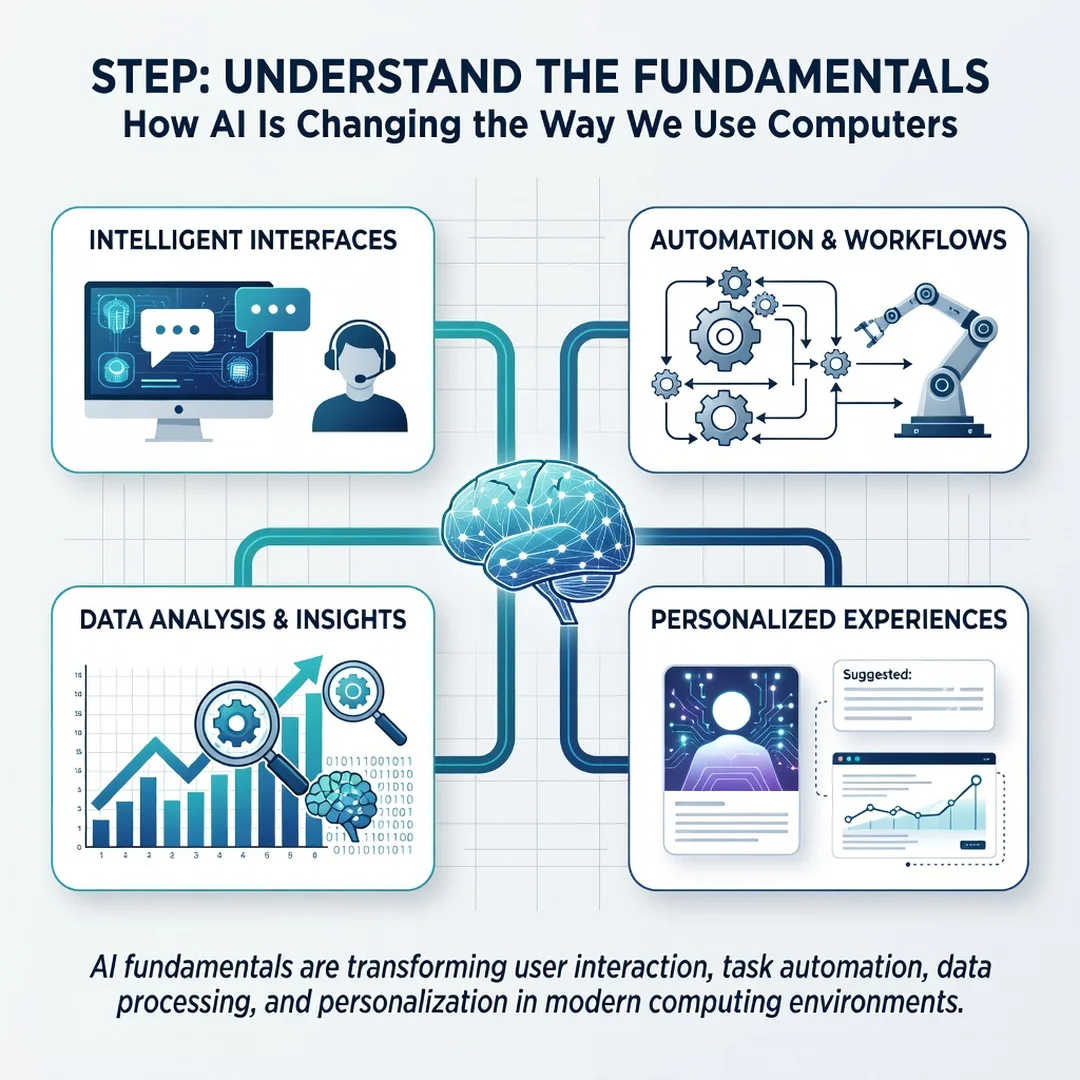
Step 1: Understand the fundamentals
Spend one focused hour learning what AI assistants can and cannot do. Try a simple task — summarize an article, draft an email, explain a concept. Note where the output was strong and where it missed. This baseline prevents both over-reliance and dismissal.
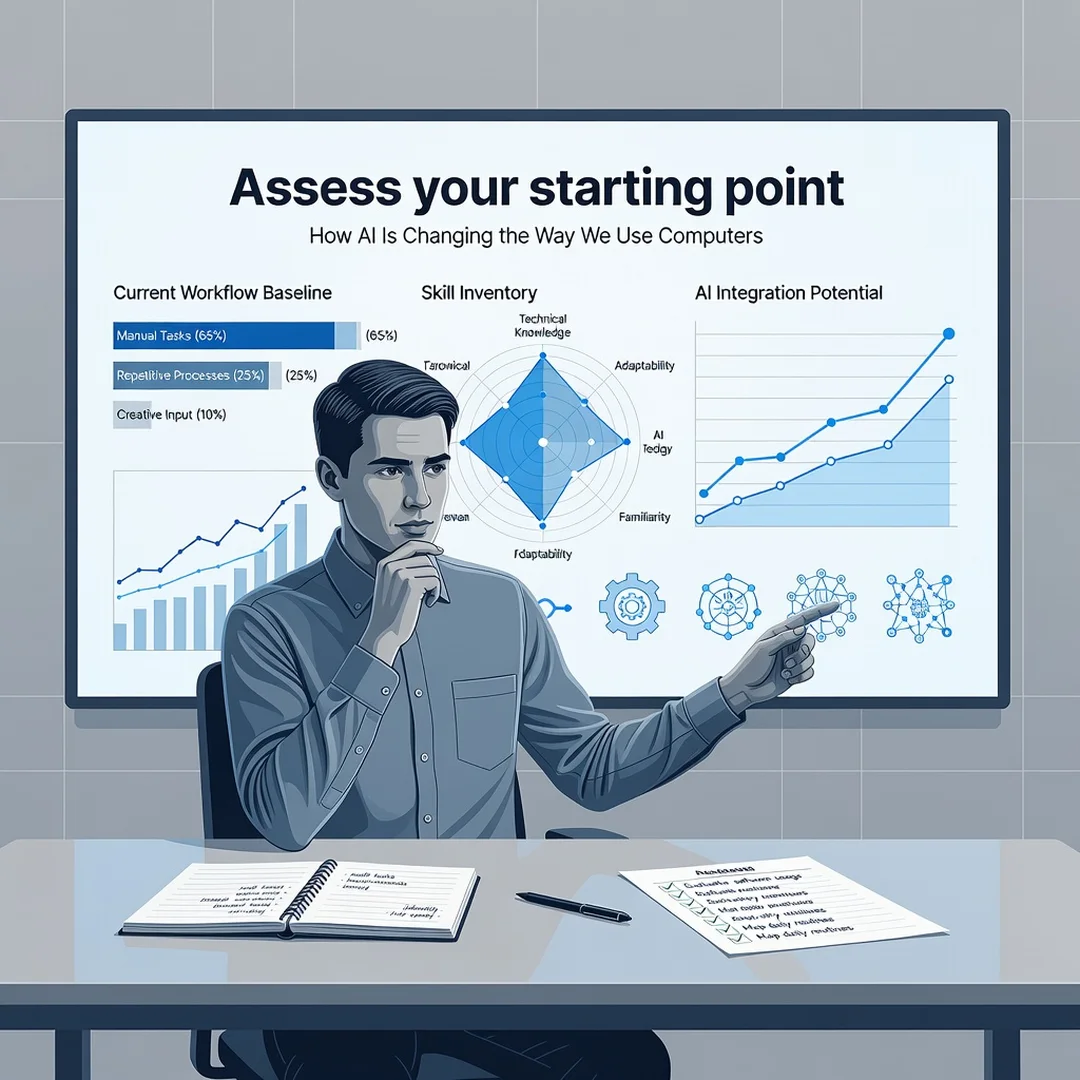
Step 2: Assess your starting point
List the tasks that consume the most time in your week: writing, searching, organizing, editing, planning. Mark which ones involve clear patterns and language. Those are your best candidates for AI assistance. Tasks requiring judgment, relationships, or accountability stay with you.
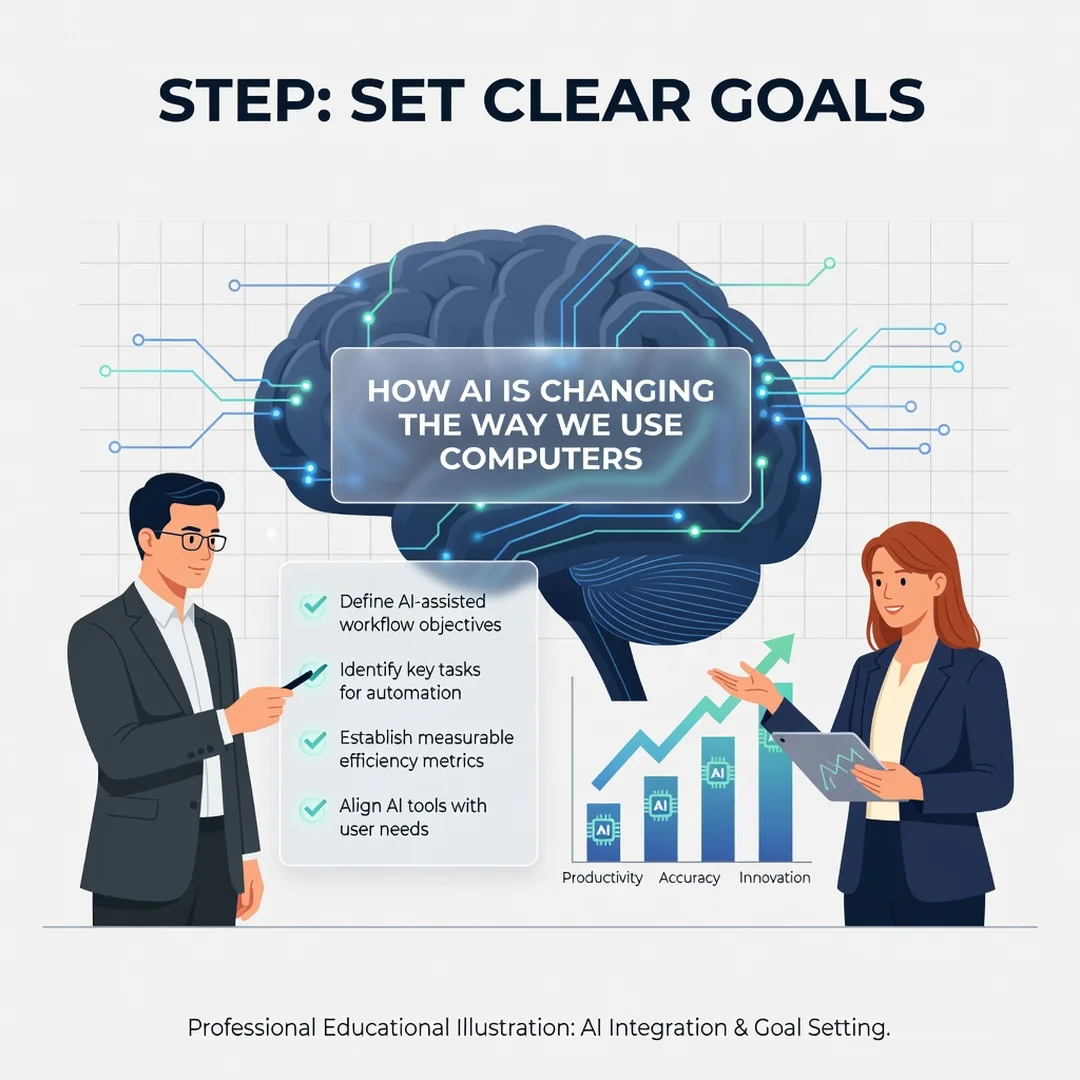
Step 3: Set clear goals
Choose one or two specific outcomes, such as “cut my weekly report writing time in half” or “respond to routine emails faster.” Concrete goals make it easy to tell whether a tool is actually helping or just adding novelty.
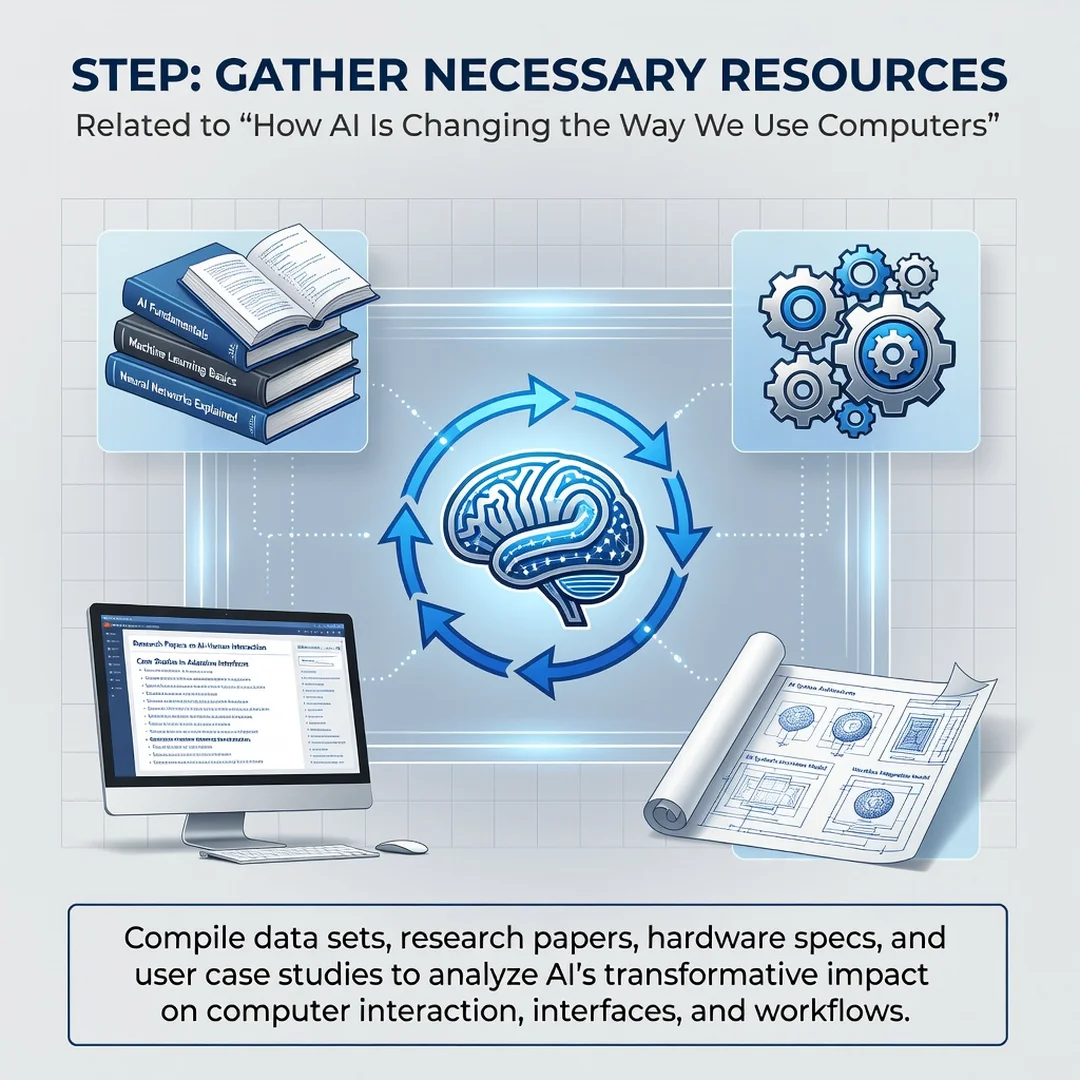
Step 4: Gather necessary resources
You need very little to begin: a modern browser or operating system, an account with a reputable AI assistant, and a document where you can test safely. Use sample data instead of real data while learning. Check your employer’s policy if you are using AI at work.
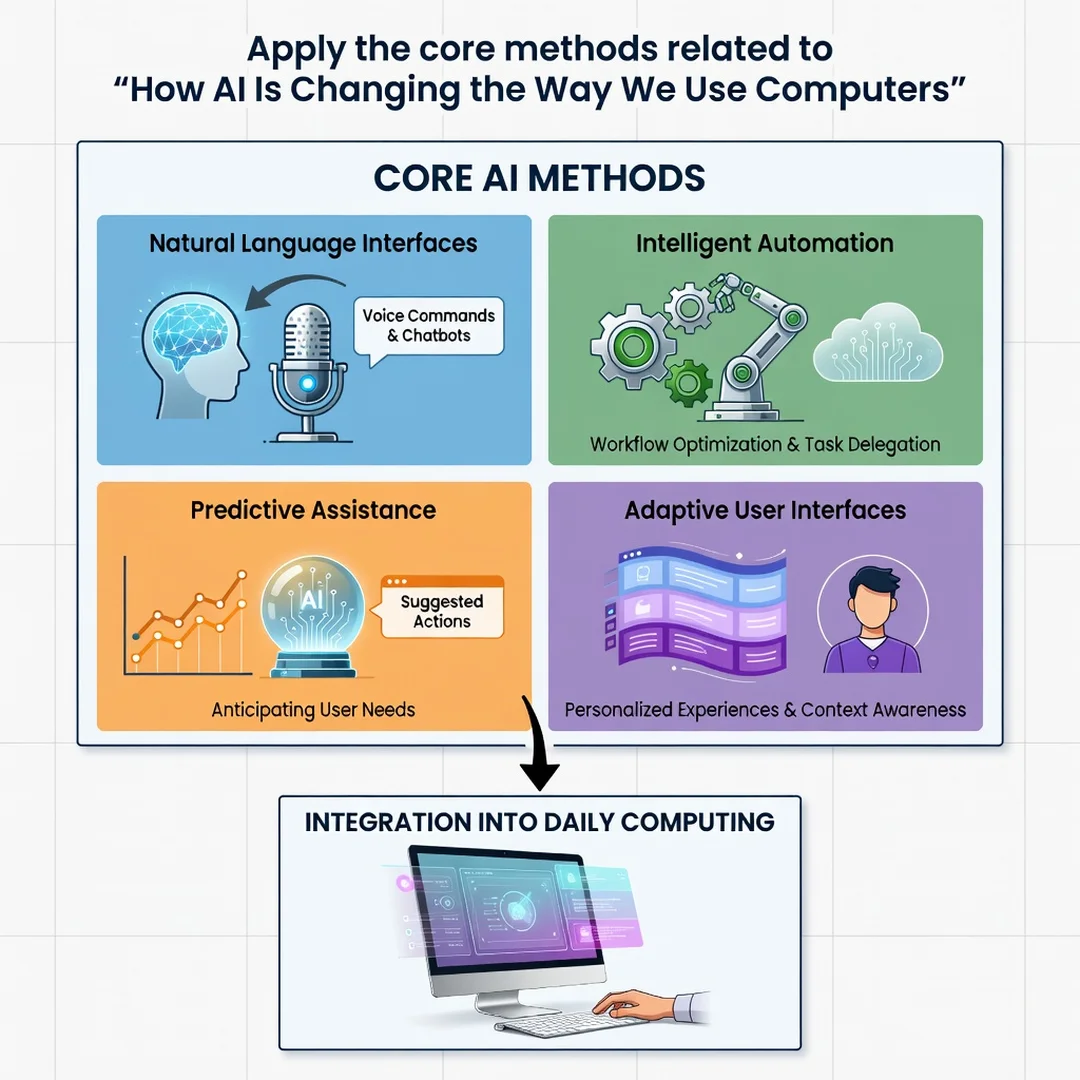
Step 5: Apply the core methods
Start with one recurring task. Write a clear prompt, review the output carefully, then refine it with one follow-up instruction. Save prompts that work well so you can reuse them. After two weeks, review what improved and what did not, then expand to the next task. Steady, measured adoption beats a dramatic overhaul.
FAQ
What should I know about How AI Is Changing the Way We Use Computers?
The central shift is from operating a computer through precise commands to directing it through natural language and intent. AI now predicts, drafts, summarizes, and automates routine work across common software. The benefits are speed and accessibility; the risks are inaccuracy, bias, and privacy. Use AI as a capable assistant you supervise, not an authority you trust blindly.
Who is this guide for?
It is written for general readers — students, professionals, and everyday users — who want practical, jargon-free guidance on using AI tools effectively. No technical background is required. If you use a computer for writing, research, communication, or organizing information, the steps above apply directly to you.
Conclusion
AI is not replacing computers; it is changing the conversation you have with them. Commands become requests, menus become suggestions, and your role shifts from operator to director. The practical path forward is unglamorous but effective: understand the fundamentals, start with one task, verify what the machine produces, and expand only when results justify it. You do not need to master every new tool. You need clear goals, sound habits, and a healthy skepticism about anything that sounds too confident. Start small this week — pick one task, apply the steps above, and let consistent practice show you what AI can genuinely do for your work.
Frequently Asked Questions
What should I know about How AI Is Changing the Way We Use Computers?
This guide covers the essentials of How AI Is Changing the Way We Use Computers with practical steps you can apply right away.
Who is this guide for?
Anyone looking for a clear, structured overview without unnecessary complexity.
You now have a solid foundation for How AI Is Changing the Way We Use Computers. Apply the best practices above and revisit this guide as your needs evolve.