
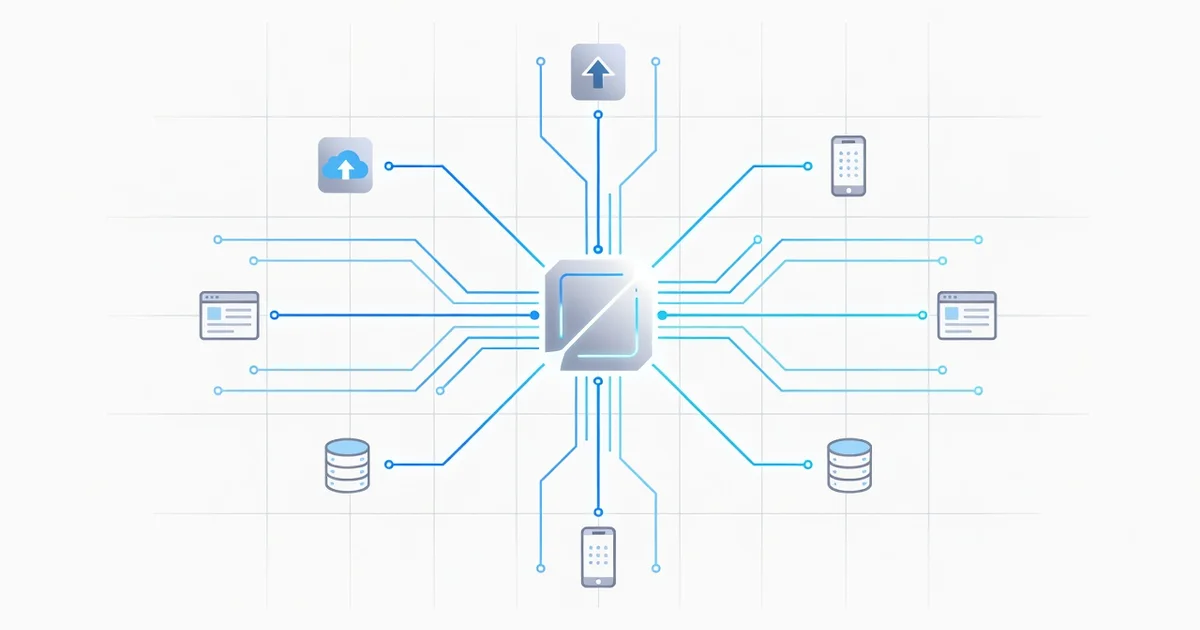
Every time you check the weather on your phone, pay with an app, or log in with Google, API technology is working behind the scenes. An API (Application Programming Interface) is a set of rules that lets two software programs talk to each other, request data, and share functionality — without either side needing to know how the other is built.
In this article, we’ll explain what an API is in plain language, show how APIs connect applications in everyday life, and give you practical ways to use them in your own projects. By the end, you’ll understand why APIs are the invisible backbone of modern software.
Introduction
Every time you check the weather on your phone, log in with Google, or pay for something with a mobile wallet, an API is working behind the scenes. API stands for Application Programming Interface, and it is one of the most important pieces of technology in modern software. This article explores What Is API Technology and How Does It Connect Applications with clear, practical guidance. By the end, you will understand how APIs let different programs talk to each other, why they matter in daily life, and how to think about them when you build or buy software.
Understanding the fundamentals of What Is API Technology and How Does It Connect Applications helps you make informed decisions. Whether you are a business owner evaluating tools, a student learning to code, or a professional who works alongside developers, API knowledge gives you an advantage. Reliable information and consistent habits lead to better long-term outcomes — and that principle applies to how you learn about and use APIs, too.
Key Concepts
At its core, an API is a set of rules that allows one piece of software to request data or actions from another. Think of it as a waiter in a restaurant: you (the client application) tell the waiter (the API) what you want from the kitchen (the server), and the waiter brings back the result. You never need to enter the kitchen yourself, and the kitchen does not need to know who you are beyond the order.
Requests, Responses, and Endpoints
Most modern APIs are built on HTTP, the same protocol your browser uses. A client sends a request to a specific web address called an endpoint. The request includes a method — such as GET to retrieve data or POST to send data — and often a payload with details. The server processes the request and returns a response, usually in JSON or XML format, along with a status code like 200 (success) or 404 (not found).
Authentication and Keys
APIs need to know who is calling them. Common methods include API keys, OAuth tokens, and basic authentication. An API key is a simple string that identifies your application. OAuth is more robust and lets users grant limited access without sharing passwords. Choosing the right authentication method depends on how sensitive the data is and who will use your integration.
Types of APIs
- REST APIs: The most common style. They use standard HTTP methods and are stateless, meaning each request stands alone. REST is simple, scalable, and widely supported.
- GraphQL APIs: Clients ask for exactly the fields they need in a single request. This reduces over-fetching and is popular in complex applications.
- SOAP APIs: Older and more formal, with strict XML contracts. Still used in finance, healthcare, and legacy enterprise systems.
- Webhooks: Not exactly request-response. A webhook pushes data to your application when an event happens, such as a payment completing.
Deep Dive
To truly grasp how APIs connect applications, imagine a city with many buildings. Each building has its own internal systems, but they all need to exchange goods and information. APIs are the roads, bridges, and delivery protocols that let each building send and receive exactly what it needs without exposing its internal layout. A payment app does not need to know how your bank stores account records; it just needs a secure API endpoint that says “transfer this amount.”
The Request-Response Cycle in Detail
When application A calls an API from application B, several things happen in milliseconds. First, A formats a request with a URL, headers, and sometimes a body. Next, the request travels over the internet to B’s API gateway, which checks authentication, rate limits, and permissions. If everything is valid, B’s server runs the requested logic, perhaps querying a database. Finally, B returns a structured response, and A parses it and updates its own interface. This cycle repeats thousands of times per second in large systems.
Why APIs Enable Modern Software
- Modularity: Teams can build and update services independently as long as the API contract stays stable.
- Reusability: One well-designed API — like a maps API — can power thousands of different apps.
- Scalability: APIs let you add capacity by adding servers behind the interface, without changing client code.
- Security boundaries: APIs expose only what is necessary, keeping databases and internal logic protected.
Real-World Examples
Social logins use OAuth APIs to verify your identity without sharing your password. E-commerce platforms use payment APIs to charge cards securely. Weather apps call public APIs to fetch forecasts. Even your smart thermostat uses APIs to communicate with a cloud service. The pattern is consistent: one application asks, another answers, and both stay focused on their own job.
Best Practices
Whether you are consuming an API or designing one, a few habits separate reliable integrations from fragile ones. Start by reading the documentation carefully. Good API docs list endpoints, parameters, authentication steps, and error codes. Test in a sandbox environment before touching production data.
- Handle errors gracefully: Never assume every request succeeds. Check status codes and retry transient failures with exponential backoff.
- Cache when possible: If data does not change often, cache responses to reduce load and improve speed.
- Respect rate limits: APIs often throttle requests. Design your app to stay within limits and queue work when needed.
- Secure your credentials: Store API keys in environment variables or a secrets manager, never in public code repositories.
- Version your APIs: If you build an API, use versioning so existing clients do not break when you make changes.
- Monitor usage: Track latency, error rates, and traffic patterns. Problems are easier to fix when you see them early.
These practices reflect a broader truth: reliable information and consistent habits lead to better long-term outcomes. API work rewards patience and attention to detail more than quick hacks.
Step-by-Step Guide to Working with API Technology
If you are new to APIs, follow these steps in order. Each builds on the previous one.
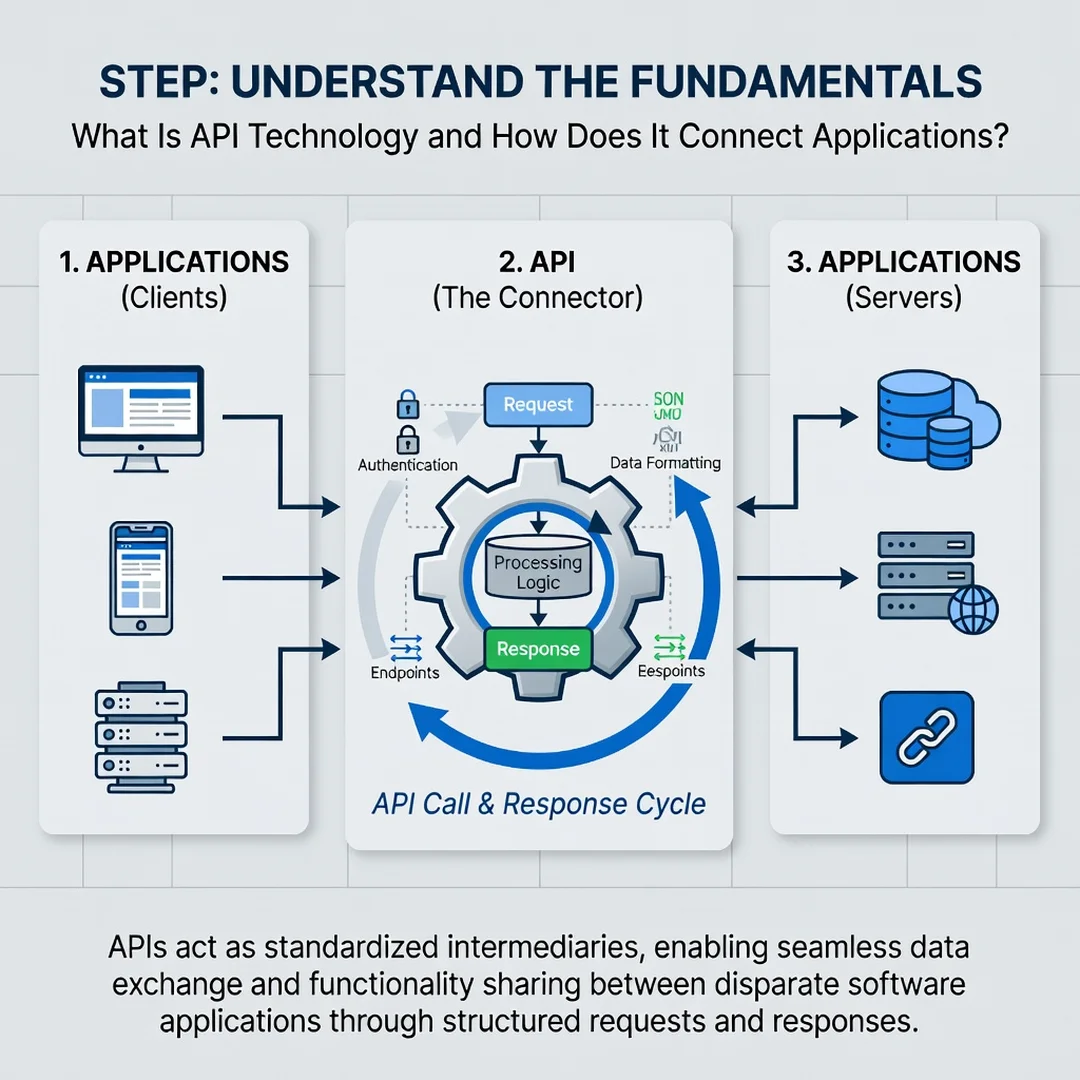
Step 1: Understand the fundamentals
Learn what a request, response, endpoint, and status code are. Practice with a simple public API, such as a weather or currency API, using a tool like Postman or curl. Spend time reading the documentation and making one successful call before moving on.
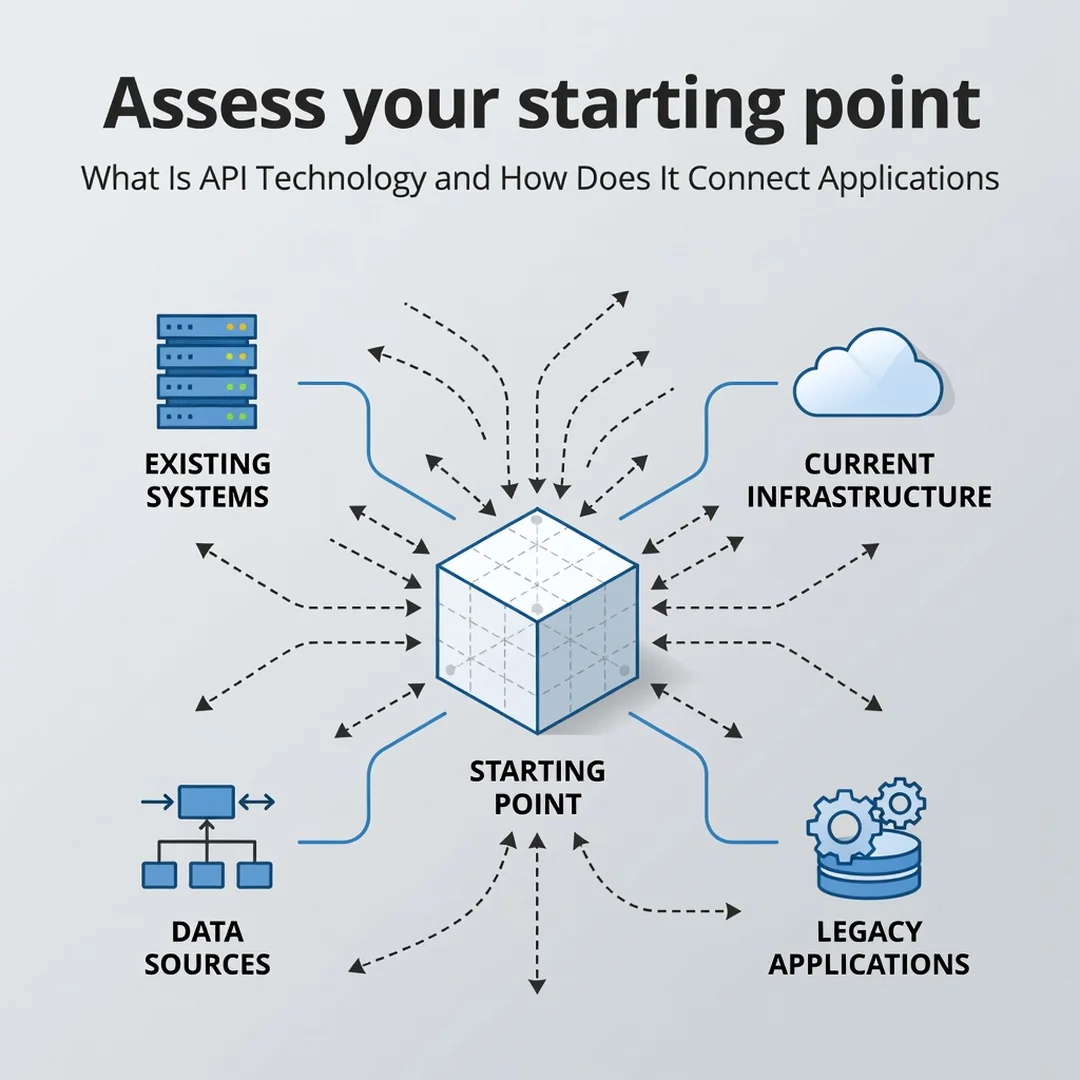
Step 2: Assess your starting point
Identify what you already have. Do you need to connect two existing systems? Are you building a new app that depends on third-party data? List your current tools, programming languages, and constraints. Knowing your starting point prevents wasted effort and mismatched solutions.
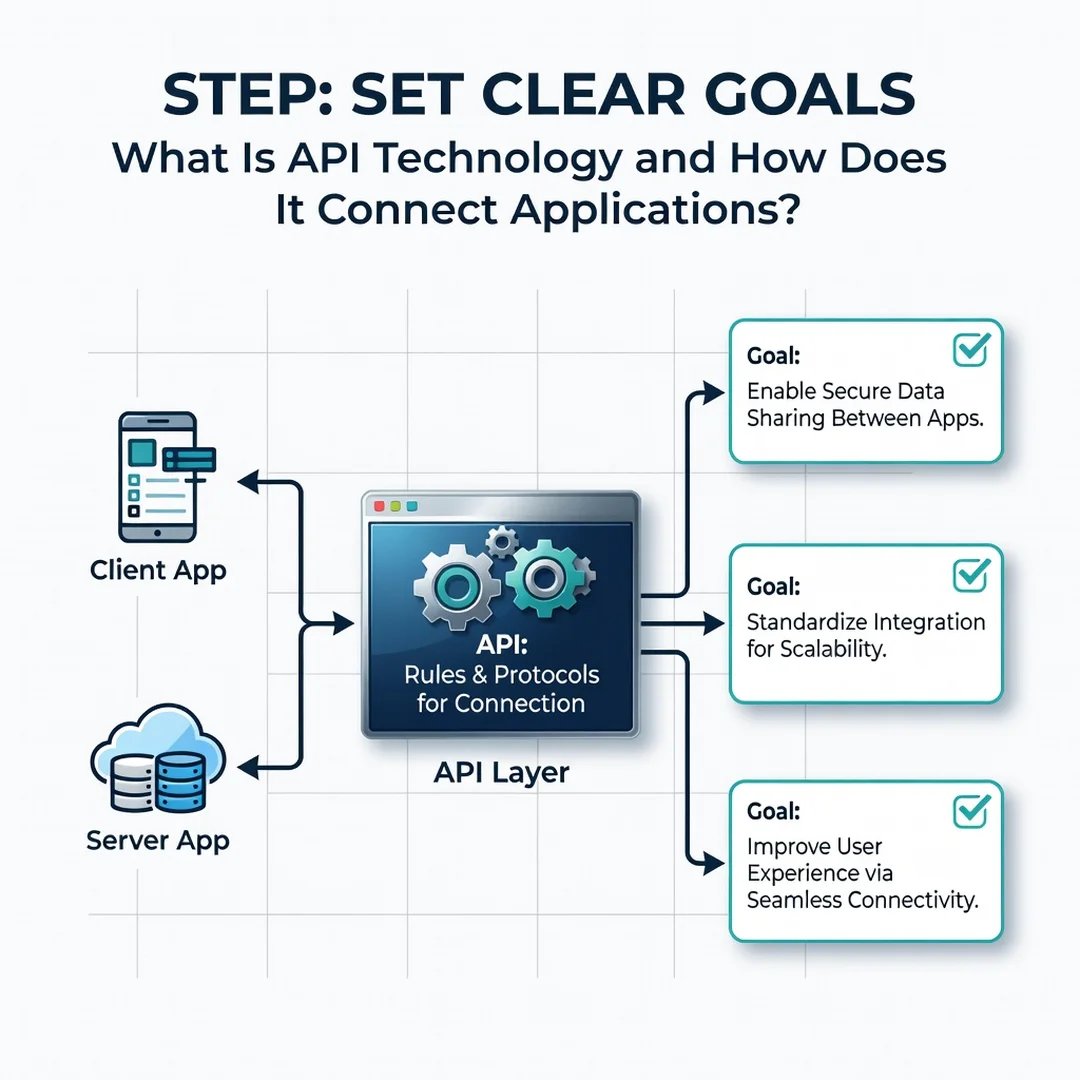
Step 3: Set clear goals
Define what success looks like. For example, “Retrieve user profiles from our CRM and display them in the support dashboard within two seconds.” Clear goals help you choose the right API, measure performance, and know when the job is done.
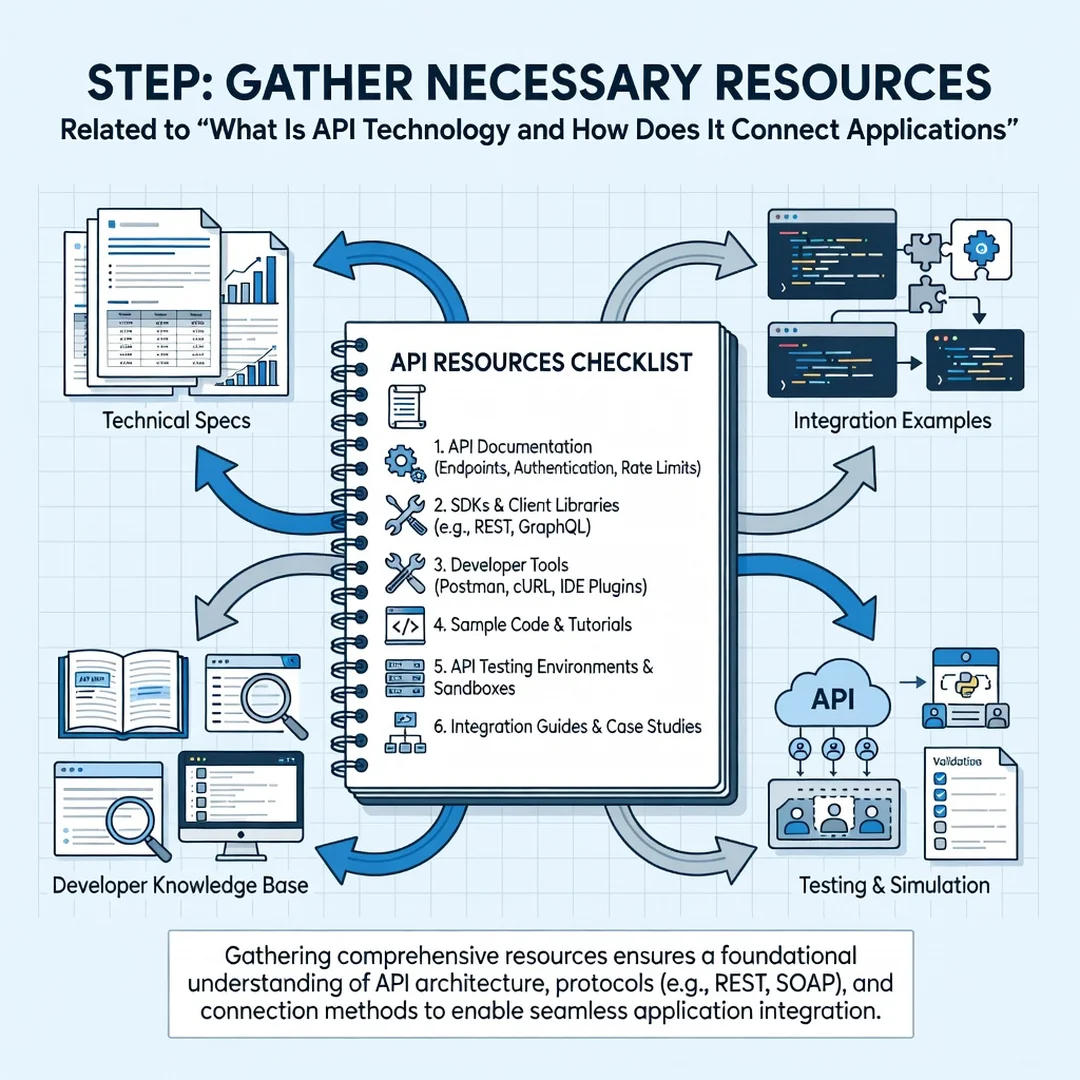
Step 4: Gather necessary resources
Collect API keys, documentation links, test accounts, and sample data. Set up a development environment separate from production. If you are working on a team, agree on who manages credentials and who reviews code that calls external services.
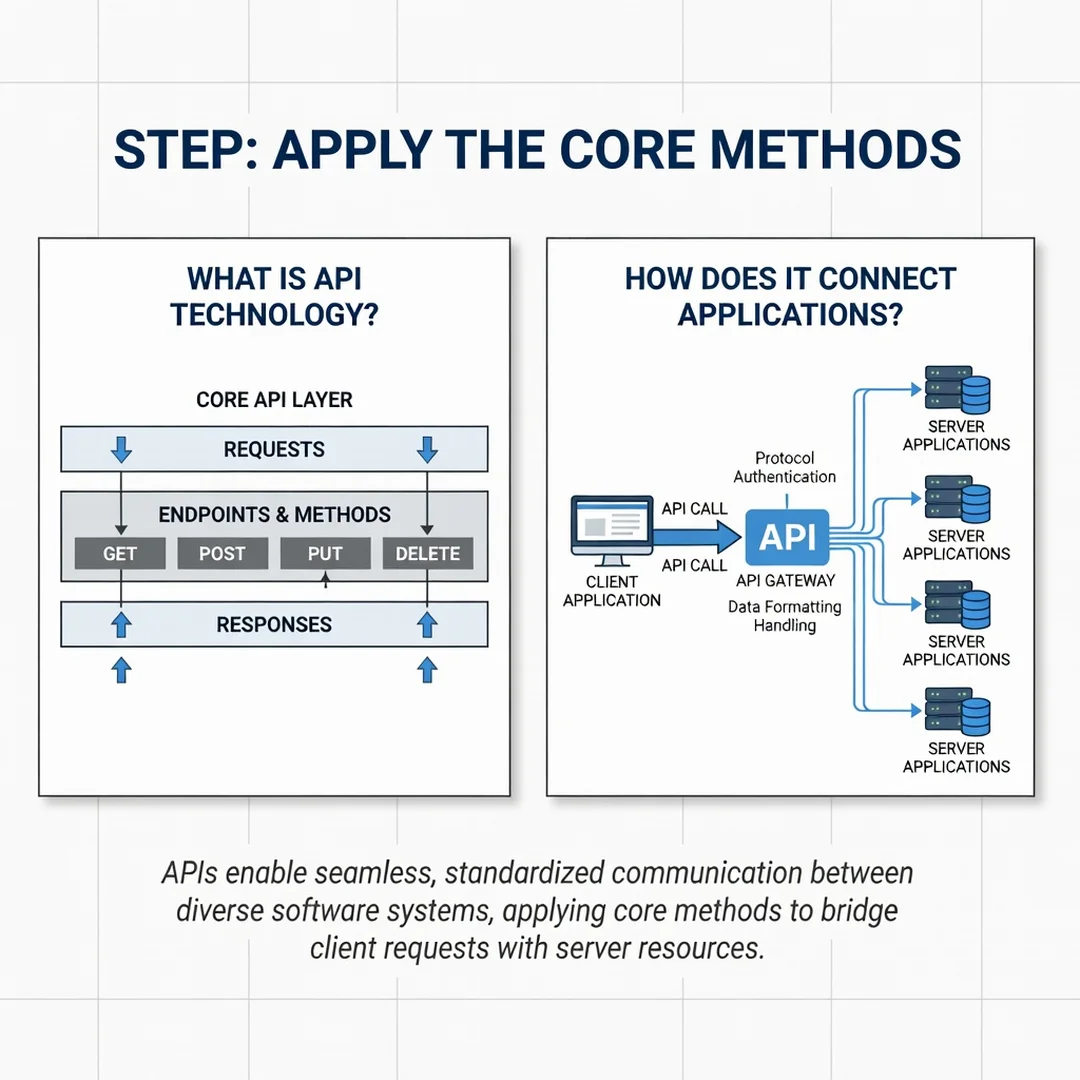
Step 5: Apply the core methods
Start coding the integration. Make one call at a time, log every request and response, and handle errors before adding features. Test edge cases like missing data and expired tokens. Once the basic flow works, add caching, retries, and monitoring to make it production-ready.
FAQ
What should I know about What Is API Technology and How Does It Connect Applications?
You should know that an API is a contract that lets two applications exchange data or actions without knowing each other’s internal details. The most important concepts are endpoints, HTTP methods, authentication, and response formats like JSON. Once you understand the request-response cycle, you can learn any specific API quickly.
Who is this guide for?
This guide is for anyone who wants a clear, non-technical overview of APIs. That includes business owners evaluating software, product managers working with developers, students beginning to code, and professionals who need to communicate effectively with technical teams. No prior programming experience is required to follow the concepts.
Do I need to be a developer to use APIs?
You now have a solid foundation for What Is API Technology and How Does It Connect Applications. Apply the best practices above and revisit this guide as your needs evolve.