

Cloud infrastructure is the collection of servers, storage, networking, and software that delivers computing resources over the internet. Instead of buying and maintaining physical hardware, businesses rent what they need from providers like AWS, Microsoft Azure, or Google Cloud—scaling up or down as demand changes.
So why do businesses use it? Lower costs, faster deployment, and built-in flexibility top the list. This guide breaks down how cloud infrastructure works, the main service models, and the practical benefits that make it a smart choice for organizations of every size.
Introduction
Cloud infrastructure is the collection of hardware, software, networking, storage, and virtualized resources that are delivered over the internet and managed by a cloud provider. Instead of owning and maintaining physical servers in a private data center, businesses rent computing capacity on demand. This article explores What Is Cloud Infrastructure and Why Do Businesses Use It with clear, practical guidance. Understanding the fundamentals of What Is Cloud Infrastructure and Why Do Businesses Use It helps you make informed decisions. Reliable information and consistent habits lead to better long-term outcomes.
For readers seeking actionable information, the core idea is simple: cloud infrastructure shifts technology from a capital expense you manage yourself to an operating expense you consume as a service. That shift changes how quickly teams can launch products, how they handle traffic spikes, and how much they spend on idle hardware.
Key Concepts
To understand cloud infrastructure, start with the service models and deployment types that define it.
- Infrastructure as a Service (IaaS): You rent virtual machines, storage, and networks. You manage the operating system and applications. Examples include AWS EC2, Google Compute Engine, and Azure Virtual Machines.
- Platform as a Service (PaaS): The provider manages the underlying infrastructure and runtime. You focus on code and data. Examples include Heroku, Google App Engine, and Azure App Service.
- Software as a Service (SaaS): You use a complete application over the internet. Examples include Gmail, Salesforce, and Microsoft 365.
- Public cloud: Resources are shared across many customers but logically isolated. The provider owns and operates the data centers.
- Private cloud: Dedicated infrastructure for one organization, either on-premises or hosted. It offers greater control and compliance isolation.
- Hybrid cloud: A mix of public and private environments connected so data and applications can move between them.
- Elasticity and scalability: The ability to add or remove resources automatically as demand changes.
- Pay-as-you-go pricing: You pay only for what you use, often by the second or hour, plus data transfer and storage fees.
These concepts matter because they determine cost, control, and operational responsibility. A startup might choose PaaS to move fast, while a bank might choose a hybrid model to meet regulations.
Deep Dive
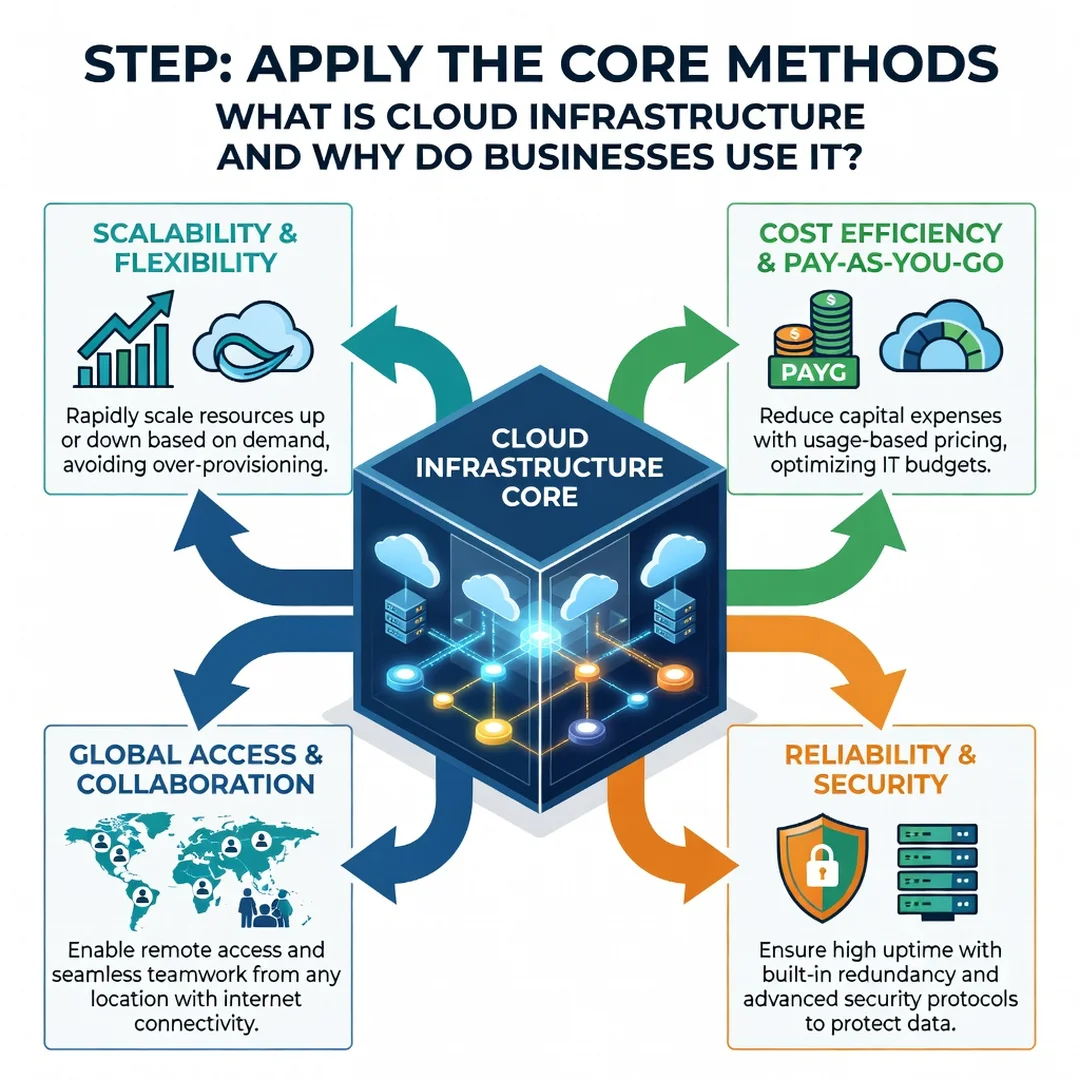
Why do businesses use cloud infrastructure? The reasons go beyond cost savings. First, speed. A team can provision a database or a cluster of servers in minutes rather than waiting weeks for hardware procurement. Second, global reach. Providers operate data centers on every major continent, so you can place applications close to users without building local facilities.
Third, reliability and redundancy. Cloud providers design for failure by replicating data across multiple zones and regions. A business that once needed a secondary data center can now use multi-region backups as a configuration setting. Fourth, focus. When a provider handles hardware maintenance, power, cooling, and physical security, your engineers spend more time on customer-facing features.
Fifth, cost variability. You can turn off development environments at night, use spot instances for batch jobs, and right-size instances based on actual usage. That said, cloud costs can spiral without governance. Unused volumes, idle load balancers, and oversized databases are common sources of waste. The discipline of tagging resources, setting budgets, and reviewing bills monthly is what separates efficient cloud use from expensive cloud use.
Security is another deep-dive area. In the cloud, security is a shared responsibility. The provider secures the physical infrastructure and hypervisor. You secure your data, access controls, encryption keys, and application code. Misconfigured storage buckets and weak identity policies remain leading causes of cloud incidents. Businesses that treat cloud security as a continuous process, not a one-time setup, see better outcomes.
Common workloads that move to the cloud include web applications, data analytics pipelines, disaster recovery sites, development and testing environments, and machine learning training jobs. Not every workload belongs in the cloud. Legacy systems with strict latency requirements or specialized hardware may remain on-premises, which is why hybrid strategies are popular.
Best Practices
Use these habits to get reliable results from cloud infrastructure.
- Start with a landing zone: Define accounts, network segments, identity roles, and logging before deploying production workloads.
- Tag everything: Use consistent tags for owner, environment, and cost center. This makes billing and automation tractable.
- Automate provisioning: Use infrastructure as code tools like Terraform or CloudFormation so environments are reproducible and reviewable.
- Design for failure: Deploy across multiple availability zones and test recovery procedures regularly.
- Apply least privilege: Grant only the permissions each user or service needs, and rotate credentials.
- Monitor and alert: Track performance, cost, and security events. Set alerts for anomalies rather than waiting for a monthly report.
- Right-size continuously: Review instance and storage usage each quarter and adjust to actual demand.
- Encrypt data: Use encryption at rest and in transit, and manage keys carefully.
These practices are not glamorous, but they prevent the most common cloud failures: runaway bills, security gaps, and fragile deployments.
Step-by-Step Guide
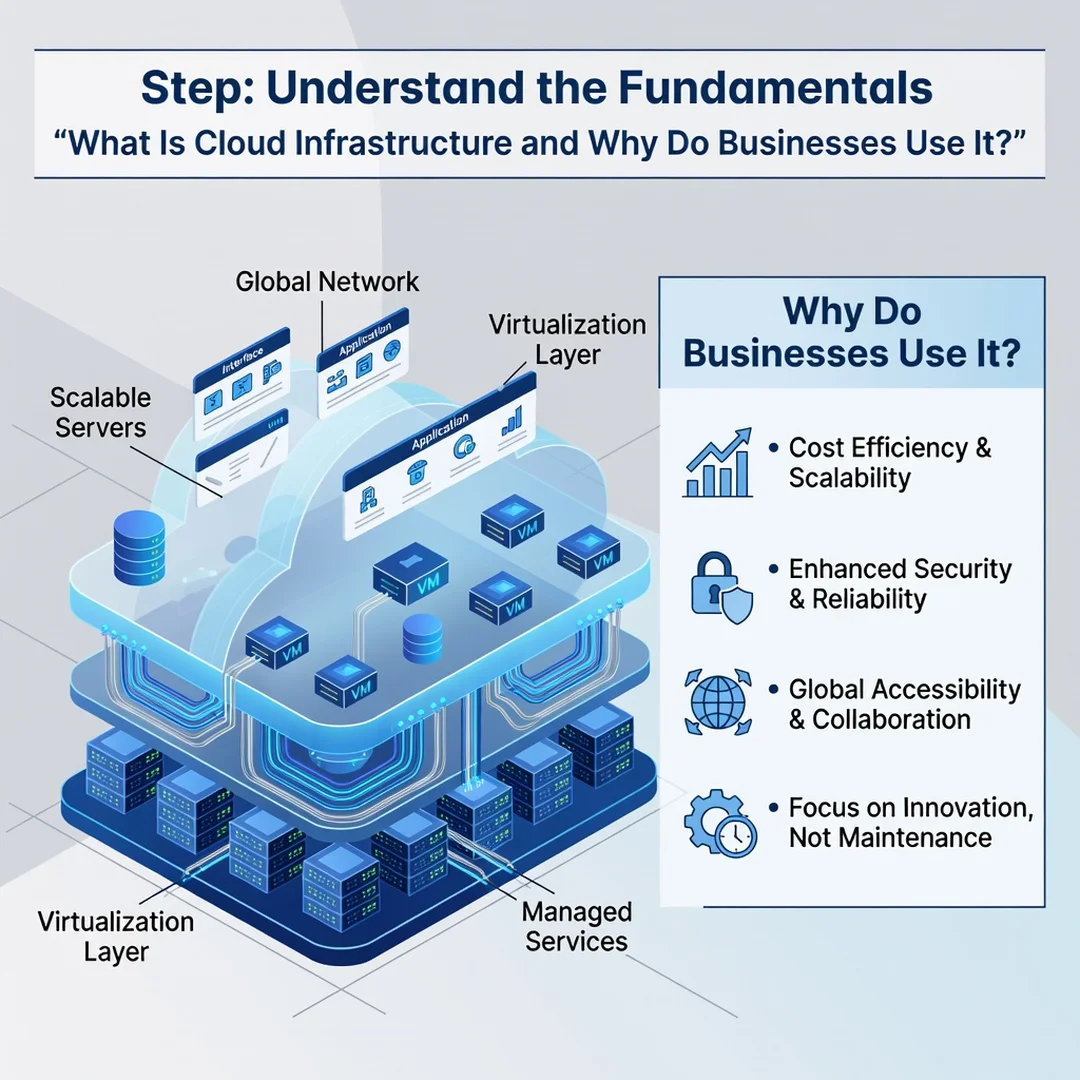
Step 1: Understand the fundamentals
Learn the difference between IaaS, PaaS, and SaaS, and between public, private, and hybrid clouds. Read the shared responsibility model from your chosen provider. Write down which parts of your stack you will manage and which the provider manages. This clarity prevents blame-shifting later.
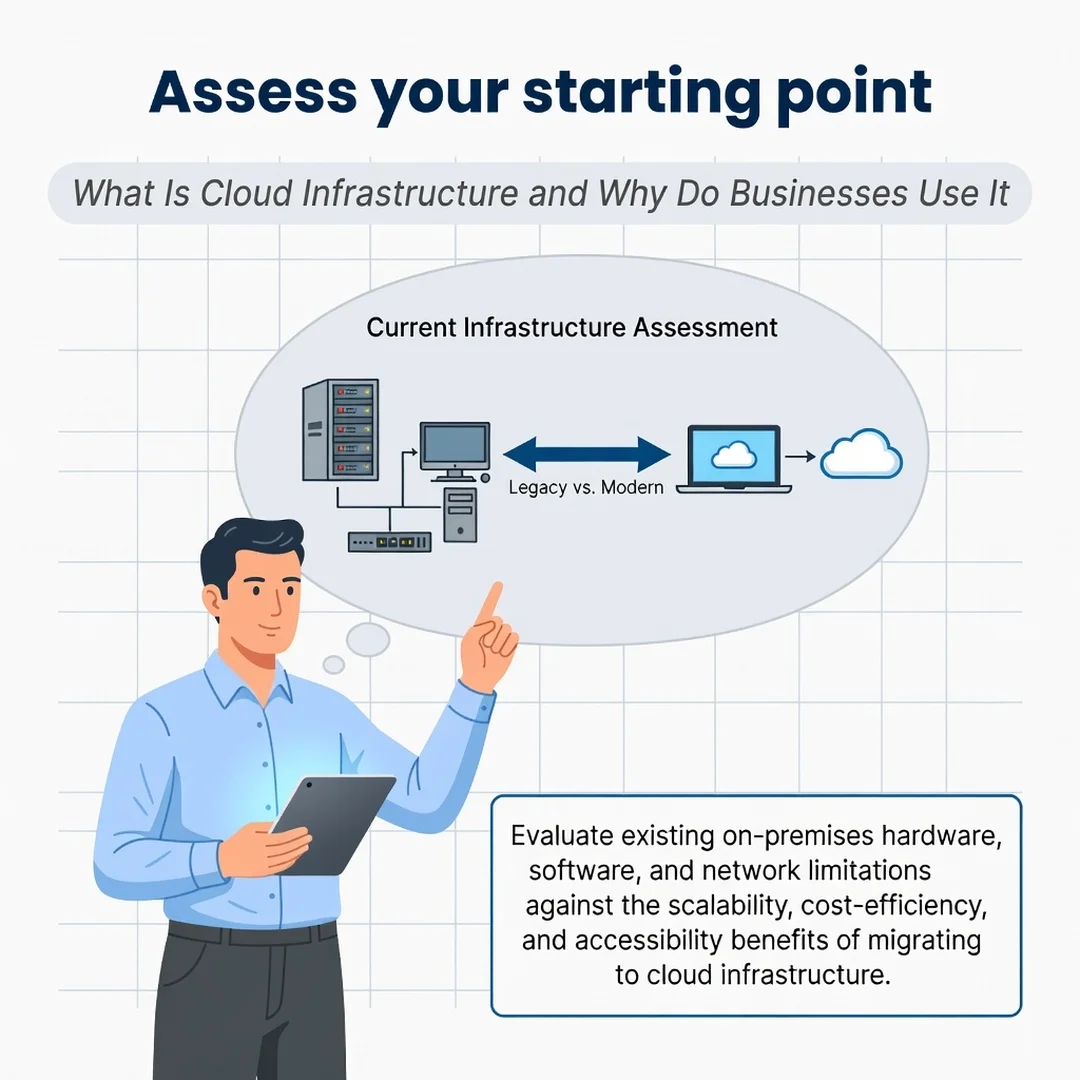
Step 2: Assess your starting point
Inventory your current applications, servers, databases, and network dependencies. Note which workloads are stable, which are bursty, and which have strict compliance needs. Calculate current costs, including hardware depreciation, power, cooling, and staff time. This baseline tells you where cloud migration will help and where it will not.
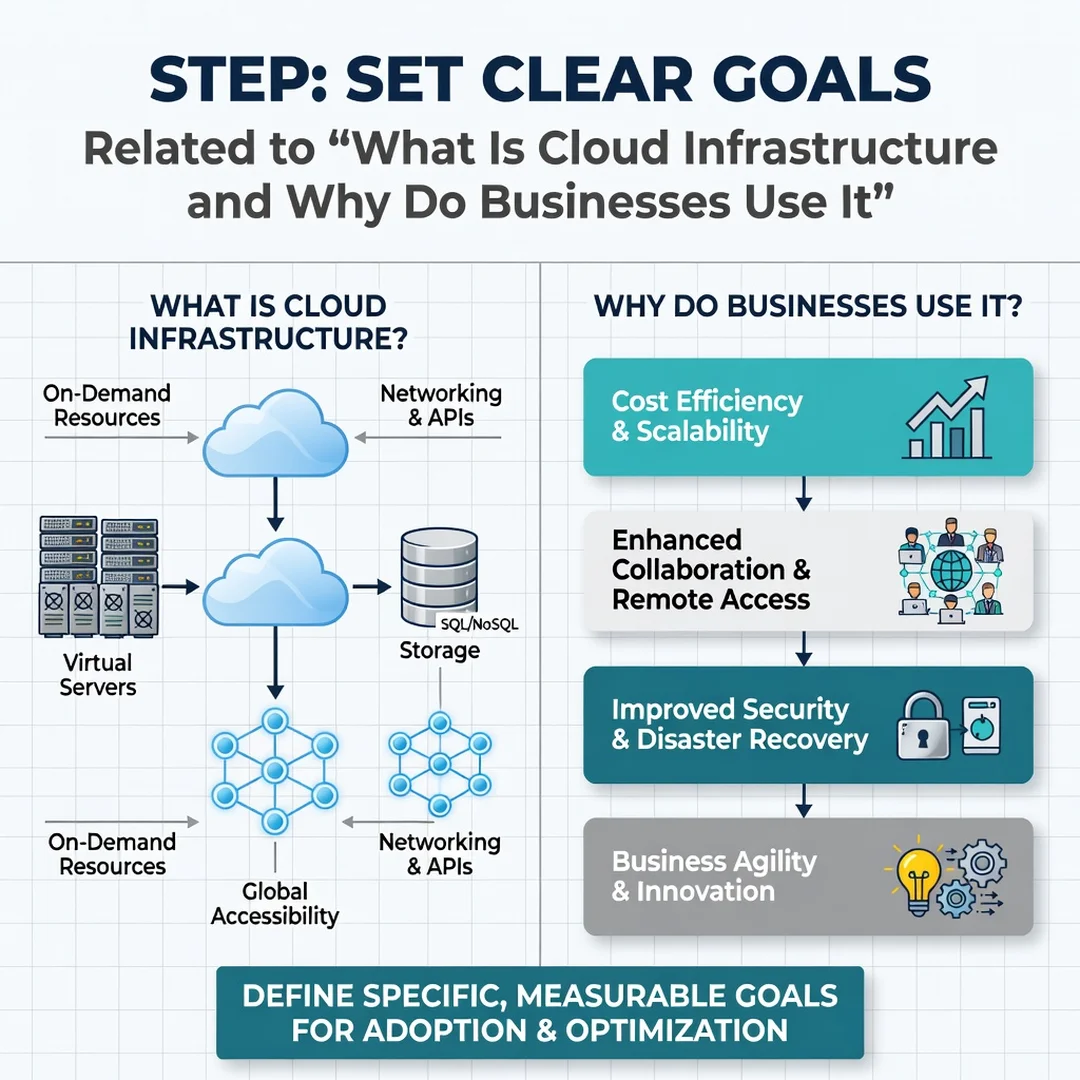
Step 3: Set clear goals
Decide what success looks like. Goals might include reducing time to deploy from weeks to hours, cutting infrastructure spend by a percentage, or achieving a recovery time objective of under one hour. Make goals specific and measurable so you can evaluate progress.
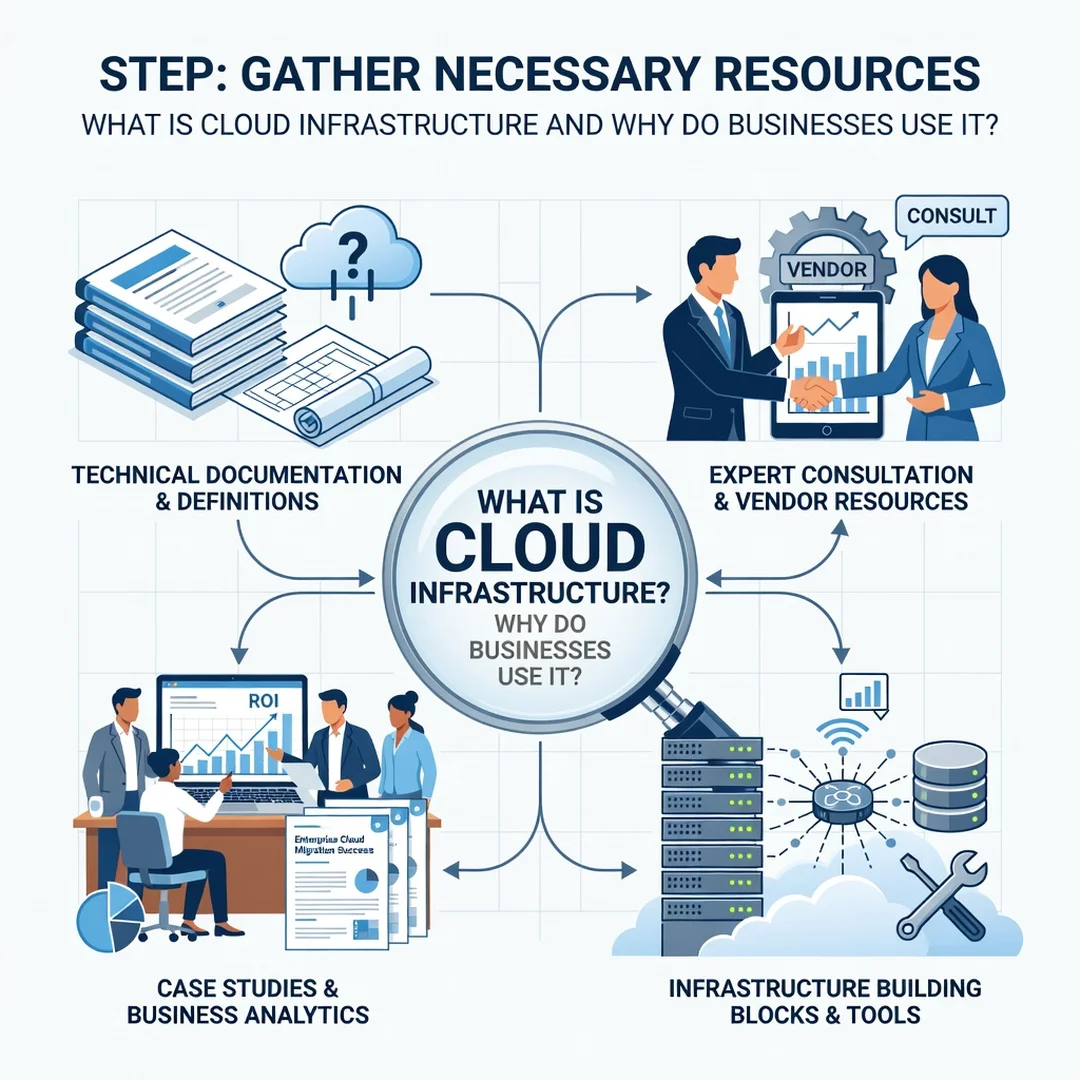
Step 4: Gather necessary resources
Identify the people, tools, and budget you need. That may include a cloud architect, training for existing staff, an identity provider, monitoring tools, and a sandbox account for experiments. Secure a small budget for a pilot project before committing to a full migration.
Step 5: Apply the core methods
Build a landing zone, migrate one non-critical workload first, and automate its deployment. Monitor cost, performance, and security for a full billing cycle. Fix issues, document what you learn, then repeat the process for the next workload. This incremental approach reduces risk and builds internal confidence.
FAQ
What should I know about What Is Cloud Infrastructure and Why Do Businesses Use It?
You should know that cloud infrastructure delivers computing resources over the internet on a pay-as-you-go basis, and that businesses use it for speed, scalability, global reach, and reduced physical maintenance. You should also know that cloud success depends on governance. Without cost controls, security policies, and automation, the benefits shrink. Understanding the fundamentals of What Is Cloud Infrastructure and Why Do Businesses Use It helps you make informed decisions rather than following trends.
Who is this guide for?
This guide is for business owners, operations managers, IT staff, and anyone evaluating cloud adoption. It assumes no deep technical background. It is also useful for teams already in the cloud who want to improve cost management, security, and reliability. Reliable information and consistent habits lead to better long-term outcomes.
Conclusion
Cloud infrastructure is not a single product but a model for consuming technology. It offers elasticity, global reach, and operational focus, but it also demands discipline in cost, security, and architecture. Start with the fundamentals, assess your current state, set measurable goals, gather the right resources, and apply proven methods incrementally. Whether you are migrating your first application or optimizing an existing environment, the same principles apply: understand the shared responsibility model, automate where possible, and review your usage regularly. With clear information and consistent habits, cloud infrastructure becomes a durable advantage rather than a source of surprise bills and security headaches.
Frequently Asked Questions
What should I know about What Is Cloud Infrastructure and Why Do Businesses Use It?
This guide covers the essentials of What Is Cloud Infrastructure and Why Do Businesses Use It with practical steps you can apply right away.
Who is this guide for?
Anyone looking for a clear, structured overview without unnecessary complexity.
You now have a solid foundation for What Is Cloud Infrastructure and Why Do Businesses Use It. Apply the best practices above and revisit this guide as your needs evolve.