

Every time you send a message, log into a bank account, or shop online, a hidden layer of technology works to keep your data private. Understanding secure online communication helps you see exactly what protects your information—and where the risks still lie.
In this article, we break down the core technologies behind encrypted messaging, from TLS and end-to-end encryption to digital certificates and authentication. You’ll learn how each one works in plain language and get practical steps to communicate more safely every day.
Introduction
Every time you send a message, log into a bank account, or make a purchase online, a hidden layer of technology works to keep that exchange private and trustworthy. This article explores The Technology Behind Secure Online Communication with clear, practical guidance, so you can understand what happens beneath the surface of your everyday digital life.
Secure communication is not a single tool or app. It is a stack of protocols, mathematical techniques, and organizational practices that together protect data from eavesdroppers, impostors, and tampering. Understanding the fundamentals of The Technology Behind Secure Online Communication helps you make informed decisions about which services to trust, how to configure your devices, and when a connection is genuinely safe.
You do not need to be an engineer to benefit from this knowledge. Reliable information and consistent habits lead to better long-term outcomes, whether you are protecting personal messages, remote work files, or sensitive customer data. The goal here is clarity: what the technology does, why it matters, and how to use it well.
Key Concepts
Before diving into specific tools, it helps to grasp a few foundational ideas. These concepts appear again and again in every secure system.
- Encryption: The process of scrambling data so only someone with the correct key can read it. Symmetric encryption uses one shared key; asymmetric encryption uses a public and private key pair.
- Authentication: Proving that a person or server is who they claim to be. Passwords, security keys, and biometrics all serve this purpose.
- Integrity: Ensuring data has not been altered in transit. Hash functions and message authentication codes detect any changes.
- Forward secrecy: A property where compromising one session key does not compromise past or future sessions. Modern protocols like TLS 1.3 use it by default.
- End-to-end encryption (E2EE): Only the sender and receiver can read the message. Even the service provider cannot access the plaintext.
These concepts work together. For example, when you visit a secure website, your browser uses asymmetric encryption to establish a session, then switches to symmetric encryption for speed, while certificates provide authentication and hashes ensure integrity.
Deep Dive
The most visible example of secure online communication is the padlock icon in your browser. That padlock indicates a TLS (Transport Layer Security) connection. When you connect to a website, your browser and the server perform a “handshake.” During this handshake, they agree on encryption algorithms, verify the server’s digital certificate, and generate a shared session key. From that point on, all data between you and the site is encrypted.
Email is a different story. Standard email was never designed with security in mind. Messages often travel in plain text across multiple servers. To secure email, you need either an end-to-end encryption tool like PGP or a provider that encrypts messages at rest and in transit. Even then, metadata such as subject lines and recipient addresses may remain visible.
Messaging apps vary widely. Some, like Signal and WhatsApp, use end-to-end encryption by default. Others may encrypt only between your device and their server, meaning the company can read your messages. Always check the app’s documentation for the phrase “end-to-end encrypted” rather than just “encrypted.”
Another critical piece is key management. Encryption is only as strong as the protection of its keys. If someone steals your private key, they can decrypt your messages. This is why hardware security keys and secure enclaves in modern phones are so valuable. They store keys in a way that even the operating system cannot easily extract.
Finally, consider the role of standards and open protocols. Technologies like TLS, SSH, and Signal Protocol are open to public scrutiny. That transparency builds trust because researchers worldwide can test for weaknesses. Proprietary, closed systems may be secure, but they are harder to verify. When possible, prefer well-audited, open standards.
Best Practices
Understanding the theory is useful, but consistent habits are what actually protect you. The following practices apply to almost everyone.
- Use a password manager to generate and store long, unique passwords for every account.
- Enable two-factor authentication (2FA) wherever possible, preferably with an authenticator app or hardware key rather than SMS.
- Keep your devices and apps updated. Updates patch known vulnerabilities that attackers actively exploit.
- Check for HTTPS on every website where you enter personal information. Avoid entering data on sites with certificate warnings.
- Prefer end-to-end encrypted messaging for sensitive conversations. Verify safety numbers or security codes with your contact when the app allows it.
- Use a reputable VPN on untrusted networks, such as public Wi-Fi, to protect your traffic from local snooping.
- Back up important data securely, and encrypt your backups.
These steps are not about paranoia. They are about reducing risk to a manageable level while keeping your online life convenient. Reliable information and consistent habits lead to better long-term outcomes.
Step-by-Step Guide to Securing Your Communications
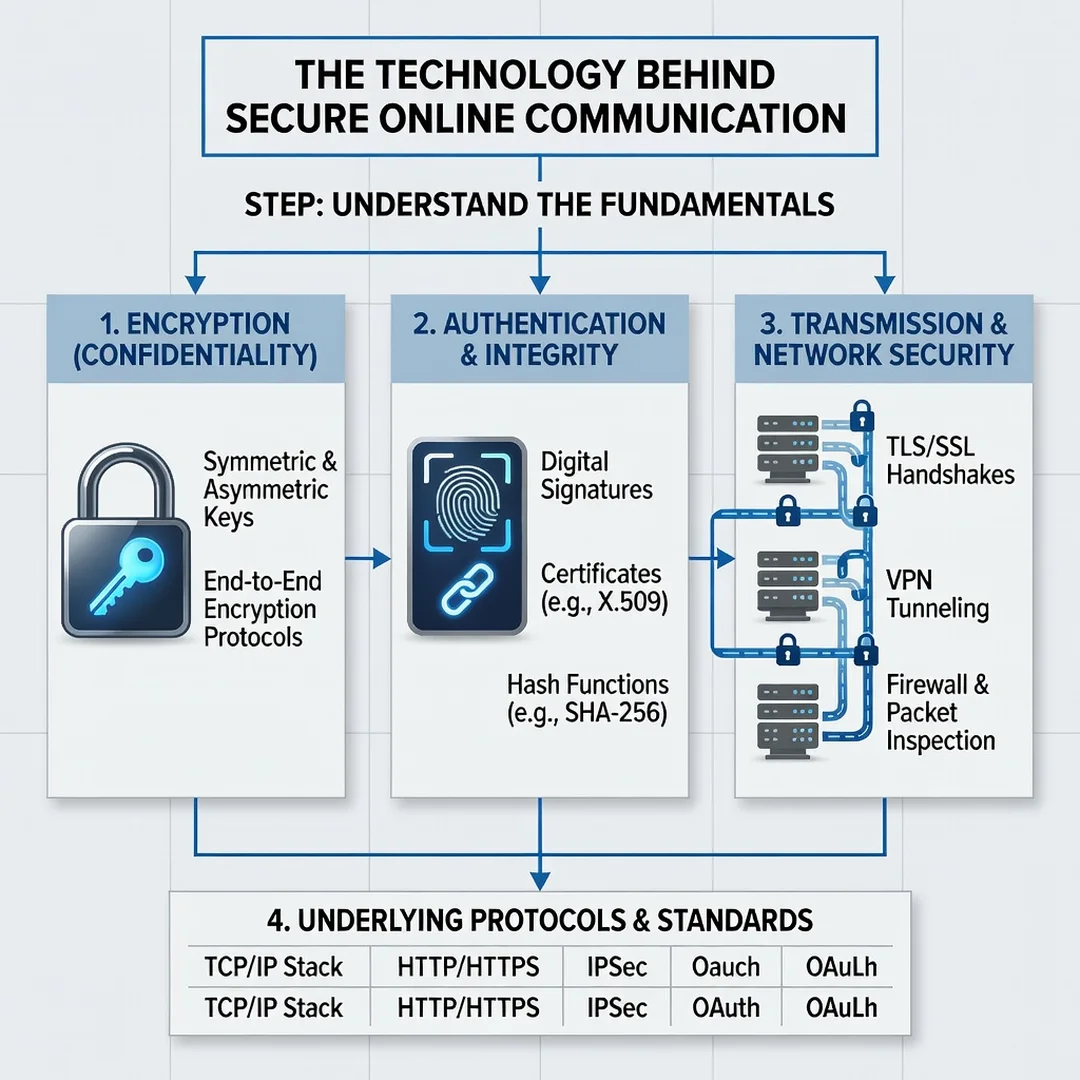
Step 1: Understand the fundamentals
Start by learning the vocabulary: encryption, authentication, integrity, and forward secrecy. Read the documentation for the apps and services you already use. Identify which ones offer end-to-end encryption and which do not. This baseline knowledge helps you ask the right questions and spot misleading claims.
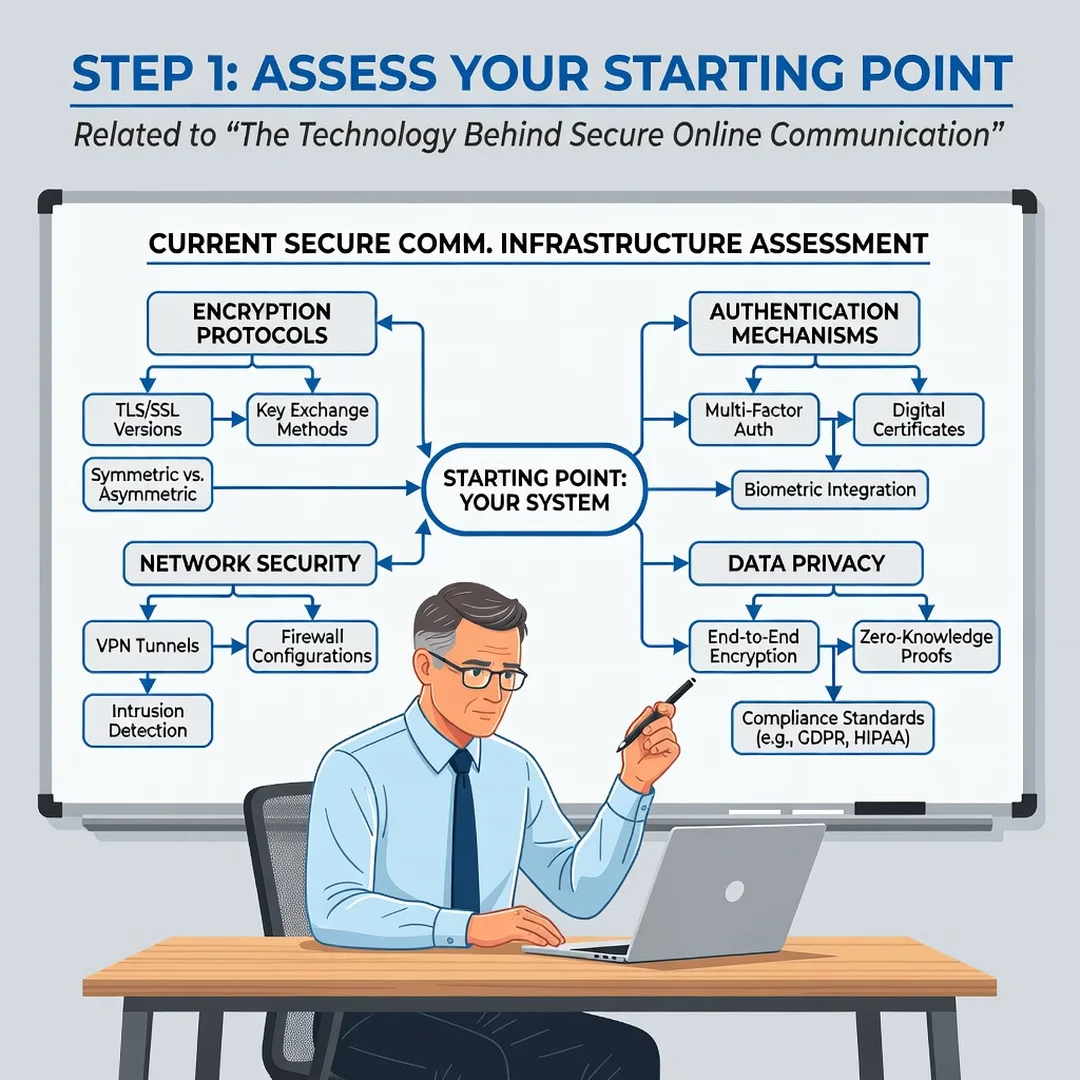
Step 2: Assess your starting point
Take inventory of your current habits. Which messaging apps do you use most? Do you reuse passwords? Is 2FA enabled on your email and banking accounts? Are your devices updated? Write down your answers honestly. You cannot improve what you have not measured.
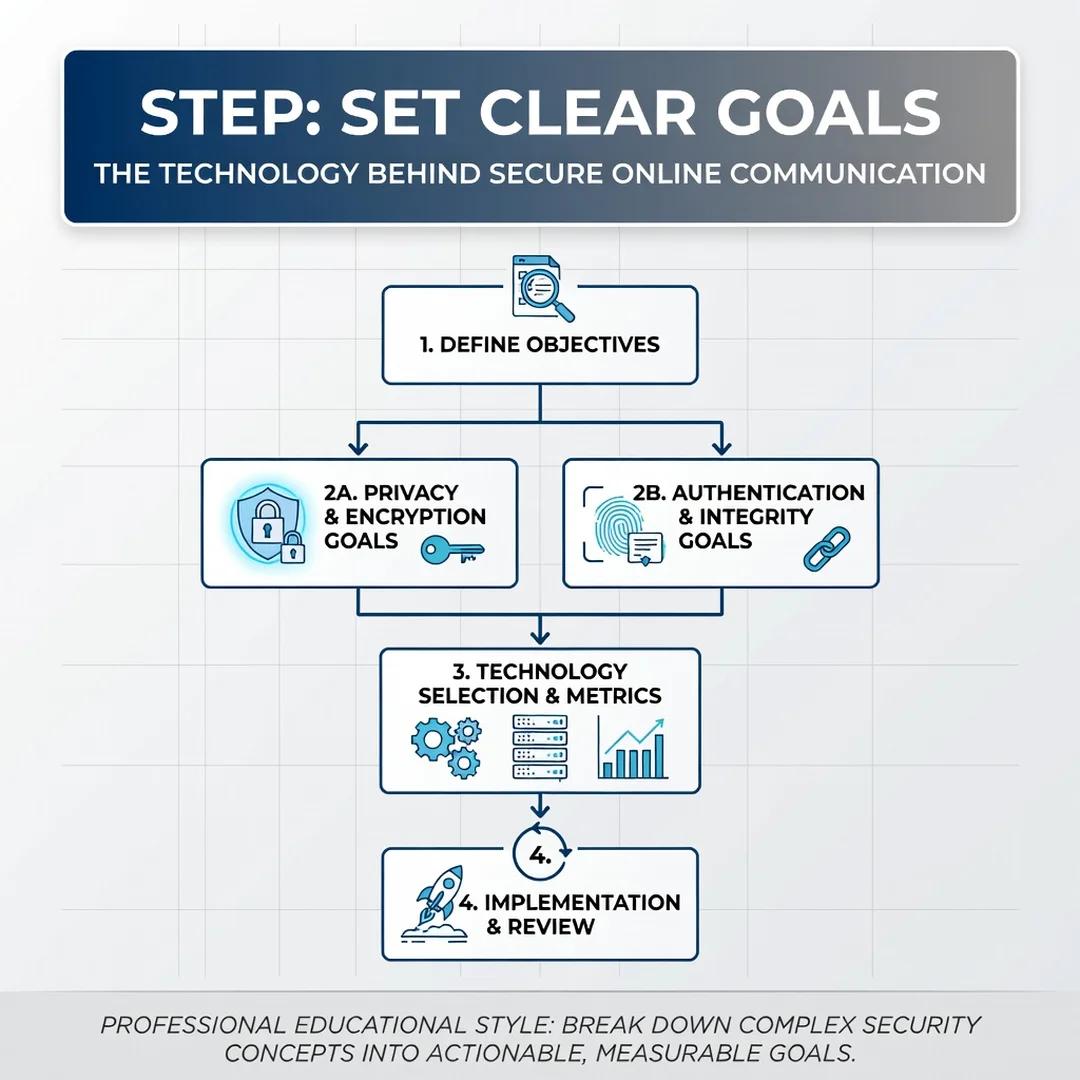
Step 3: Set clear goals
Decide what you want to protect and from whom. A journalist may need strong source protection, while a casual user may simply want to avoid account takeovers. Your goals determine your priorities. For most people, securing email and messaging, enabling 2FA, and using a password manager covers the highest-risk areas.
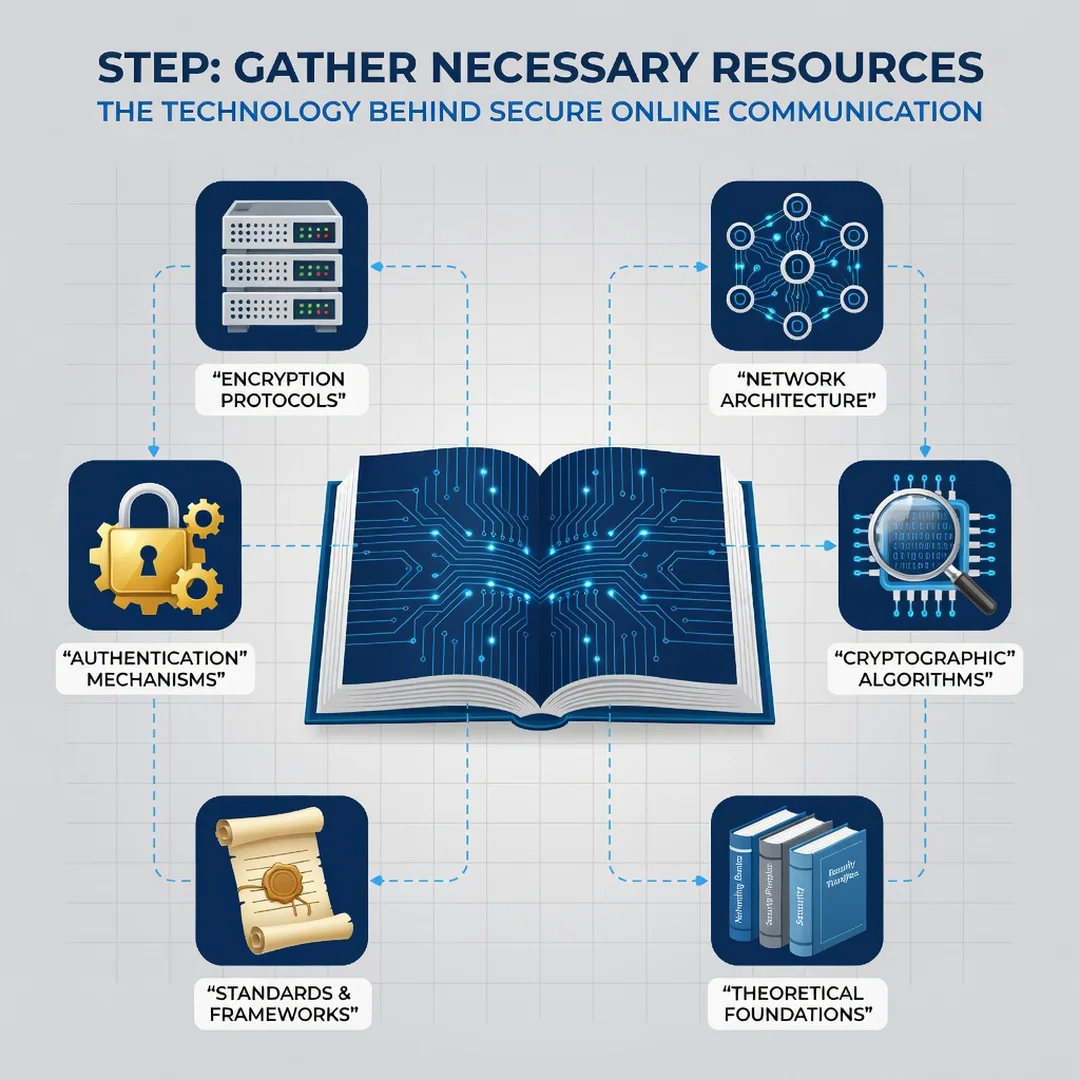
Step 4: Gather necessary resources
Install a password manager, download an authenticator app, and consider a hardware security key for your most critical accounts. If you need private messaging, install an app like Signal. For work, check whether your organization provides a VPN or secure file-sharing tools. Make sure you have recovery codes stored safely offline.
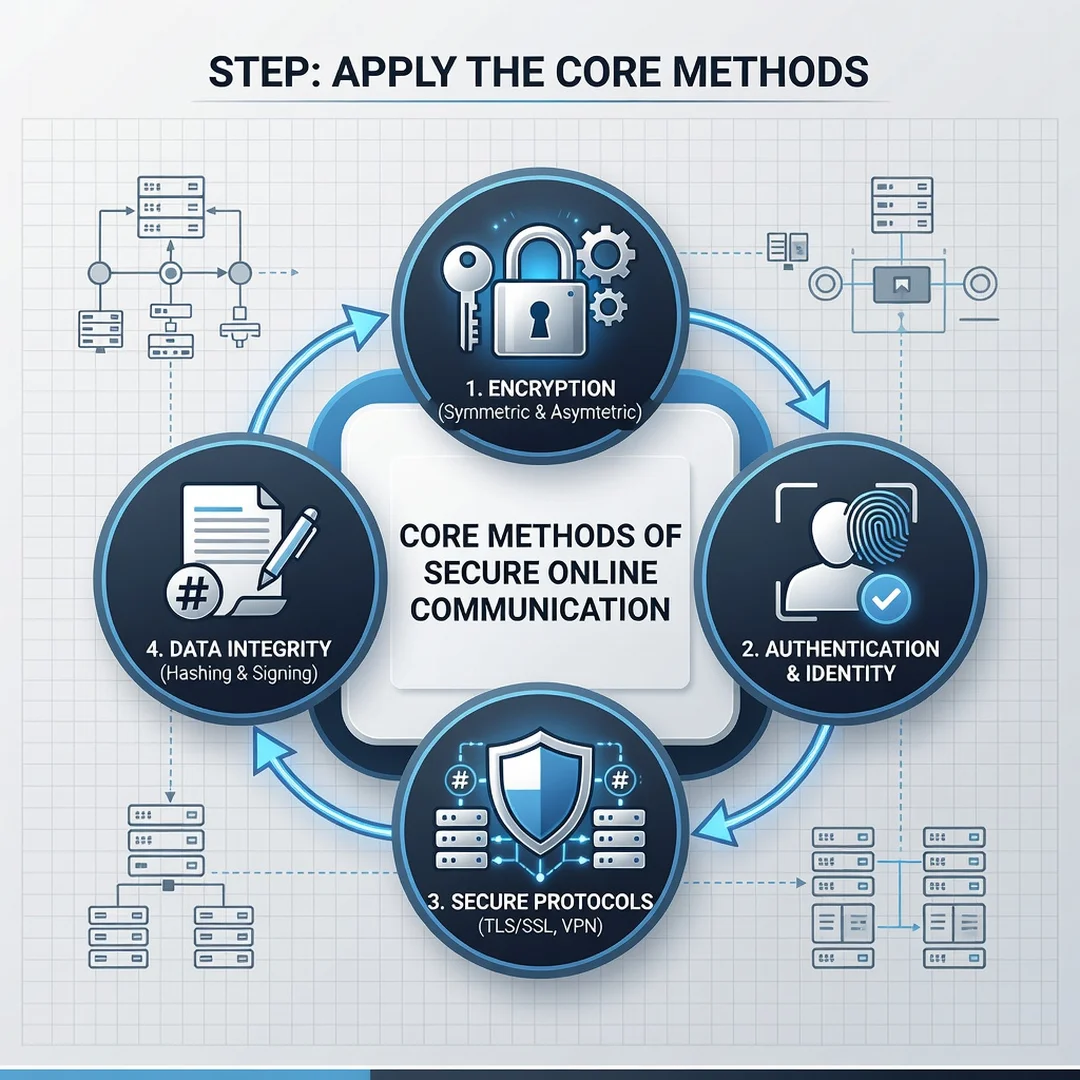
Step 5: Apply the core methods
Now put it into practice. Change reused passwords to unique ones. Turn on 2FA for email, banking, and social media. Switch sensitive conversations to an end-to-end encrypted app. Verify that websites you use for shopping or banking show HTTPS. Update your devices and enable automatic updates where available. Review your settings monthly for the first few months until the habits become automatic.
FAQ
What should I know about The Technology Behind Secure Online Communication?
You should know that security is layered. No single tool protects everything. Encryption, authentication, and integrity work together. You should also know that end-to-end encryption is different from standard encryption, and that the padlock in your browser only secures the connection to that specific website. Finally, know that your habits matter as much as the technology. Weak passwords and skipped updates can undermine even the strongest encryption.
Who is this guide for?
This guide is for anyone who uses the internet and wants a clear, non-technical explanation of how secure communication works. It is especially useful for remote workers, small business owners, students, and privacy-conscious individuals who want actionable steps rather than abstract theory. No technical background is required.
Conclusion
The technology behind secure online communication is complex, but your role in using it well is straightforward. By understanding key concepts, choosing the right tools, and following consistent habits, you can protect your messages, accounts, and data from the most common threats. Start with the step-by-step guide above, and revisit your settings regularly. Reliable information and consistent habits lead to better long-term outcomes.
Frequently Asked Questions
What should I know about The Technology Behind Secure Online Communication?
This guide covers the essentials of The Technology Behind Secure Online Communication with practical steps you can apply right away.
Who is this guide for?
Anyone looking for a clear, structured overview without unnecessary complexity.
You now have a solid foundation for The Technology Behind Secure Online Communication. Apply the best practices above and revisit this guide as your needs evolve.