
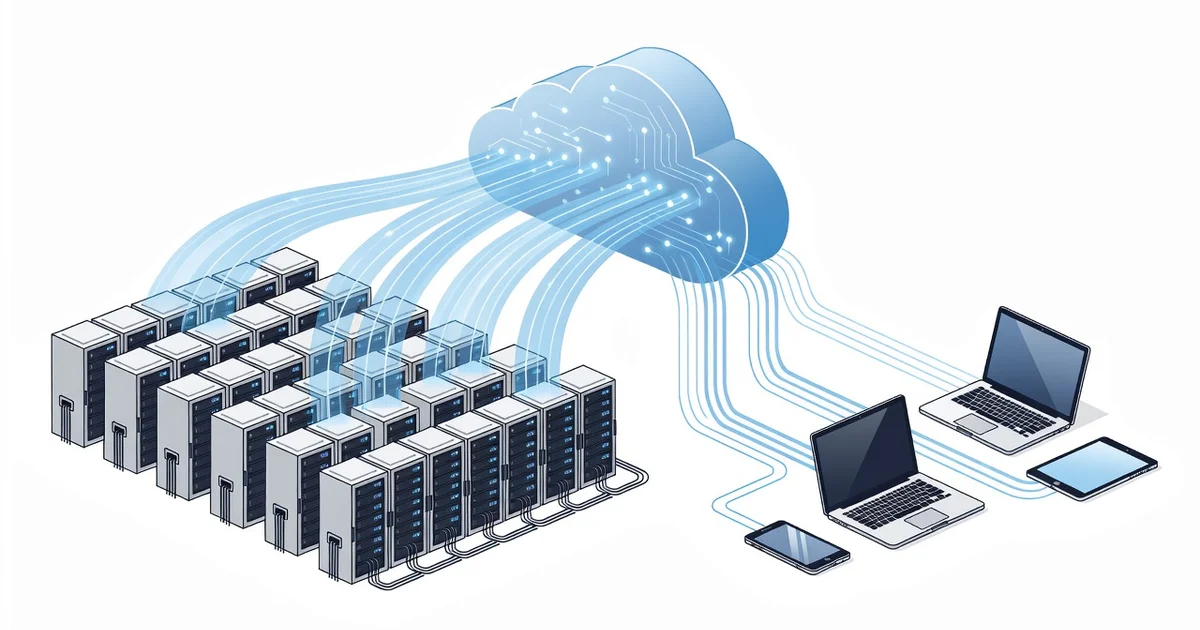
Every photo you save, document you send, and video you stream depends on modern file storage systems working quietly behind the scenes. But what actually happens when you hit “save”? From solid-state drives and cloud data centers to distributed networks that keep your files safe across thousands of servers, the technology is more fascinating than most people realize.
In this guide, we break down the technology behind modern file storage systems in plain language. You’ll learn how data is written, protected, and retrieved—plus practical tips to choose the right storage for your needs. Whether you’re a casual user or a tech professional, you’ll walk away with clear, actionable insights.
Introduction
Every photo you save, every document you edit, and every video you stream depends on a hidden layer of engineering: the modern file storage system. For most people, storage is invisible — a folder on a laptop, a cloud icon on a phone, or a USB drive in a drawer. Behind each of those everyday experiences, however, is a sophisticated stack of hardware, software, and protocols working together to keep data safe, fast, and available. This article explores the technology behind modern file storage systems with clear, practical guidance you can apply to your own digital life, whether you manage a single laptop or a small business network.
Understanding how storage actually works matters because the choices you make — which drive to buy, how to back up, whether to trust the cloud — have real consequences for cost, speed, and data loss. Reliable information and consistent habits lead to better long-term outcomes. The goal here is not to turn you into a storage engineer, but to give you the mental model you need to make confident decisions.
Key Concepts
Before diving into the details, it helps to understand a handful of core ideas that shape every storage system.
Storage media: HDD, SSD, and beyond
Hard disk drives (HDDs) store data on spinning magnetic platters. They offer large capacity at low cost but are slower and more fragile because of moving parts. Solid-state drives (SSDs) use flash memory with no moving parts, delivering much faster read and write speeds, better durability, and lower power use — at a higher price per gigabyte. Newer options like NVMe SSDs connect directly to the CPU’s PCIe bus for even greater speed. Choosing between them is usually a trade-off between budget, speed, and capacity.
The file system
A file system is the software layer that organizes raw storage into files and folders. Common examples include NTFS (Windows), APFS and HFS+ (macOS), ext4 (Linux), and exFAT for cross-platform drives. The file system tracks where each file’s data lives, enforces permissions, and handles metadata like names, dates, and sizes. It also determines limits such as maximum file size and how gracefully the system recovers from sudden power loss.
Local, network, and cloud storage
- Local storage: Drives inside or directly attached to your device. Fast, simple, but vulnerable to theft, fire, or failure if it is the only copy.
- Network-attached storage (NAS): A dedicated device on your network that shares files across multiple computers. Great for homes and small offices.
- Cloud storage: Data stored on remote servers and accessed over the internet. It offers anywhere access, automatic backup, and scalability, but depends on your connection and a provider’s terms.
Redundancy, backup, and RAID
Redundancy means having extra copies or extra drives so a single failure does not destroy your data. RAID (Redundant Array of Independent Disks) combines multiple drives for speed, protection, or both. One crucial point: RAID is not a backup. It protects against drive failure but not against accidental deletion, ransomware, or fire. Always keep an independent backup.
Deep Dive
Now let’s look at what actually happens when you save a file, and how the pieces fit together.
How data is written and read
When you save a file, the operating system asks the file system to allocate space. The file system records the file’s name and location in a structure often called a master file table or inode table, then writes the actual data to free blocks on the drive. For SSDs, a controller manages wear leveling — spreading writes evenly across memory cells so no single area wears out early. On reading, the process reverses: the system looks up the file’s location, retrieves the blocks, and presents them to your application. Caching layers in RAM and on the drive itself speed up repeat access.
The role of interfaces and protocols
Drive connections matter. SATA is the long-standing standard for HDDs and many SSDs, while NVMe over PCIe is the modern high-performance path. On networks, SMB/CIFS and NFS let computers share files, while object-storage protocols like S3 underpin most cloud services. Encryption — at rest and in transit — protects data as it moves between these layers.
What the cloud really is
Cloud storage is not magic; it is someone else’s data center. Providers like Google, Microsoft, and Amazon run massive clusters of drives managed by distributed file systems and object stores. Your files are split, replicated across multiple machines and often multiple geographic regions, and served to you through APIs. This architecture provides durability and availability far beyond a single drive — but it also means you rely on a vendor’s security, pricing, and continued operation.
Emerging trends
Storage technology keeps evolving. NVMe is becoming standard even in consumer laptops. Shingled magnetic recording (SMR) and heat-assisted drives push HDD capacities higher. Software-defined storage and tiering automatically move hot data to fast drives and cold data to cheap ones. Understanding these trends helps you future-proof purchases and avoid buying technology that is already obsolete.
Best Practices
Good habits matter more than any single product. Follow these guidelines to protect and manage your data.
- Follow the 3-2-1 rule: Keep at least three copies of important data, on two different types of media, with one copy off-site (cloud or a remote drive).
- Test your backups: An untested backup is a hope, not a plan. Restore a file periodically to confirm it works.
- Use SSDs for active work, HDDs for archives: Put operating systems and frequently used files on SSDs, and large, rarely accessed archives on cheaper HDDs.
- Encrypt sensitive data: Use full-disk encryption (BitLocker, FileVault, or LUKS) and encrypt cloud backups where possible.
- Keep drives cool and monitored: Heat shortens drive life. Use SMART monitoring tools to catch early warnings of failure.
- Organize with a consistent folder structure: A predictable naming and folder scheme saves time and reduces duplicate files.
- Review cloud terms and costs: Understand storage limits, egress fees, and what happens if you stop paying.
Step-by-Step: Getting Your Storage Right
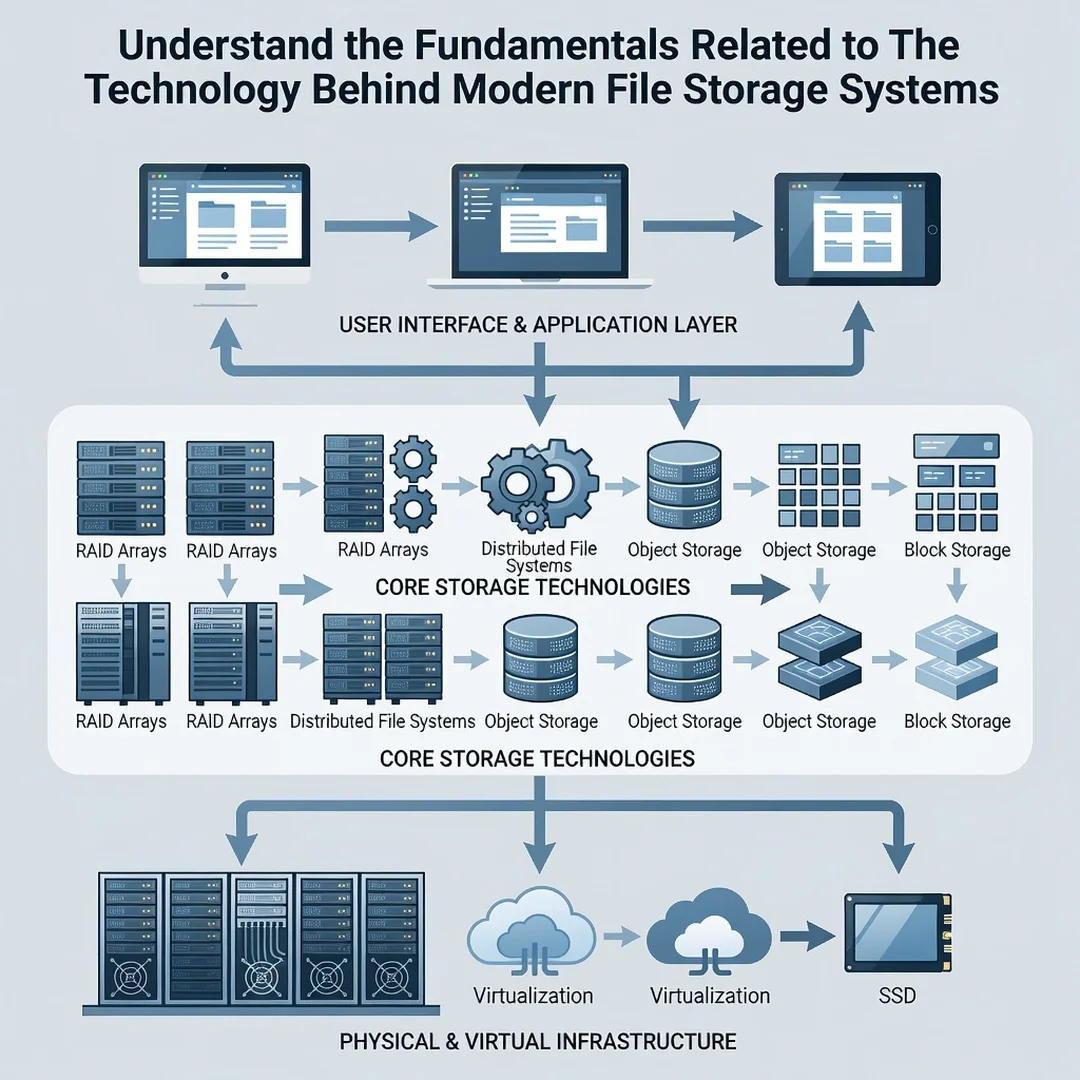
Step 1: Understand the fundamentals
Learn the difference between HDDs, SSDs, local drives, and cloud storage, and how file systems organize your data. This foundational knowledge lets you evaluate any product or service you encounter.
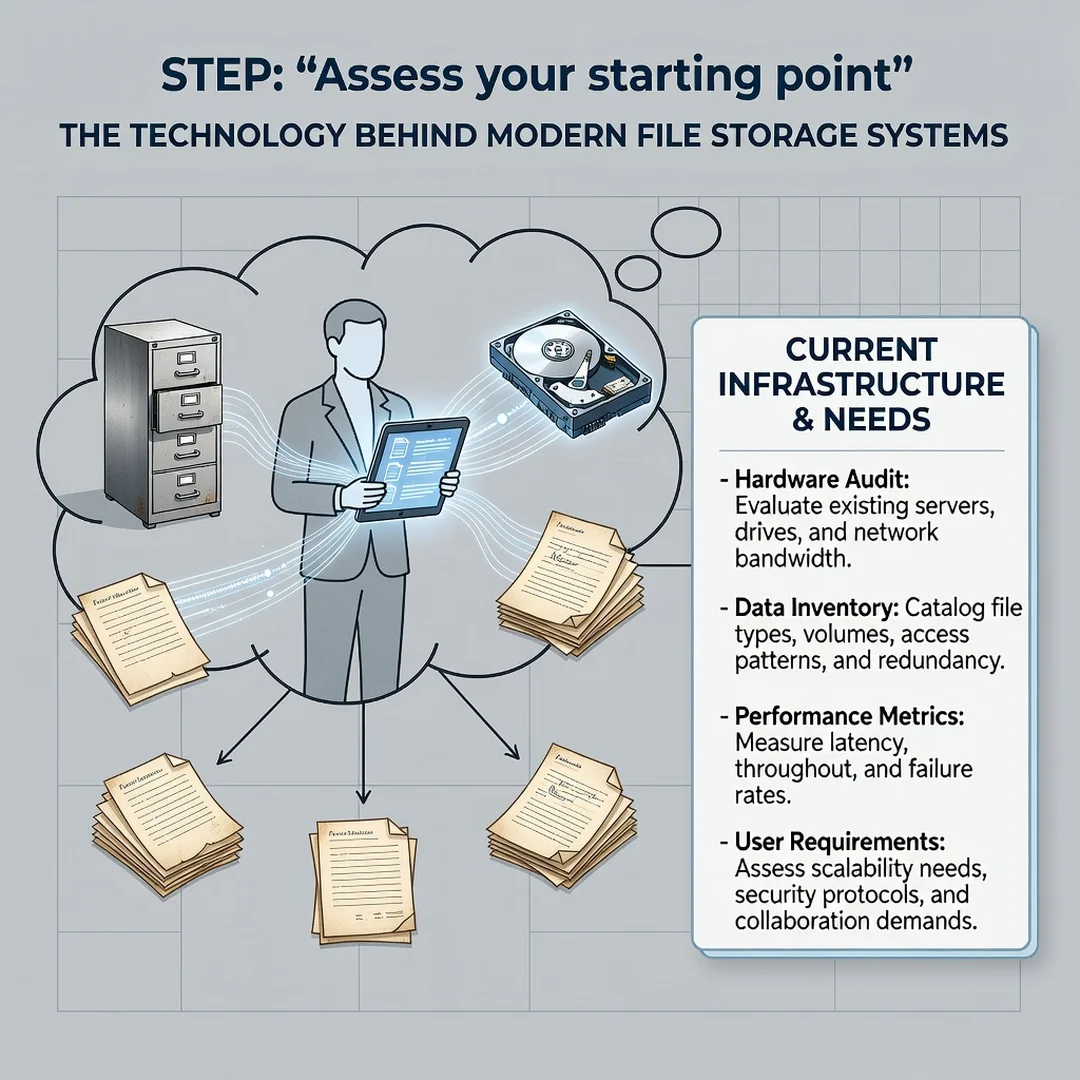
Step 2: Assess your starting point
Inventory what you have: how many devices, how much data, what is backed up, and what is not. Identify your riskiest files — the ones you could not replace if a drive failed today.
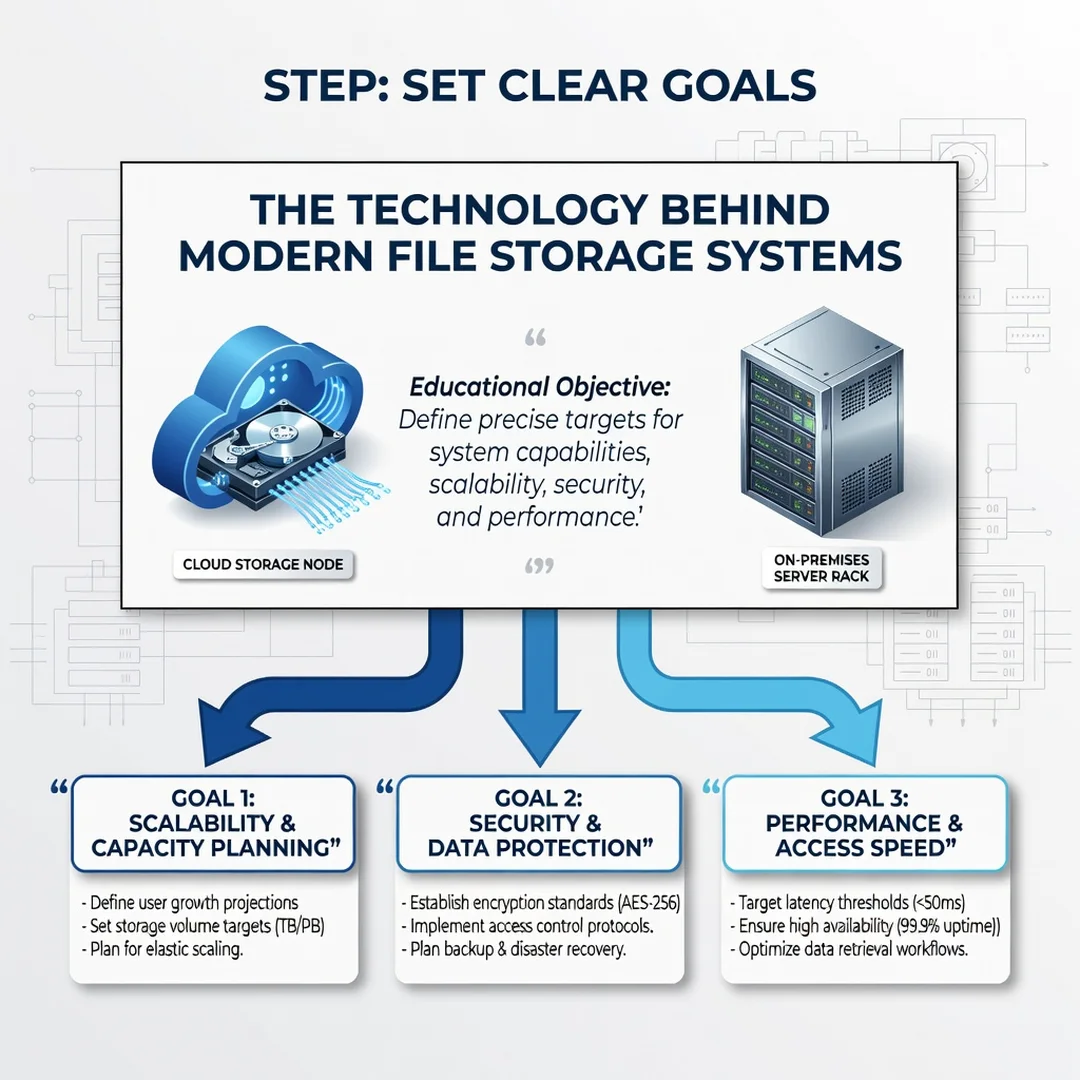
Step 3: Set clear goals
Decide what you actually need. Are you optimizing for speed, capacity, cost, or safety? A video editor, a student, and a small business owner will have very different priorities.
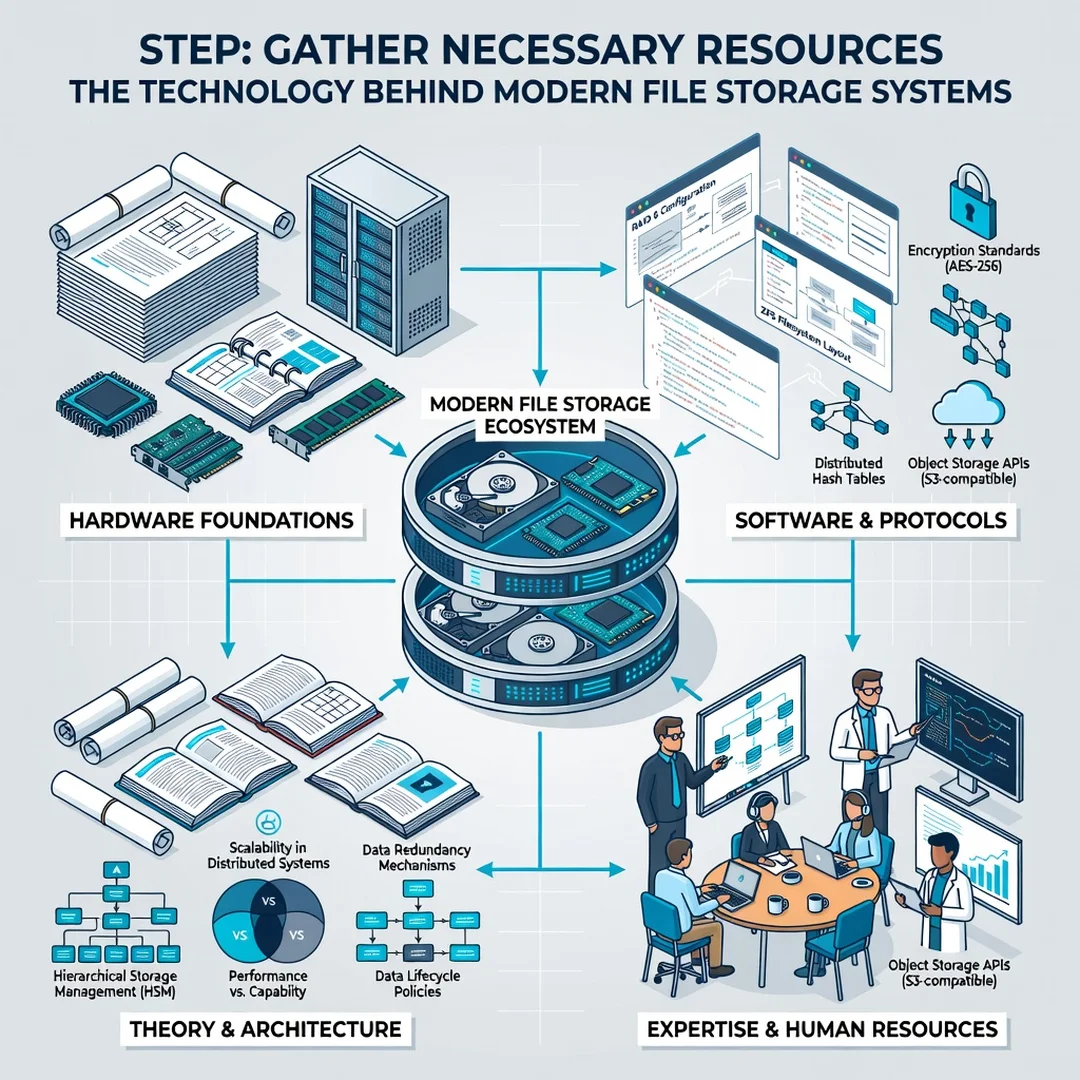
Step 4: Gather necessary resources
Choose your hardware and services based on those goals — an external SSD, a NAS, a cloud subscription, or a combination. Budget for redundancy, not just raw capacity.
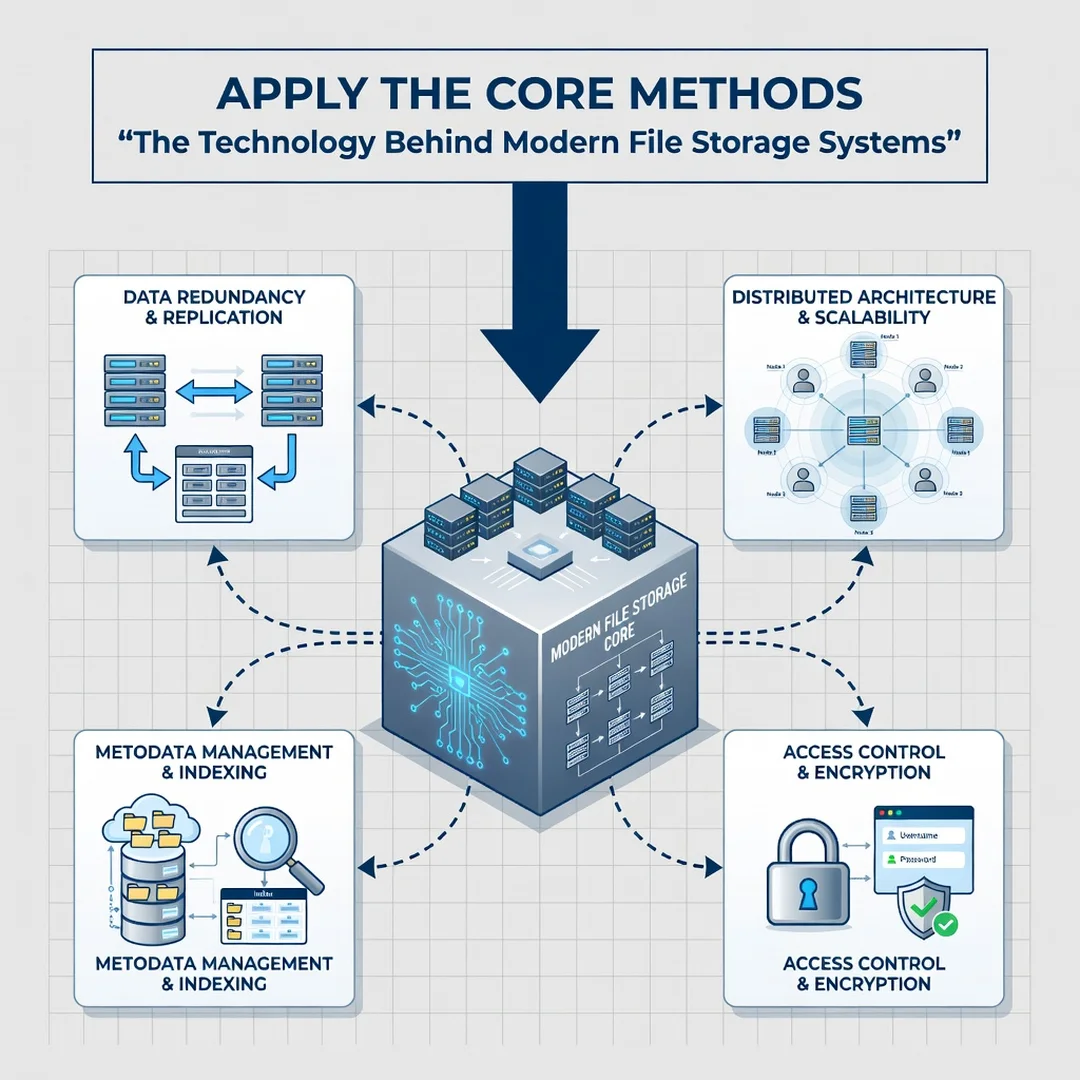
Step 5: Apply the core methods
Implement your plan using the 3-2-1 rule, set up automatic backups, encrypt sensitive data, and schedule a quarterly review to verify everything still works. Consistency here is what prevents disaster.
FAQ
What should I know about The Technology Behind Modern File Storage Systems?
The most important takeaway is that storage is layered: physical media, file systems, and network or cloud services each play a role. No single layer is perfectly reliable, which is why redundancy and backups matter. Understanding these basics lets you choose the right drives, protect against failure, and avoid common myths like assuming RAID replaces backups.
Who is this guide for?
This guide is for anyone who stores digital files — which is essentially everyone. It is written for general readers, home users, students, and small business owners who want clear, jargon-free explanations and practical steps rather than deep engineering theory.
Conclusion
Modern file storage systems combine clever hardware, robust file systems, and networked services to keep your data available and safe. You do not need to master every detail, but a working understanding of the fundamentals helps you make informed decisions about what to buy, how to back up, and where to store your most important files. Combine that knowledge with consistent habits — regular backups, encryption, and periodic reviews — and you will protect.
You now have a solid foundation for The Technology Behind Modern File Storage Systems. Apply the best practices above and revisit this guide as your needs evolve.