

Artificial intelligence is no longer just a buzzword in tech circles—it is now a frontline defense in the fight against cybercrime. As threats grow faster and more sophisticated, traditional security tools struggle to keep pace, leaving gaps that attackers are quick to exploit.
For beginners and IT administrators alike, understanding how artificial intelligence is improving digital security is essential. From spotting unusual network behavior to blocking phishing attempts in real time, AI is transforming how organizations protect their data, systems, and users.
Introduction
Digital security is no longer just about firewalls and antivirus signatures. Modern threats mutate faster than human analysts can track, and the volume of alerts can overwhelm even well-staffed security teams. Artificial intelligence (AI) has become a practical tool for closing that gap. It helps detect anomalies, prioritize real risks, and automate routine responses — often before a human would even notice something is wrong.
This guide covers How AI Is Improving Digital Security in practical, step-by-step detail. Whether you are a beginner learning the basics or an IT administrator evaluating tools for a production environment, the goal is the same: understand what AI actually does, where it fits, and how to deploy it without creating new problems.
One important note before you begin: AI security tools are still software. They have dependencies, hardware requirements, and configuration traps. Always verify software compatibility with your hardware architecture (ARM64 vs x86). Keeping your operating system updated before installation prevents dependency conflicts. That advice applies to AI-security platforms just as much as to any other package.
Key Concepts
Before diving into implementation, you need a working vocabulary. AI in security is not magic; it is a set of techniques applied to specific problems.
- Machine learning (ML): Systems that learn patterns from data instead of following only hard-coded rules. In security, ML models learn what “normal” network behavior looks like so they can flag deviations.
- Anomaly detection: Identifying activity that does not match established baselines — unusual login times, strange data transfers, or unexpected process behavior.
- Behavioral analytics: Tracking user and entity behavior over time. If an account suddenly starts accessing files it never touched before, AI can raise a flag.
- Natural language processing (NLP): Used to analyze phishing emails, chat messages, and threat reports for intent and indicators of compromise.
- Automated response (SOAR): Security orchestration, automation, and response. AI can isolate a host, block an IP, or disable an account within seconds of a confirmed detection.
- False positives: Legitimate activity incorrectly flagged as malicious. AI reduces these over time but does not eliminate them — tuning is always required.
These concepts matter because vendors use them loosely. When you evaluate a product, ask which specific technique it uses and what data it needs to work.
Deep Dive
AI improves digital security in three main areas: detection, prioritization, and response. Each has practical trade-offs.
Detection
Traditional tools rely on signatures — known bad patterns. AI models instead build a baseline of normal activity. For example, an ML model monitoring network traffic can learn that your accounting server typically sends data only to a backup server between 2 a.m. and 4 a.m. If it suddenly sends data to an unfamiliar external IP at noon, the model flags it. This catches novel threats that signature-based tools miss.
Prioritization
Security teams often face hundreds of alerts per day. AI can score each alert by risk, correlating multiple weak signals into a single high-confidence incident. This reduces alert fatigue and helps administrators focus on what actually matters.
Response
Automation is where AI saves the most time. When a model detects a compromised endpoint, it can trigger a playbook: isolate the machine from the network, capture forensic data, and notify the on-call administrator. This happens in seconds, not minutes.
However, AI is not a replacement for human judgment. Models drift as your environment changes. An AI that worked perfectly last quarter may produce false positives after you migrate to new hardware or update your operating system. Always verify software compatibility with your hardware architecture (ARM64 vs x86) before deploying AI agents on endpoints. And keeping your operating system updated before installation prevents dependency conflicts that can break the AI agent or its data collection.
Best Practices
Deploying AI for security requires discipline. Follow these practices to avoid common pitfalls.
- Start with a baseline: Run AI tools in monitoring-only mode for at least two weeks. Let them learn your environment before enabling automated responses.
- Update your OS first: Before installing any AI security agent, apply all operating system updates. This prevents dependency conflicts and ensures the agent can access required system libraries.
- Check architecture compatibility: Always verify software compatibility with your hardware architecture (ARM64 vs x86). Many AI agents are compiled for specific architectures, and running the wrong build leads to crashes or silent failures.
- Segment your network: AI detection works best when you can isolate affected systems quickly. Use VLANs or microsegmentation so an automated response does not take down critical services.
- Review alerts regularly: Set a weekly review to check false positive rates. Retrain or adjust thresholds as needed.
- Keep humans in the loop: For high-impact actions (disabling a domain controller, blocking a core router), require manual approval even if the AI recommends immediate action.
- Document everything: Record which AI models you use, what data they consume, and how they make decisions. This helps with audits and troubleshooting.
Step-by-Step Implementation
The following steps apply whether you are setting up a single AI-powered antivirus or a full security analytics platform.

Step 1: Understand the fundamentals
Learn what AI can and cannot do in security. Read vendor documentation, but also understand basic ML concepts like training data, false positives, and model drift. If you are a beginner, start with a free course on anomaly detection or behavioral analytics. If you are an administrator, focus on how AI integrates with your existing SIEM or endpoint protection.
Step 2: Assess your starting point
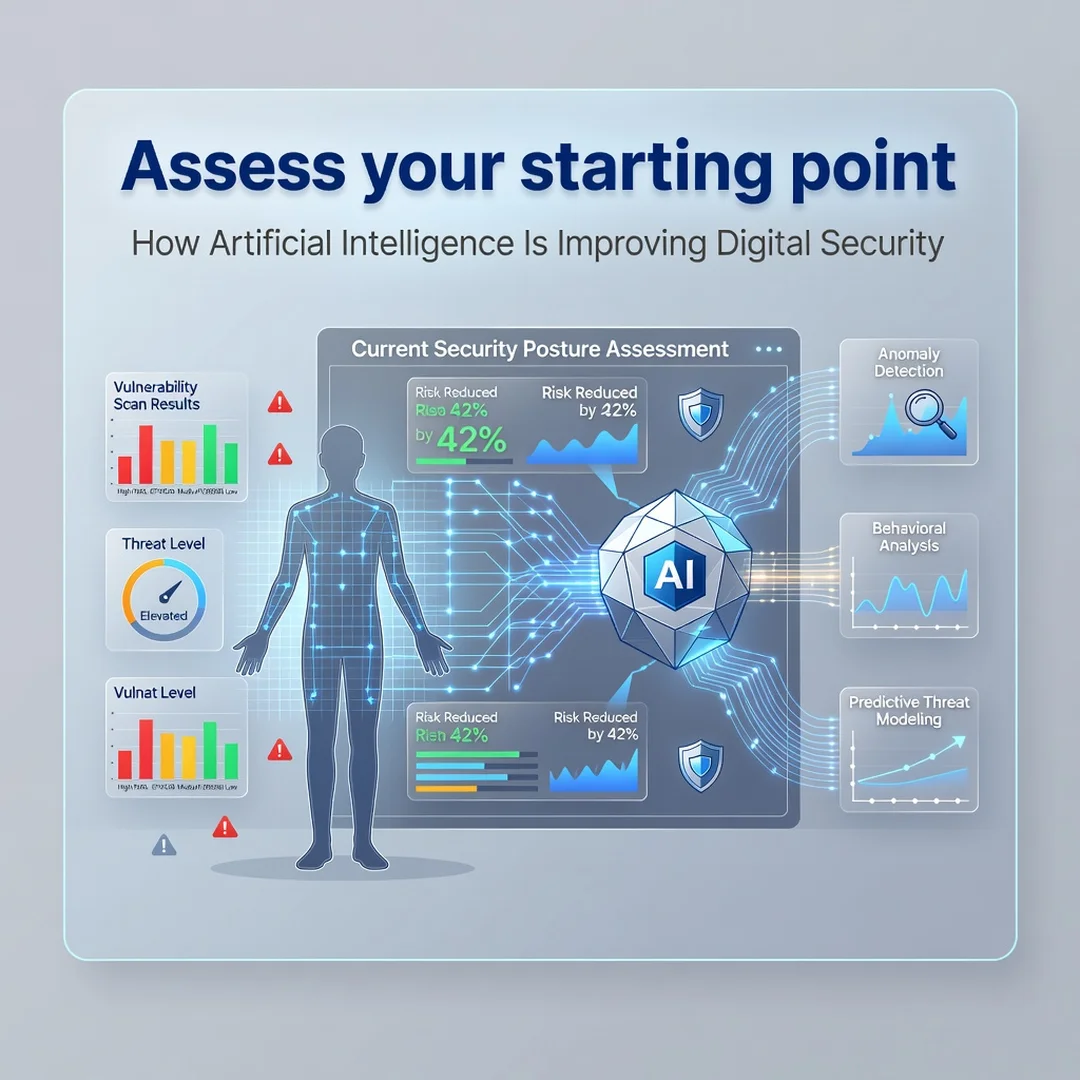
Inventory your current security tools, network topology, and hardware. Note the CPU architecture of every endpoint and server (ARM64 vs x86). Check your operating system versions and patch levels. Identify which data sources — logs, network flows, endpoint telemetry — are available for AI models to consume. Without clean data, AI will produce garbage.
Step 3: Set clear goals
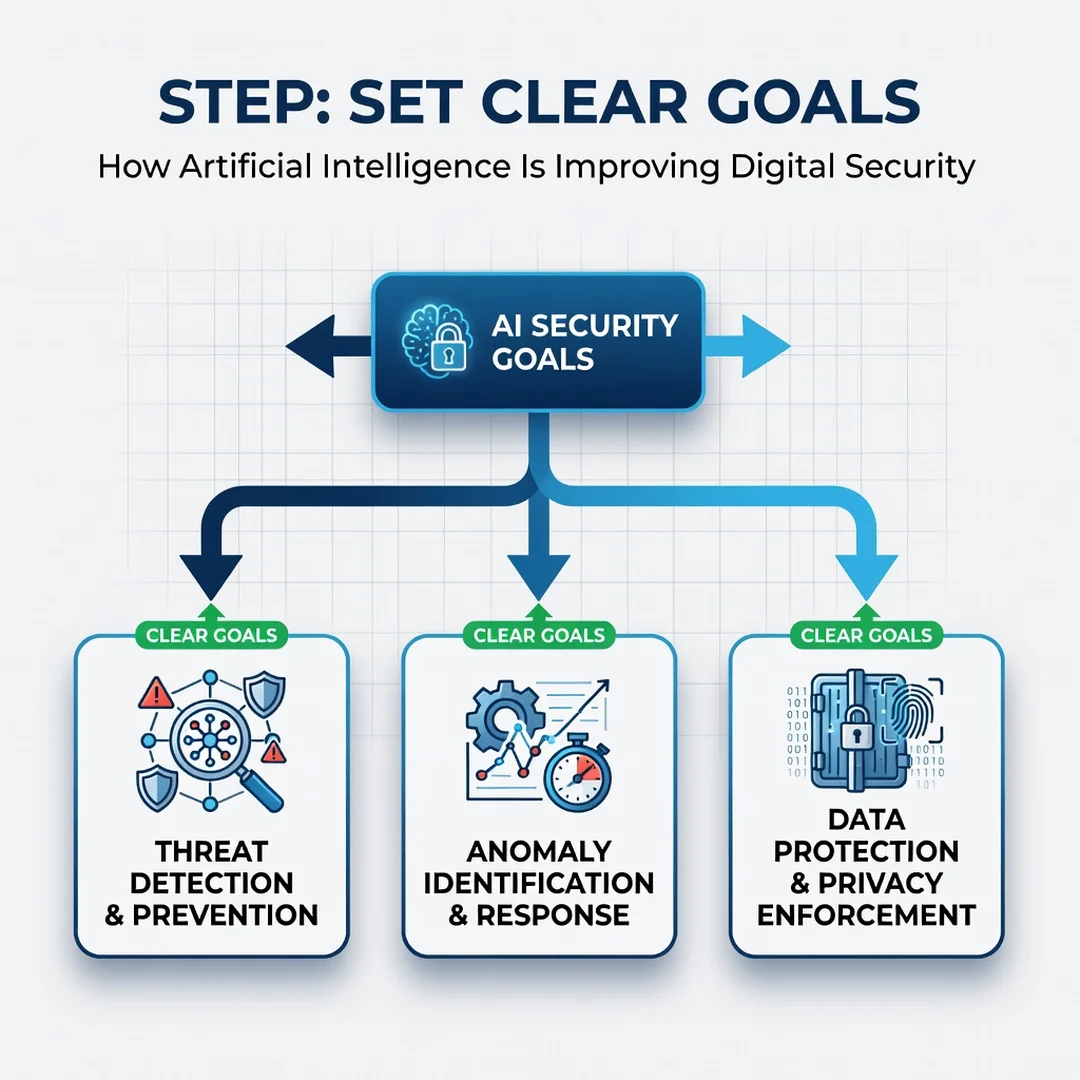
Define what success looks like. Examples: reduce false positives by 30%, detect lateral movement within five minutes, or automate isolation of infected endpoints. Avoid vague goals like “use AI for security.” Specific goals let you measure whether the tool actually helps.
Step 4: Gather necessary resources
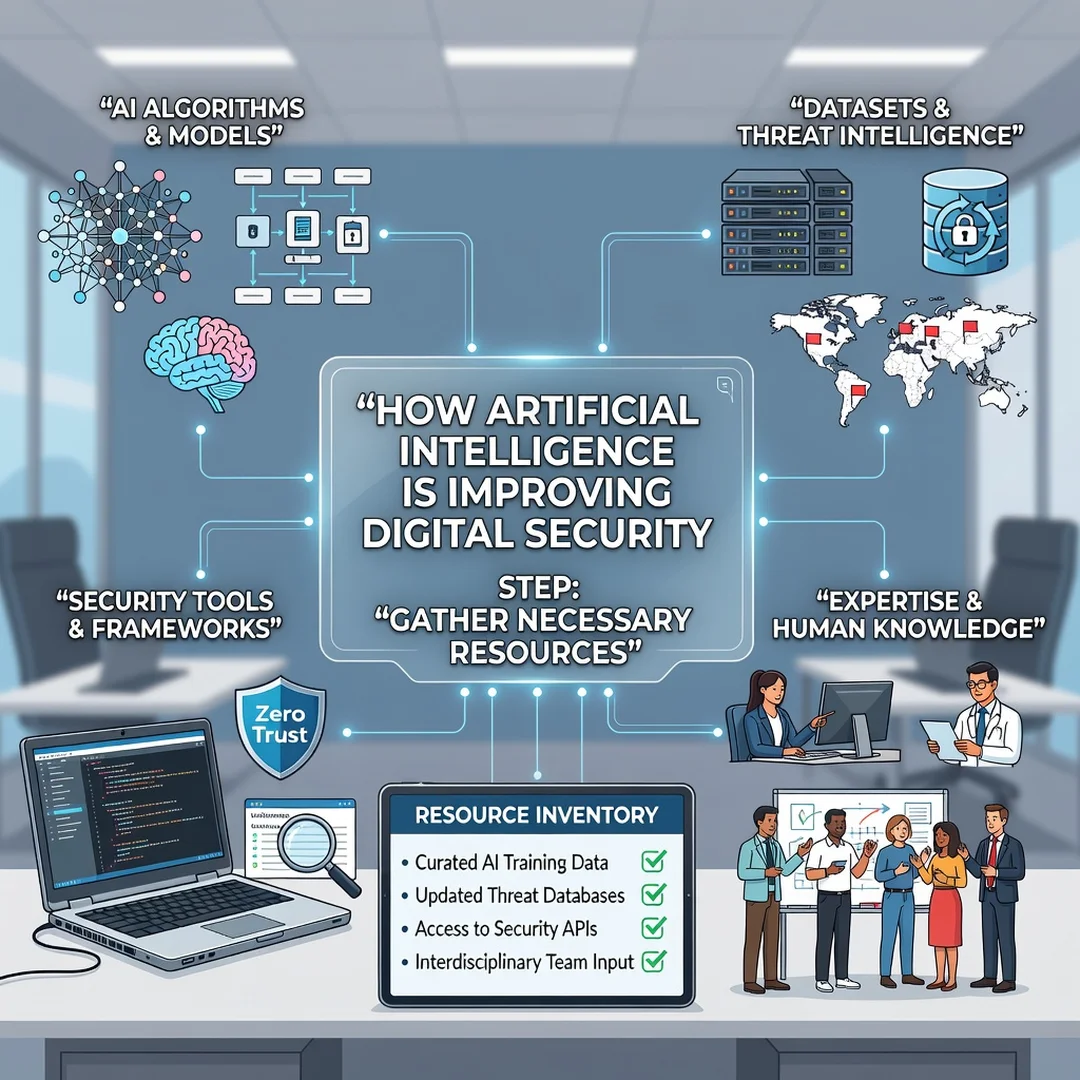
You will need hardware that meets the AI tool’s requirements. Check for GPU acceleration if the model runs locally, or ensure sufficient network bandwidth if it sends data to a cloud service. Download the correct installer for your architecture. Before installation, update your operating system — keeping your OS updated prevents dependency conflicts. Also verify software compatibility with your hardware architecture (ARM64 vs x86) by checking the vendor’s compatibility matrix.
Step 5: Apply the core methods
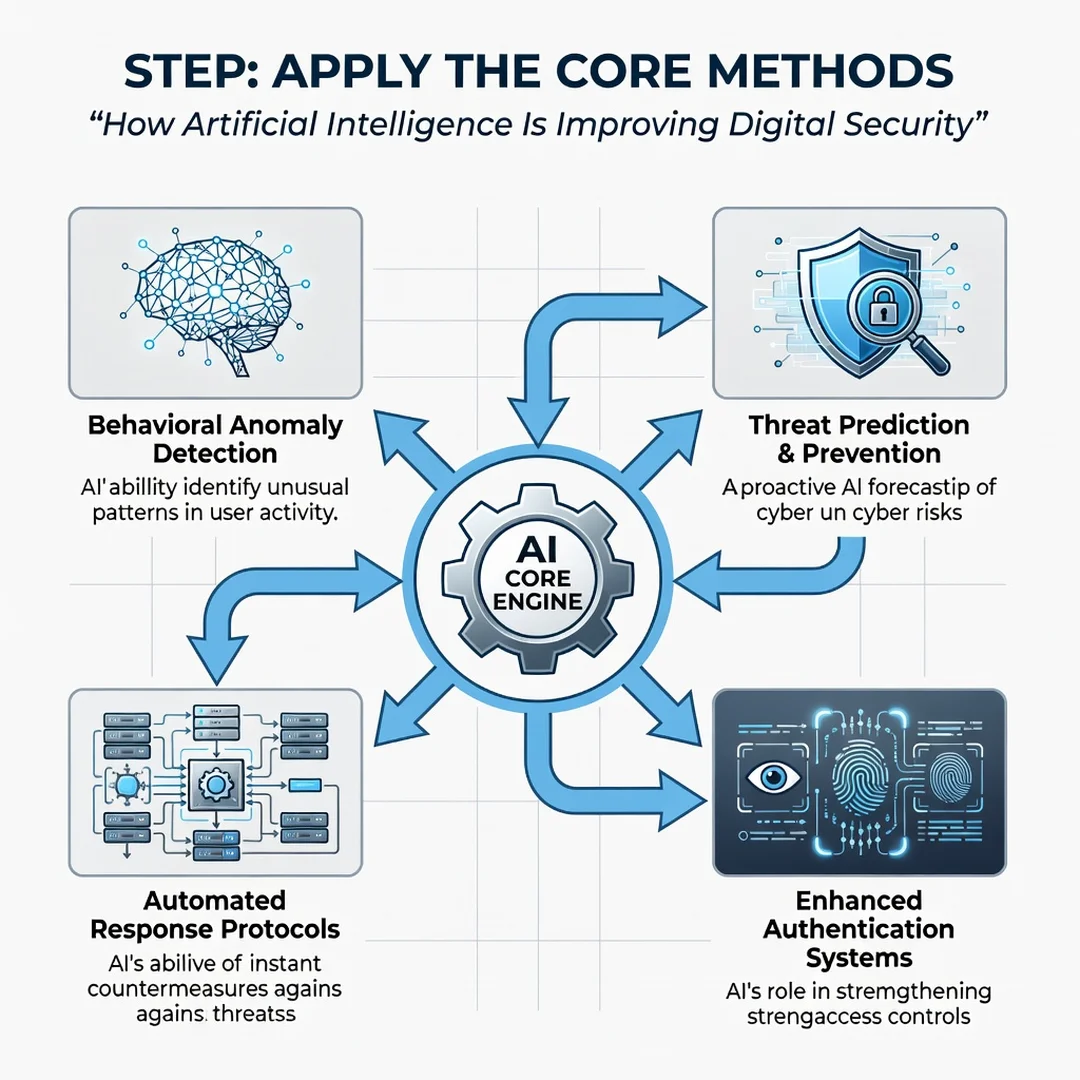
Install the AI tool in monitoring mode first. Let it collect data for two to four weeks. Review its findings daily and tune thresholds to reduce noise. Once you trust the detections, enable automated responses for low-risk actions (blocking a malicious IP, quarantining a file). Gradually expand automation as confidence grows. Always keep a manual override and log every automated action for later review.
FAQ
How long does it take to complete How Artificial Intelligence Is Improving Digital Security?
For a beginner learning the concepts, expect two to four hours of reading and hands-on practice with a simple tool. For an IT administrator deploying AI in a production environment, plan for two to four weeks: one week for assessment and planning, one to two weeks for monitoring-mode data collection, and another week for tuning and enabling automation. The timeline depends heavily on your environment’s complexity and how clean your existing data is.
Do I need prior Linux experience?
Not necessarily, but it helps. Many AI security tools run on Linux servers or provide Linux-based agents. If you are comfortable with basic command-line operations — navigating directories, editing configuration files, checking logs — you will have an easier time. Beginners can use graphical management consoles, but administrators should expect to work in a terminal for troubleshooting and automation scripts.
Conclusion
AI is already changing how digital security works, but it is a tool, not a cure. It excels at spotting anomalies, reducing alert noise, and speeding up response. It still needs human oversight and careful setup. Start small, keep your systems updated, verify architecture compatibility, and never automate a response you do not fully understand. Done right, AI becomes a reliable partner in defending your digital assets.
You now have a complete workflow for How Artificial Intelligence Is Improving Digital Security. Keep your system updated, monitor resource usage, and revisit this guide when software versions change.
Next steps: harden your server firewall, set up automated backups, and explore related tutorials linked above.